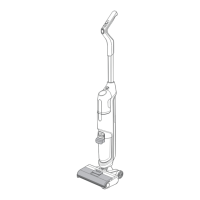
Upright and Pause
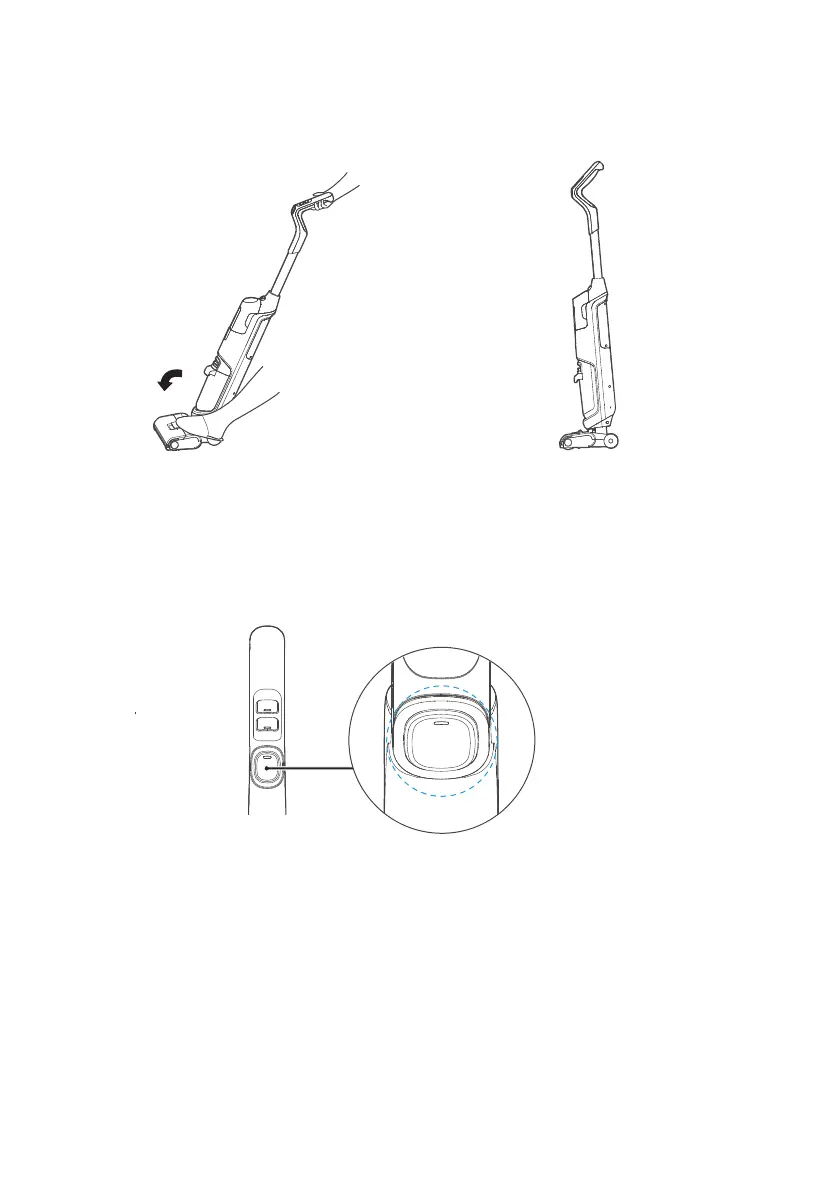
When you step on the brush and put the handle upright in the working state, the machine stops working
and enters standby mode; if there is no operation within three minute of standby, the machine will enter
the shutdown state.
Self-cleaning
After cleaning, place the machine on the base, press and hold the self-clean button for about 3 seconds,
and the machine starts self-cleaning. After self-cleaning, please clean the waste water tank in time. If
there are residual stains on the base, please clean up in time. To stop the self-cleaning function in
advance, press the Self-clean button or the ON/OFF button.
Note:
1. Place the machine on the base when self-cleaning to avoid injuries from tipping.
2. There will be a 3 second delay when the machine stops self-cleaning. Please do not repeat the
operation.
3. For better cleaning of the brush, the side walls of the suction port and the pipes, a large volume of
water is used, and it is normal for a small amount of water to be left in the base when the self-cleaning
is finished.
Self-cleaning Key


 To Next Page