MCAC-VTSM-2014-04 R410A DC Inverter V4 Plus 50Hz
Troubleshooting 97
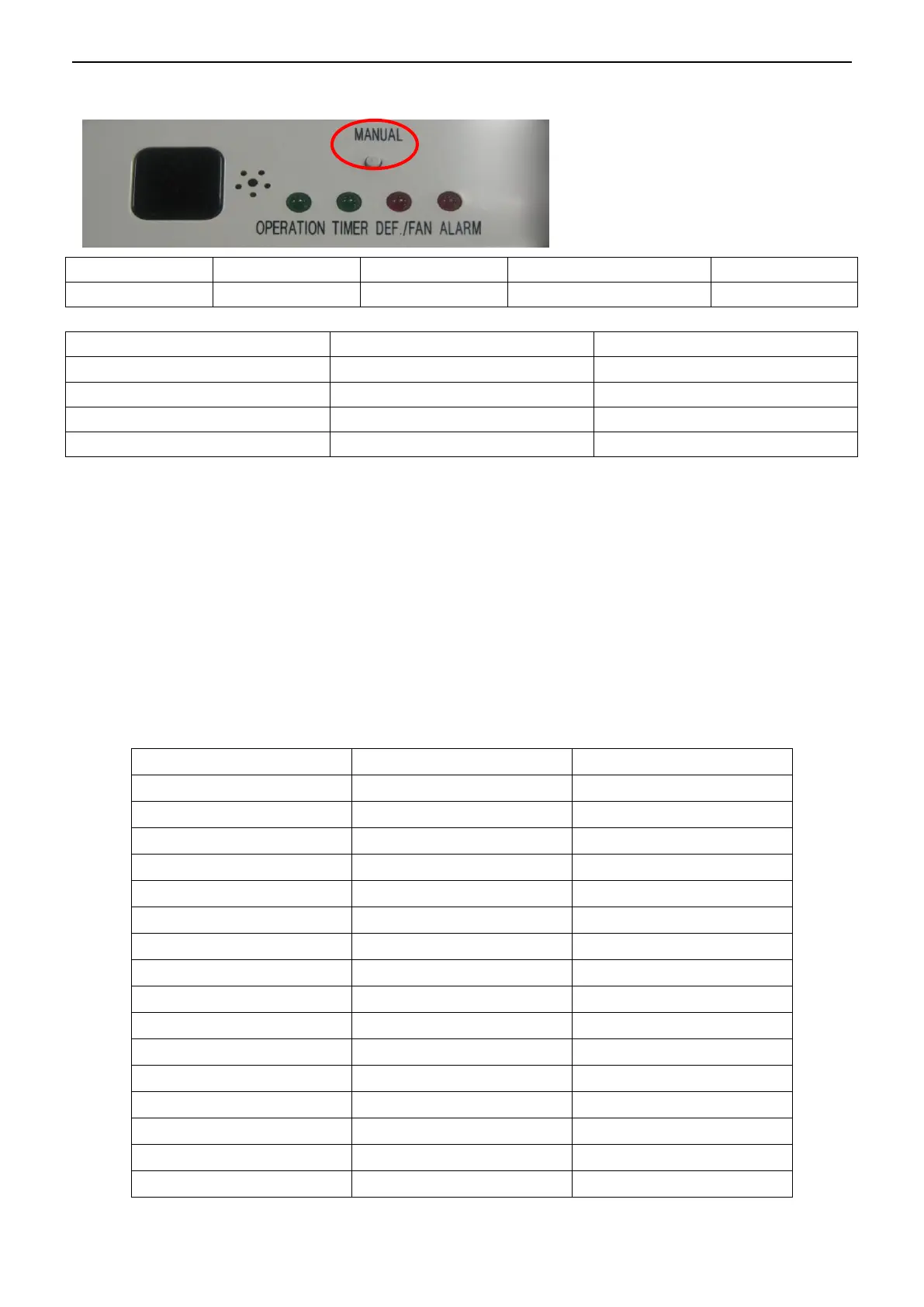
1. Pressing the manual button continued for 5 seconds, it will display the indoor units communication
address.
For example:
Pressing the manual button continued for 5 seconds:
If the “Operation”, “Timer” and “DEF./FAN” lights are normally on and the buzzer isn’t warning, that
means the address code is 14=(8+4+2)
If the four LED lights are flash and the buzzer isn’t warning, the address code should plus 16, that
means the address code is 30=16+(8+4+2)
If the “Operation”, “Timer” and “DEF./FAN” lights are normally on and the buzzer is warning, that means
the address code is 46=32+(8+4+2)
If the four LED lights are flash and the buzzer is warning, that means the address code is
62=48+(8+4+2)
2. Pressing the manual button continued for 10 seconds, it will display the capacity of indoor units.


 To Next Page
 Loading...