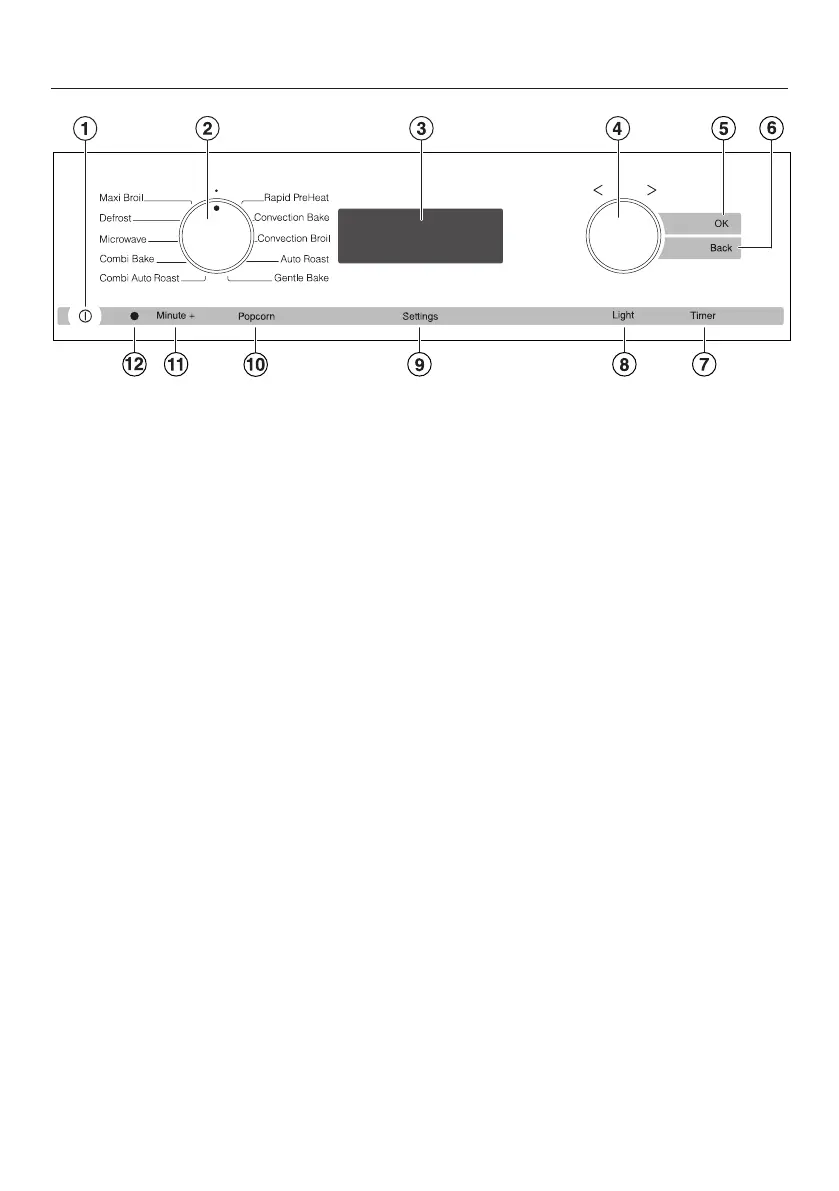
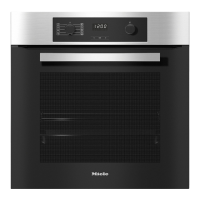
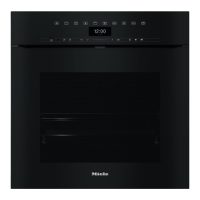
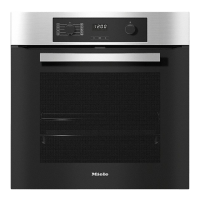
Control panel
19
a
On / Off button
To turn the appliance on and off
b
Mode selector
To select oven modes
c
Display
Displays the time of day and settings
d
Rotary selector
To select values
e
“OK” sensor button
Confirms settings and instructions
f
“Back” sensor button
To go back one step at a time
g
“Timer” sensor button
To set the timer
h
“Light” sensor button
To turn the oven interior lighting on
and off
i
“Settings” sensor button
To access settings
j
“Popcorn” sensor button
To start the “Popcorn” function
k
“Minute +” button
To start the “Minute +” function
l
Optical interface
(for service technician use only)
Mode selector
To select an oven mode.
It can be turned clockwise or counter-
clockwise.
Oven modes
Maxi Broil
Defrost
Microwave
Combi Bake
Combi Auto Roast
Rapid PreHeat
Convection Bake
Convection Broil
Auto Roast
Gentle Bake



 To Next Page