Operation
46
Unused connectors must be covered with safety caps to prevent
the leakage of wash water.
Setting the
dispensing
concentration
For information about setting the dispensing concentration, see
"Additional settings / Additional functions / Dispensing systems".
Refilling or
changing
containers
The DOS module is equipped with a level monitor which shows a
message in the display when the amount drops below the minimum
level.
Refill the appropriate process chemical at the end of a program
whenever the message appears in the display.
Acknowledge the message with the OK button.
Refill the container ahead of time to prevent the dispensing system
from being fully emptied.
An empty dispensing system must be vented before the next
program is started.
Place the container on the open cabinet door or on a surface which
is easy to clean.
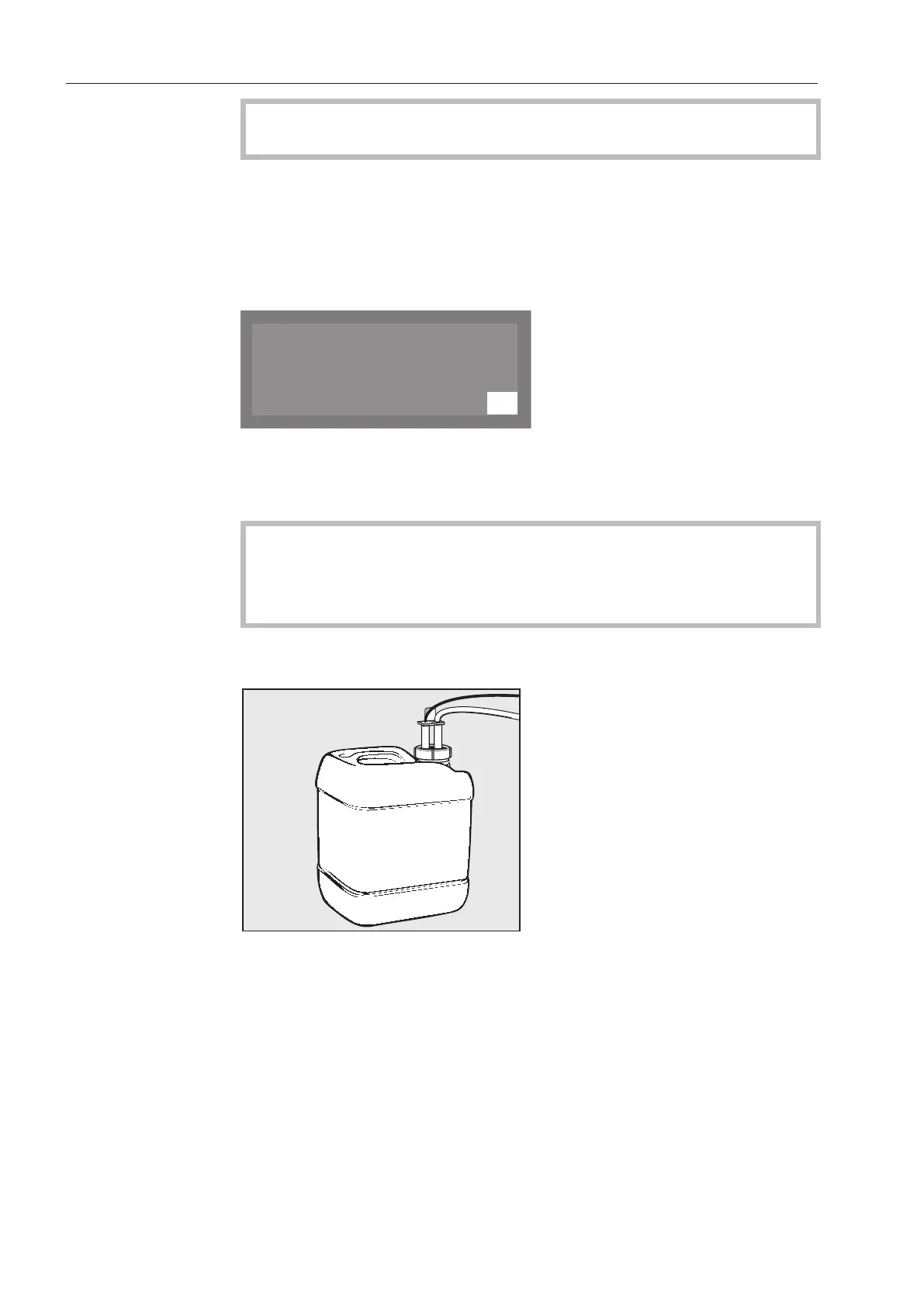
Unscrew and remove the siphon. Place the siphon on the open
cabinet door.
Refill the container or replace it with a full one.
Push the siphon into the opening of the container and screw it on
tightly. Be sure to observe the color coding.
Wipe up any spilled process chemicals thoroughly.
Place the container on the floor beside the dishwasher or in an
adjacent cabinet.
Vent the dispensing system if necessary.



 To Next Page