Settings
63
Setting the language
The language set here will be used in the display.
The flag symbol next to the "Settings" menu and the word
"Language" will help guide you if a language that you do not
understand has been set.
In this case, keep selecting the menu option that is followed by a
flag until the "Language" submenu appears.
Select the Settings menu.
Select Language and confirm your choice with theOKbutton.
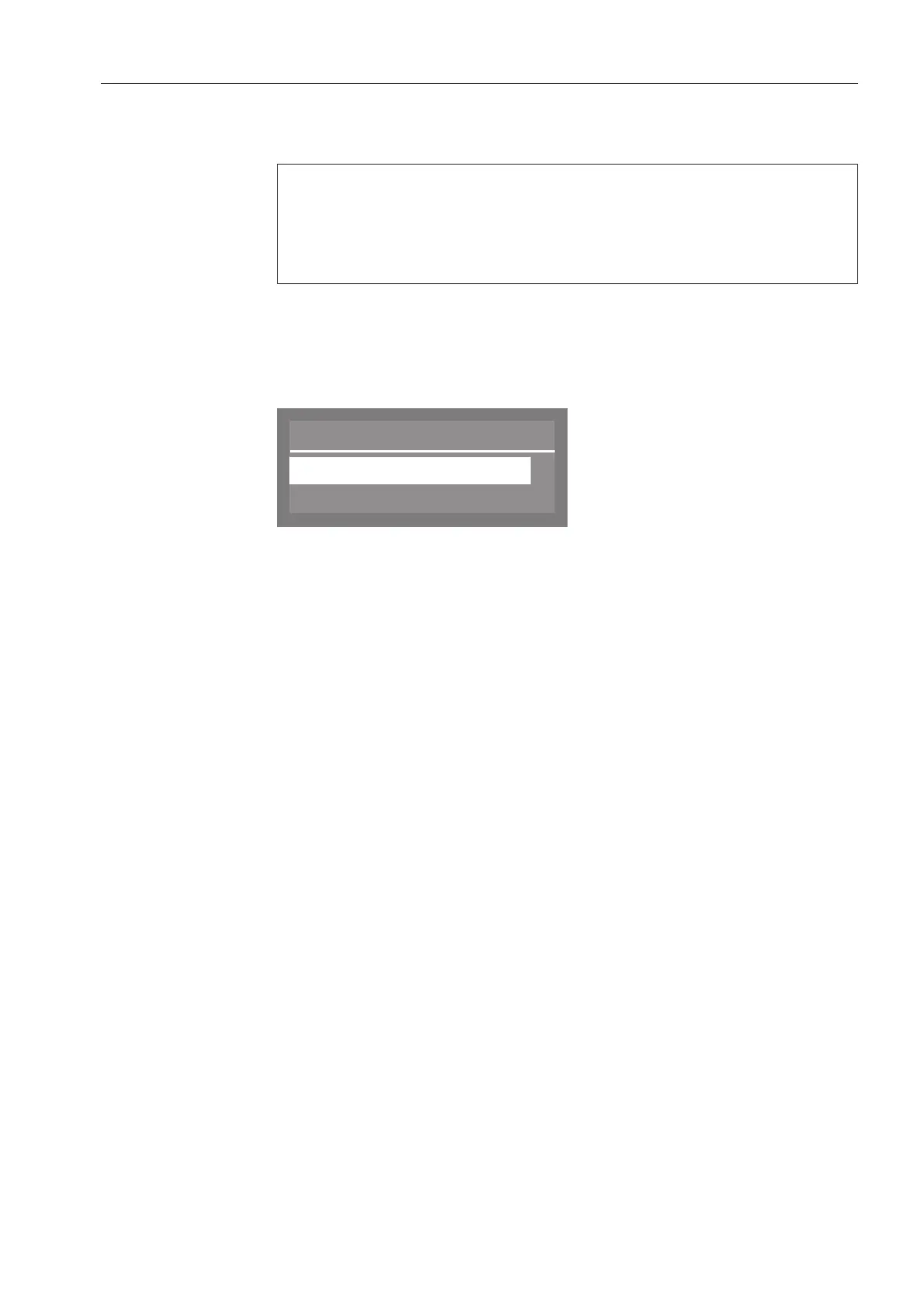
A list containing all available system languages will appear in the
display.
Language
,
;
(
english (GB)
deutsch
Use the and arrow buttons to select the desired language, and
confirm your selection with the OKbutton.



 To Next Page