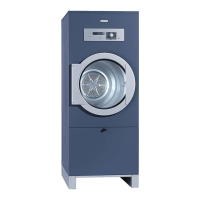
– The cover in the door opening
,
The cover in the door opening
should only be removed if it
becomes severely clogged.
^
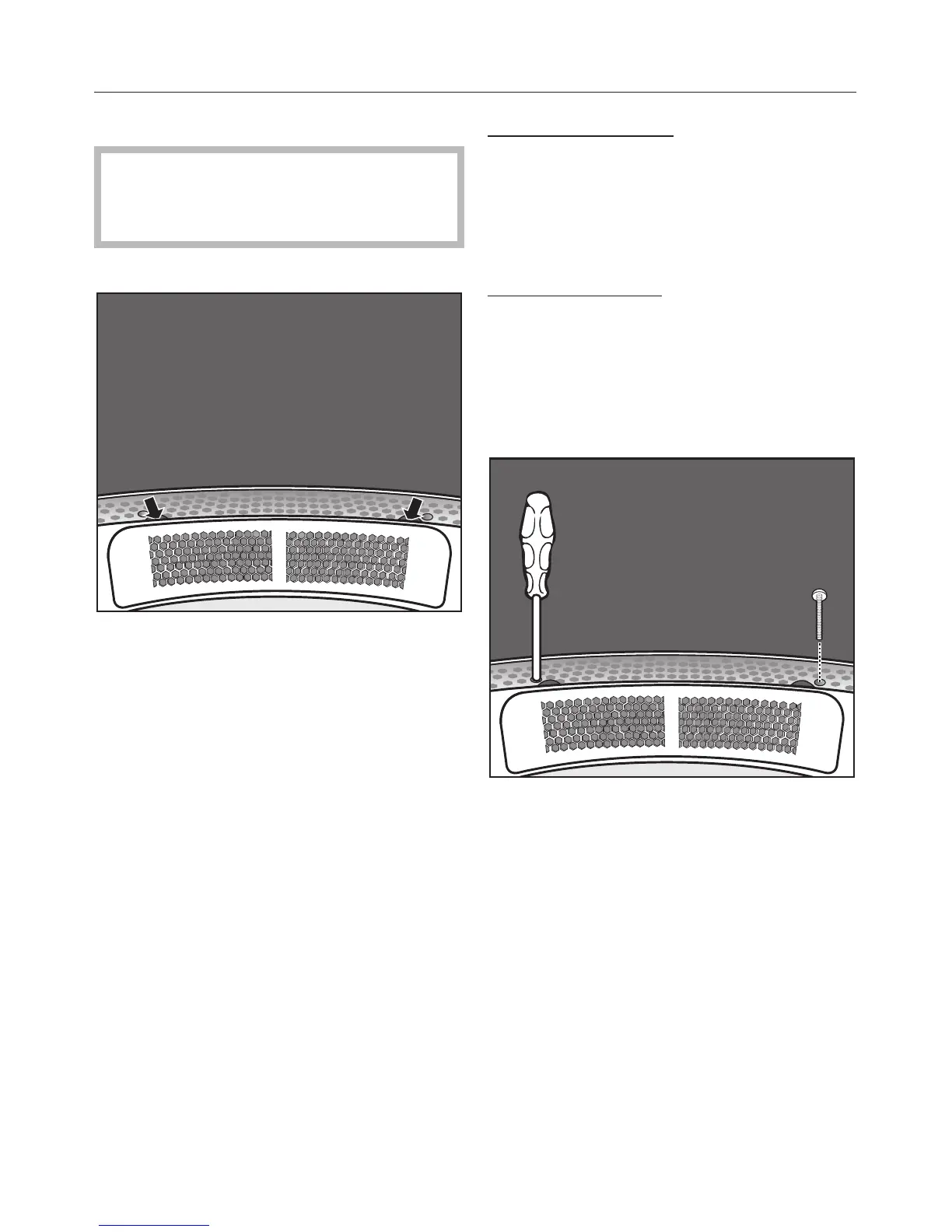
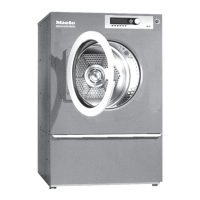
Look inside the drum.
^ Feel under the edge of the cover at
the back* (see arrows) and pull the
cover up and out.
* You can use the two screws
supplied to stop the cover being
removed inadvertently. See
instructions below.
^
Clean the filter area underneath the
cover using a vacuum cleaner.
^
Clean the cover.
^
Open the access panel to the filter
housing, and clean the area in front
of the fan.
Replacing the cover
^
Fit the cover to the left or right hand
side of the door opening,
^
then press the cover down until it
clicks into place on both sides.
Securing the cover
The cover can be secured using the
two screws supplied to prevent it being
removed inadvertently. The screws
must be secured inside the drum.
^
Look inside the drum.
^
Screw the torx screws into the round
holes on the left and right underneath
the cover, as shown.
Cleaning and care
31



 To Next Page