000
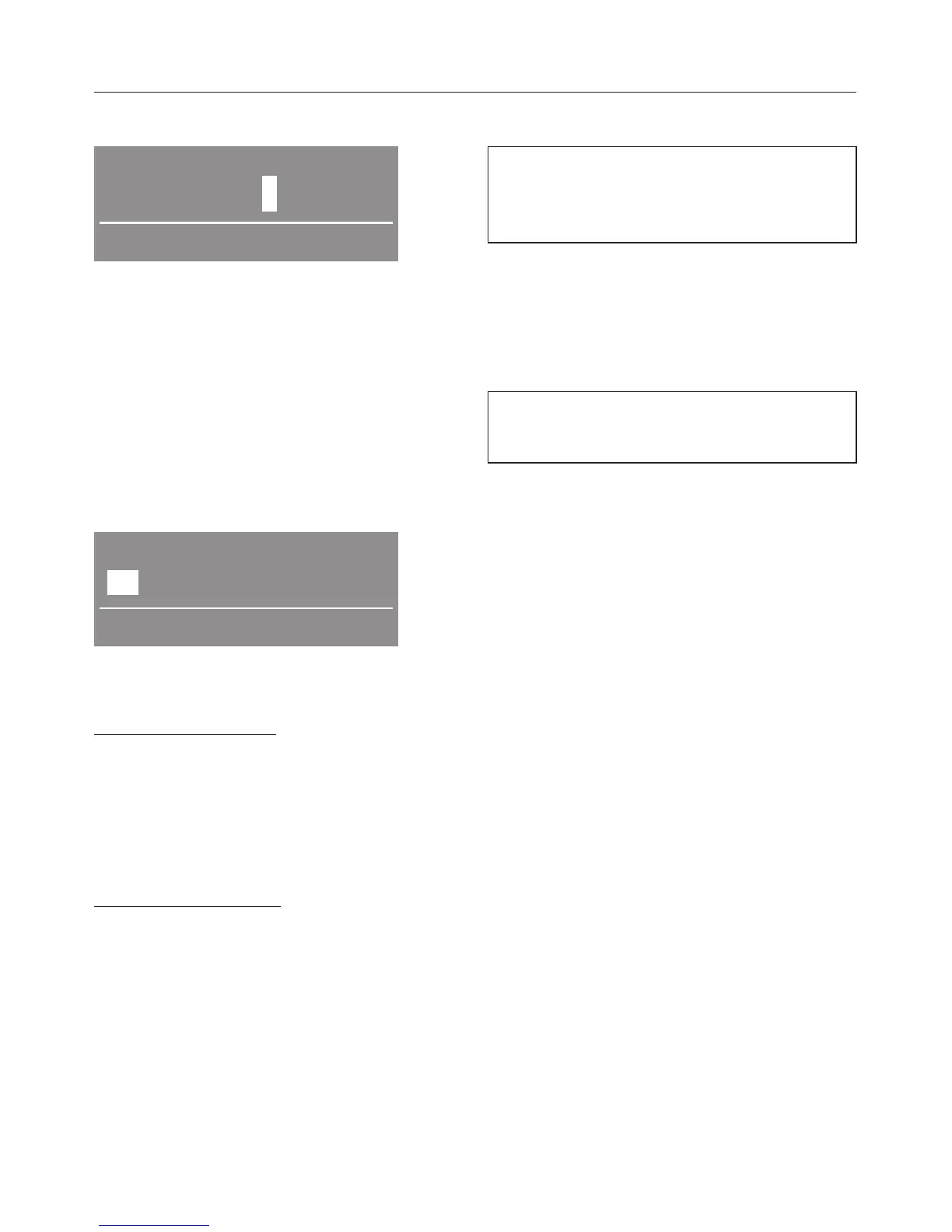
Enter code
^
Use the + button to enter the first
number.
^
Confirm your selection of this number
by pressing the OK button.
^
Now enter the second number.
^
Repeat the process until all three
numbers have been entered.
To confirm the code
Yes 000 No
Confirm code
^ Confirm the code with OK (Yes is
highlighted).
To correct the code
^
Press the + button so that No is
highlighted.
^
Confirm by pressing the OK button.
^
Enter the correct code.
To change the code
^
See the "Supervisor level" setting.
Language J
You can select the language
displayed via the Languages J
sub-menu.
The flag after the word Language acts
as a guide to prevent a language which
will not be understood from being set.
Supervisor level
You can alter the access code to the
supervisor level.
^ Enter the old code.
^ Enter a new code.
After you have confirmed the new code
with OK, the display will change to the
beginning of the Settings menu.
Settings menu
57



 To Next Page