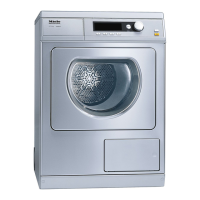
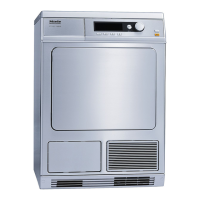
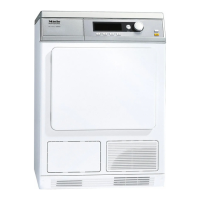
The dryer has the option to save the most used drying
programs on the direct select buttons. The option "Save"
must be selected in "Settings - Supervisor level". Contact
Technical Service for access to this level.
Selecting/Changing a Favorite
^
Close the door.
Main menu
1 Cottons
Program selection ...
2 Minimum iron Settings F ...
3 Woollens handcare
4 Smoothing 10:00
^ Press the D button.
Basic menu
Cottons Normal
Duration 1:16 h
Low temp.
H
Timer Y
H
Save
H
Back A
H
^
Turn the jog shuttle to select the component you would like
to adjust: program ("Cottons") or the drying level ("Normal").
^
Press the jog shuttle to confirm the selection.
Favorites
20



 To Next Page