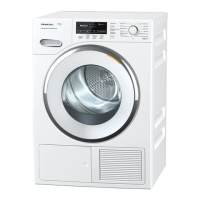
Operating the tumble dryer
19
Mix
ed items
For drying a small mixed load consist‐
ing of different types of fabric when it is
not obvious which programme is the
most suitable.
The tumble dryer will use the list of
it
ems to determine the correct pro‐
gramme setting.
See "Mixed items" for more informa‐
tion.
Settings
You can alter the tumble dryer's elec‐
tr
onics to suit changing requirements in
the Settings menu.
See "Settings " for mor
e information.
Examples on how to operate
the appliance
Option lists
Programmes menu (single option list):
Touching the < or >
sensor scrolls to
the left or right of the list.
The scroll bar shows you that further
options ar
e available.
Touch a programme name to select the
programme.
The load for the programme selected
will appear in the display
.
After a few seconds or if you confirm
with the OK sensor
, the display will
change to show the standard menu for
the programme selected.


 To Next Page