Favourite programmes
38
You can save your own customised
pr
ogrammes under names of your
choice.
These favourite programmes will be
sor
ted alphabetically.
In the main menu , t
ouch the Fa-
vourite programmes sensor.
1. To create a favourite programme
T
ouch the Create sensor in the Favour-
ite programmes menu.
Select the programme you want.
If r
equired, select a drying level or a
duration.
Continue with Select "Extras"
or with
Continue without "Extras".
Then select OK.
2. To enter a name
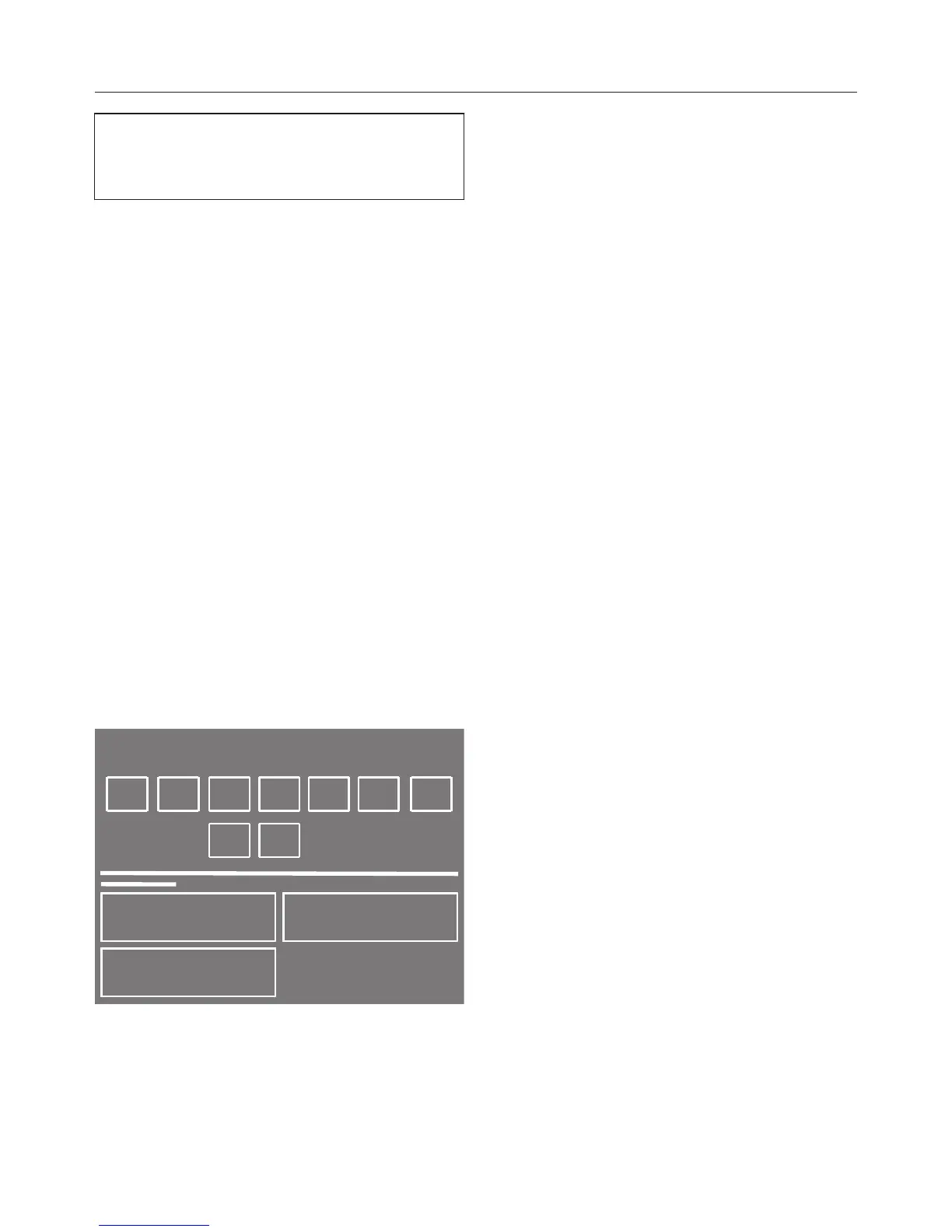
You can enter a name of up to 10 char‐
act
ers.
T
ouch the sensor of the first letter of
the word you want to enter.
Add
the next characters in exactly the
same way.
By selecting one of the following sym‐
bols you can select upper or lower case
and also delet
e or change characters:
– = ent
er a space
– 123 = enter a number
– abc/ABC = enter letters as lower/
upper case
– = delet
e all characters
– = delet
e the last character
3. To save a name
Touch Save to confirm.
The programme will be saved as a fa‐
vouri
te.


 To Next Page