Before using for the first time
23
Removing the protective foil
and stick
ers
Remove
– the protective foil from the door.
– any stickers from the front and the
lid.
Please do not r
emove any labels
(e.g. the data plate), visible when you
open the door.
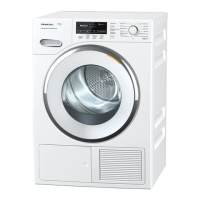
After installing the dryer
Befor
e using the tumble dryer for
the first time, ensure that it is instal‐
led and connected to the electricity
supply correctly. If it has not been
transported as described in "Installa‐
tion and connection" then it must be
left to stand for at least 1 hour before
it is connected to the electricity sup‐
ply.
When the tumble dryer is switched on
the welcome display Mi
ele Willkommen
will appear briefly.
Setting the language
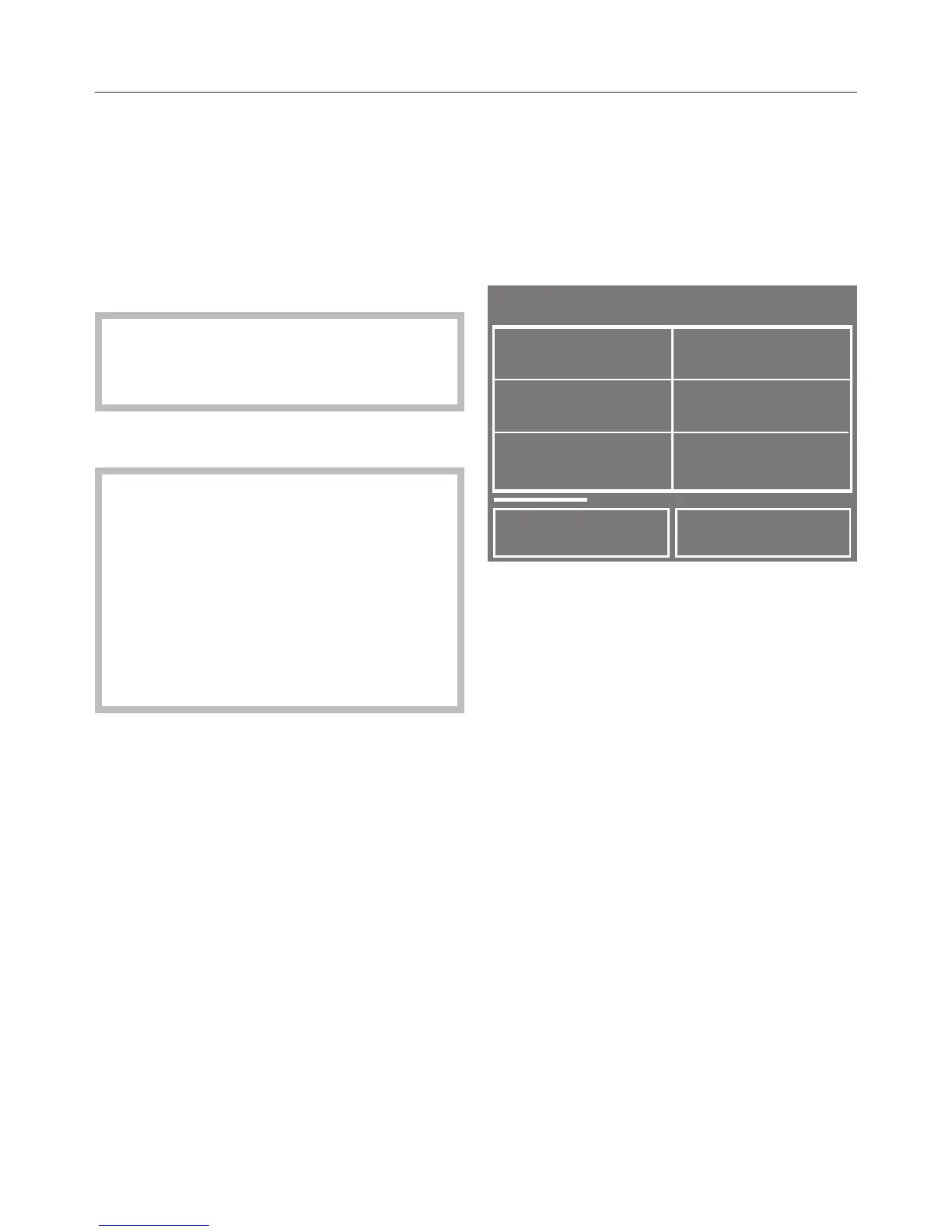
You will be asked to select the lan‐
gua
ge you want for the display. It is
possible to change the language at any
time subsequently via the Settings
menu.
Touch the < or > sensor until the
language you want appears.
T
ouch the sensor for the language
you want.
The language selected will be marked
with a tick and the display for setting
the Clock format will appear
.
Setting the clock format
Sele
ct the required Clock format:
24 h clock or 12 h clock.
The clock format selected will be
mark
ed with a tick and the display
for setting the Time of day will appear.


 To Next Page