EcoFeedback
25
You can view information about the en‐
er
gy consumption of your tumble dryer
with the ECO Feedback sensor.
Touching the ECO Feedback
sensor will
call up two types of information:
– an estimate of the consumption be‐
fore the programme begins
– during or after drying, the energy
consumption (kWh) and the cost
(Price per kWh).
1. Estimate before drying
After selecting a programme, touch
the ECO Feedback sensor.
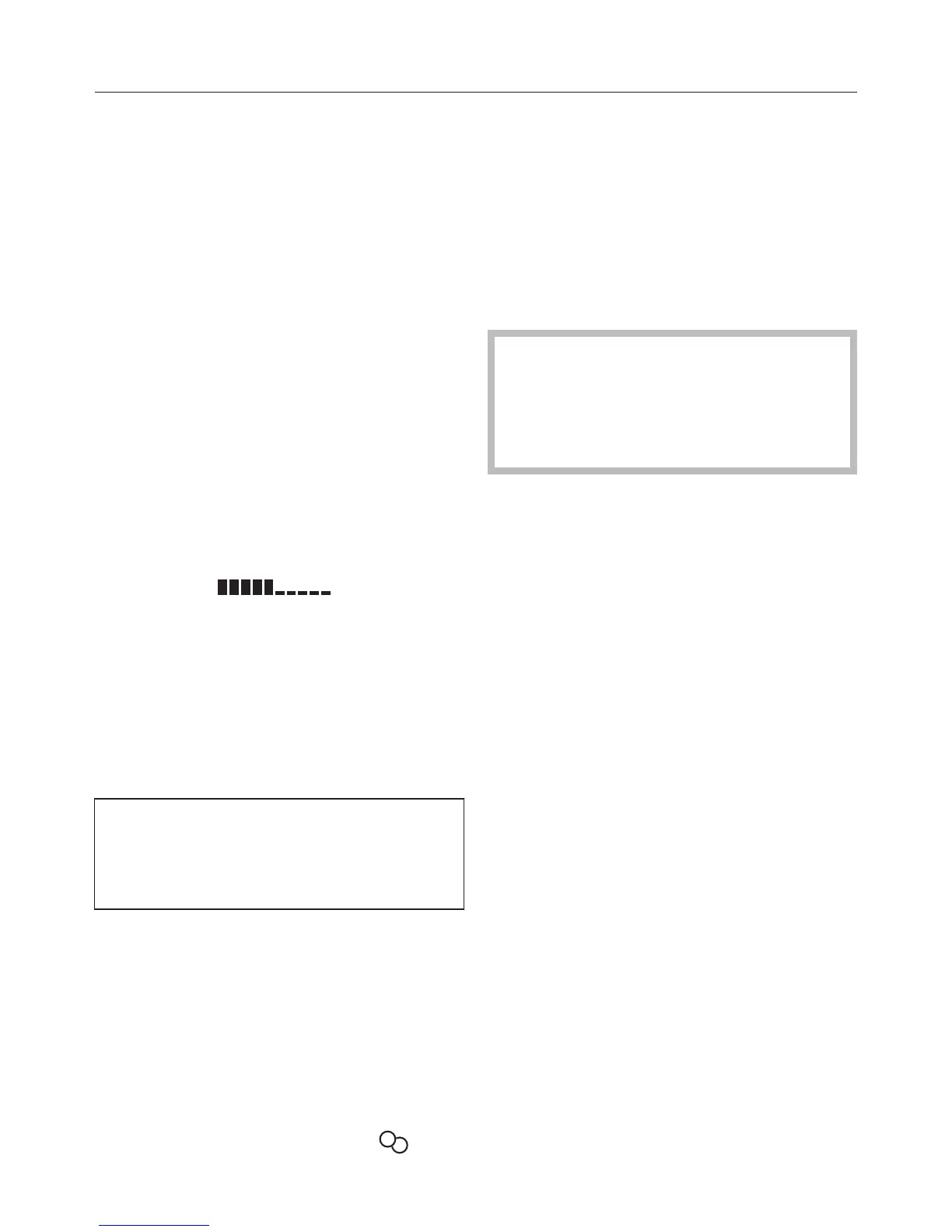
For a few seconds, bars which indicate
the estimat
ed consumption will appear:
The more bars visible, the higher the
ener
gy consumption.
The estimate will vary depending on the
pr
ogramme and any options selected.
2. Actual consumption during the
d
rying programme
You can view the consumption and al‐
so the cost (if this has been entered).
See "Settings" for more information
on setting the cost.
T
ouch the Change sensor.
T
ouch the ECO Feedback sensor.
You can view the actual amount of en‐
er
gy used.
Example:
Energy 2,0 kWh
Cost 0,00
1
5
< 0.1 kWh will be displayed if the ener‐
gy con
sumption is very low with the
cost showing as 0.00.
The consumption/cost will vary de‐
pending on the programme stage and
residual moisture present.
After a few seconds Change will r
eap‐
pear at the bottom left.
If the door is opened or the tumble
dryer has switched off automatically
at the end of the programme, the da‐
ta will revert to the estimated con‐
sumption.
Total consumption setting
– shows consumption data for the pro‐
gr
amme which has just been run
and
– shows total energy consumption to
dat
e.
See "Settings menu" for more detailed
information.


 To Next Page