TwinDos
22
Opening the Settings menu
You have to enter the type of deter‐
gent being used in the Settings menu.
Switch on the washing machine and
wait until the standard display lights
up.
Touch the and sensors at the
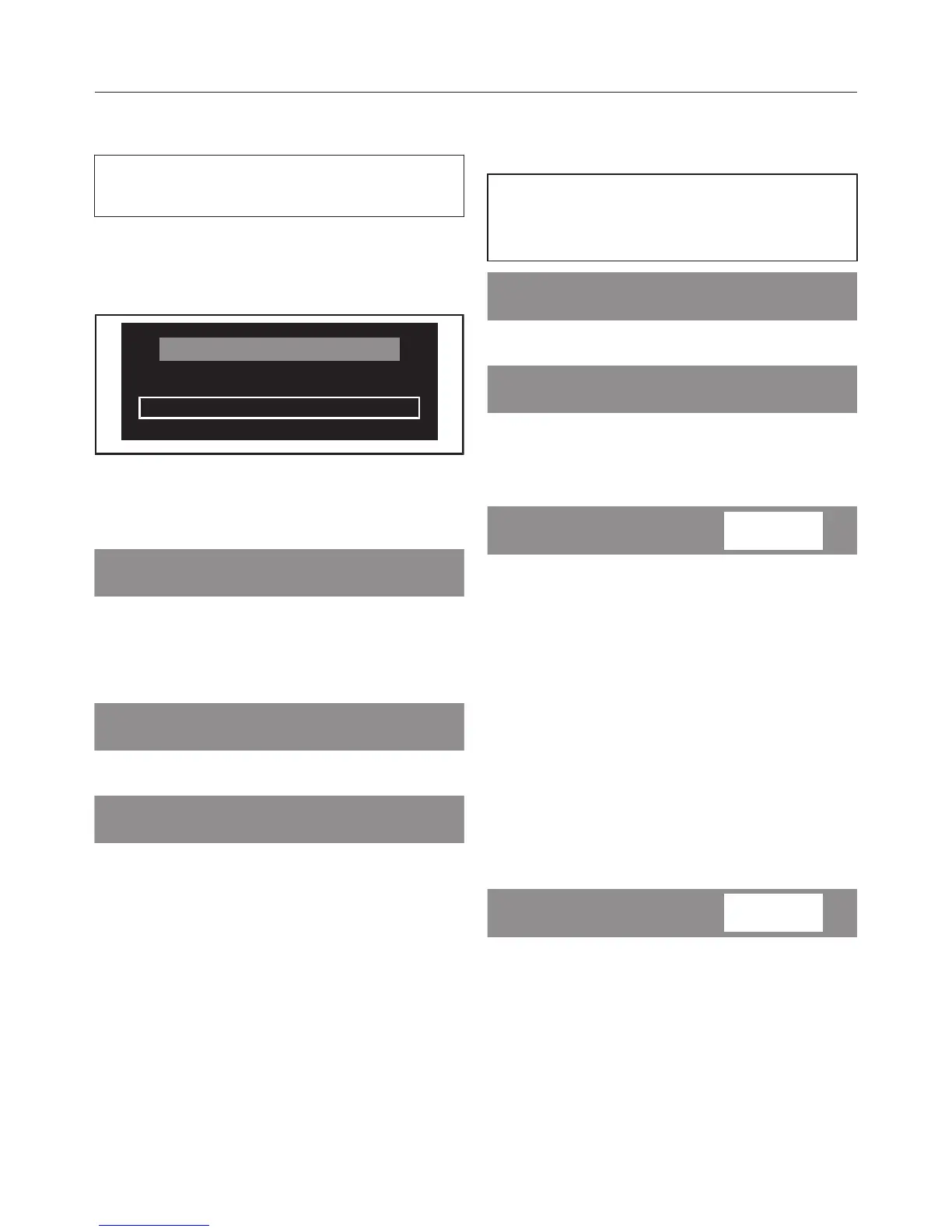
same time until the following appears
in the display:
The "Settings" menu has been opened.
Touch the sensor until the follow‐
ing appears in the display:
Touch the OK sensor.
Settings for UltraPhase 1 and
UltraPhase 2
The dosage amounts for UltraPhase 1
and UltraPhase 2 are preset for hard‐
ness range II ().
Use the or sensor to select
UltraPhase 1 and confirm your choice
with the OK sensor.
Useful tip: If you live in an area with
water hardness levels I () or III (),
adjust the dosage for Miele products
according to the information given on
the packaging.
Use the OK sensor to confirm the
dosage amount or use the and
sensors to change the amount.
The washing machine will automatically
assign UltraPhase 2 to compartment 2.
You just need to confirm or change the
dosage amount.
Use the OK sensor to confirm the
dosage amount or use the and
sensors to change the amount.



 To Next Page