34
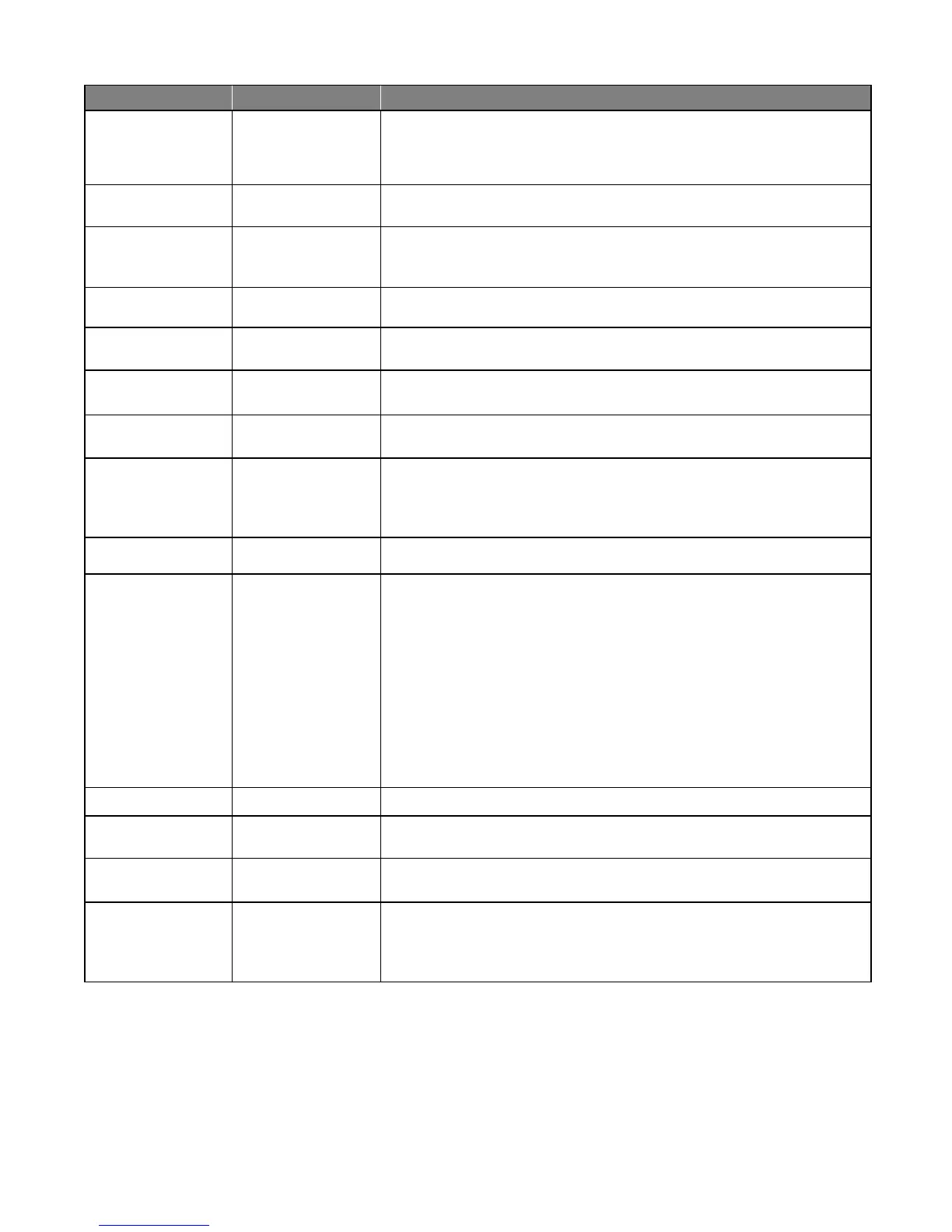
Visual Feedback
Indication
Possible Diagnosis Check
Status (clear) 1 blink Cycle Terminal
Shorted
Disconnect the push button, keypad, intercom keypad, or any other accessory
wired to this terminal. Try the remote. If the remote works, then the problem
is the accessory.
Status (clear) 2 blinks Safety Terminal
Shorted
Disconnect the loop detector, photo beam, or any other accessory wired to this
terminal. Try the remote. If the remote works, the problem is the accessory.
Status (clear) 3 blinks Exit Terminal Shorted Disconnect exit wand, loop detector, photo beam, Knox box, or any other
accessory wired to this terminal. Try remote. If the remote works, the
problem is the accessory.
Status (clear) 4 blinks Shadow Terminal
Shorted
Disconnect the loop detector, photo beam, or any other accessory wired to this
terminal. Try remote. If the remote works, the problem is the accessory.
Status (clear) 5 blinks Close Edge Terminal
Shorted
Disconnect the edge sensor, photo beam, or any other accessory wired to this
terminal. Try the remote. If the remote works, the problem is the accessory.
Status (clear) 6 blinks Open Edge Terminal
Shorted
Disconnect edge sensor, photo beam, or any other accessory wired to this
terminal. Try the remote. If the remote works, the problem is the accessory.
RF (yellow) Flickers Receiving 318 MHz
RF
Normal operation when remote or wireless keypad is used.
RF (yellow) OFF No 318 MHz RF
Received
• Battery in Remote
• Program Remote
• Antenna Receiver Connections
• Antenna Receiver
Power (green) ON AC or Solar Power
Present
Normal Operation
Power (green) OFF No AC or Solar Power
Transformer:
• Breaker or GFI
• Power at AC outlet.
• Output of Transformer.
• Voltage on wire at 18 VAC Input
Solar:
• Weather
• Solar Panel Placement
• Output of Solar Panel
• Voltage on wire at Solar Input
Charge (red) ON Fast Charging Mode Battery Voltage should be ~ slowly increasing
Charge (red) Fast
Blinking 2/second
Soak Charging Mode Battery Voltage should be ~14.1 VDC
Charge (red) Slow
Blinking 2/second
Float Charge Battery Voltage should be ~13.8 VDC
Charge (red) OFF Battery Not Being
Charged
AC power
Transformer
Solar Panel
Charging Circuit












 To Next Page