Calibration Parameters
127
The surface elevation option is only relevant in special cases where you want
to model e.g. a landslide-generated wave or a tsunami wave or other type of
transient wave phenomena. In such cases you can specify a spatial varying
initial surface elevation map to model a “drop of a water mass”.
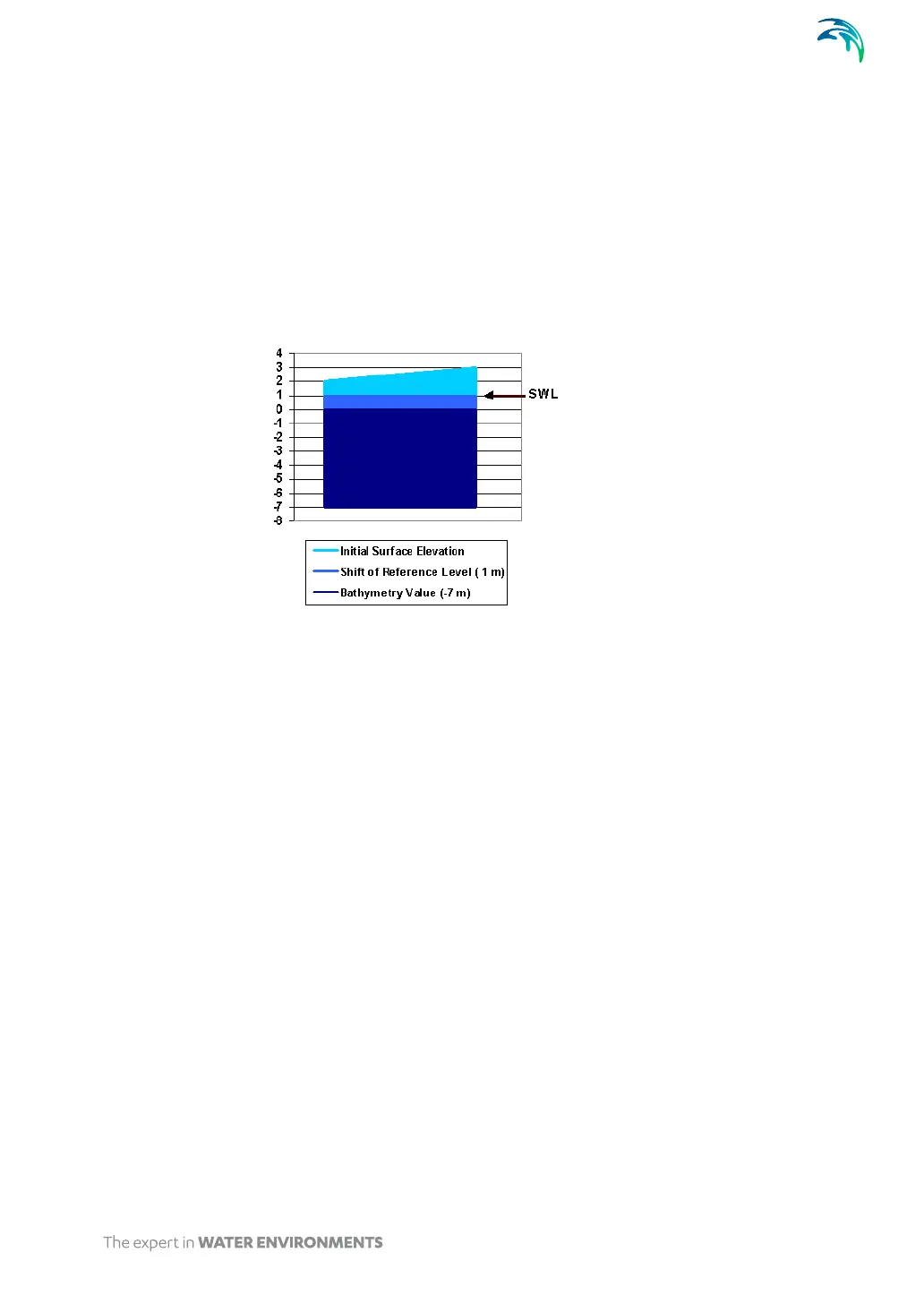
For Boussinesq wave simulations it is essential that the initial surface eleva-
tion is specified relative to the still water level, SWL (bathymetry value + shift
of reference level).
Figure 5.13 Sign convention of bed levels
5.3.4 Internal wave generation
Internal generation of waves is performed by adding the discharge of the inci-
dent wave field along the specified generation line. One of the advantages of
using internal generation is that sponge layers can be placed behind the gen-
eration line, to absorb waves leaving the model area.
The wave data needed depends on the form of the Boussinesq equations, -
that is: whether deep water terms are excluded or included.
If the deep water terms are excluded you must specify the flux density
perpendicular to the generation line for all grid points (along the line) and
at each time step.
If the deep water terms are included you must also specify the slope of
the surface elevation perpendicular to the generation line in all grid
points along the line at each time step.
To prepare the wave input data the wave tools in the MIKE 21 Toolbox should
be applied.
You specify the number of internal generation lines to be used in your simula-
tion, and then you edit each of the internal generation lines. First you must



 To Next Page