A patrol is a memorized series of preset function. It can be configured and called on the patrol
setting list. You can customize up to 8 patrols and it can be configured with 48 presets. Before
configuring the patrol, you should make sure that the presets you want to add to the patrol have
been defined.
Set a patrol:
Step1: In the PTZ control panel, click to enter the patrol settings interface;
Step2: Select a patrol number, the setting icon will appear , click it;
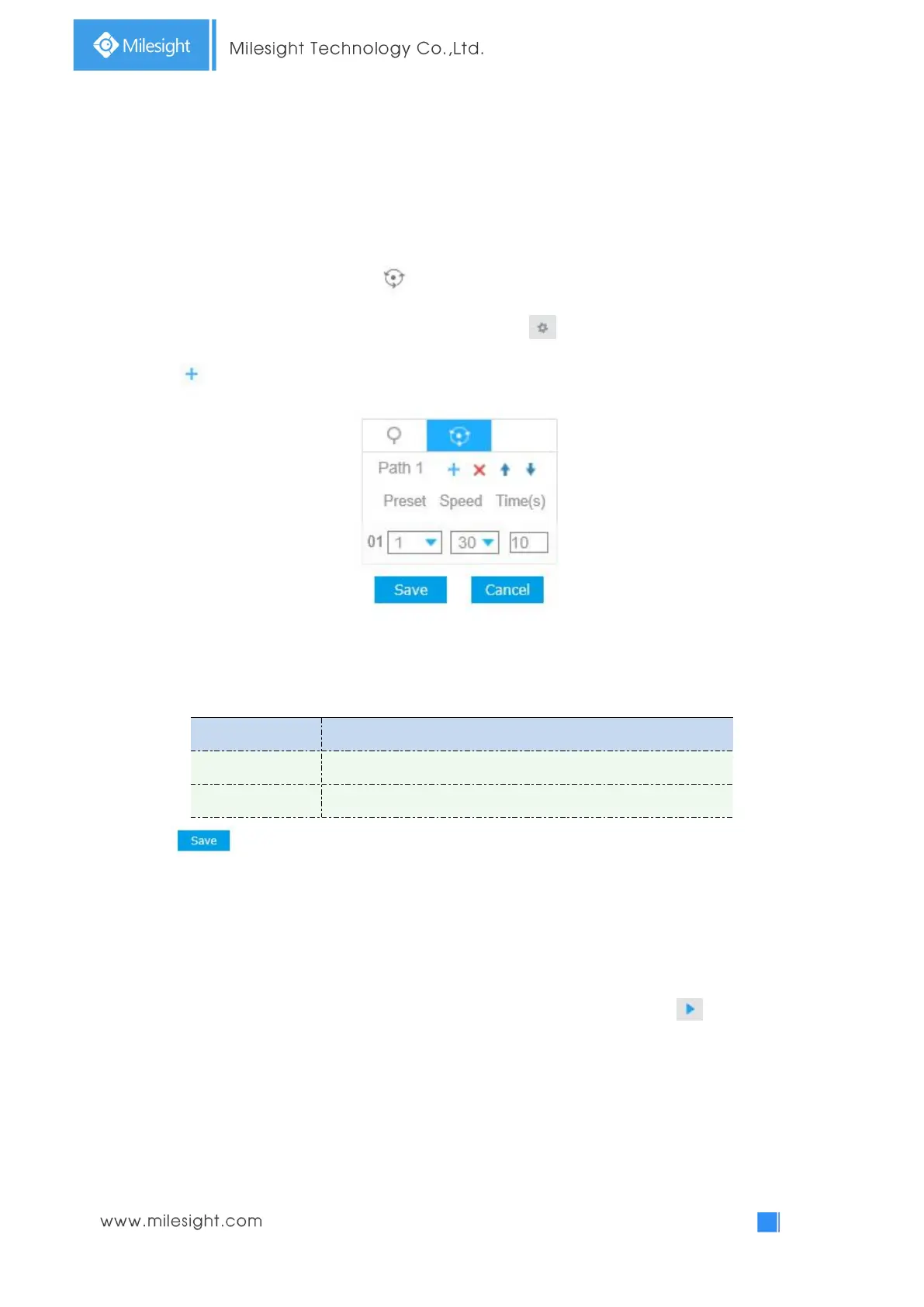
Step3: Click to add presets to this patrol, as shown below;
Step4: Configure the preset number, patrol speed and patrol time;
Table 4-1-3 Description of Patrol Settings
The speed of moving from one preset to another.
The duration staying on one patrol point.
Step5: Click to save the patrol settings.
Note:
A. Patrol Speed only works in Patrol mode.
B. Patrol Time should be 0~120s.
Call a patrol:
In the PTZ control panel, select a defined patrol from the patrol list, and click to call the patrol,
as shown below.



 To Next Page