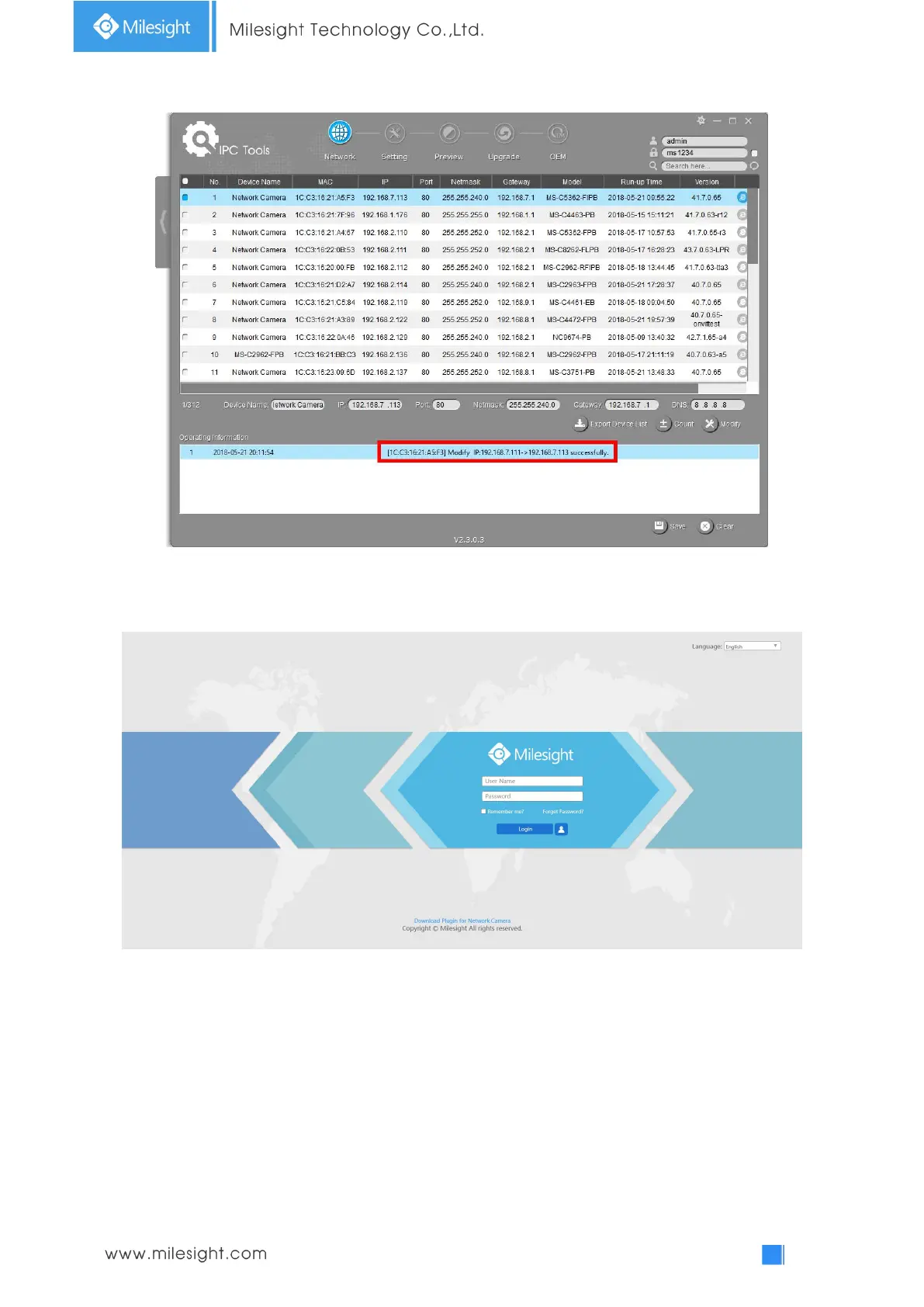
Step5: Change the IP address successfully;
Step6: By double clicking the selected camera or the browser of interested camera, you can access
the camera via web browser directly. The Internet Explorer window will pop up.
More usage of Smart Tools, please refer to the Smart Tools User Manual.
3.1.2 Assign An IP Address via Browser
If the network segment of the computer and that of the camera are different, please follow the
steps to change the IP address:
Step1: Change the IP address of computer to 192.168.5.0 segment, here are two ways as below:
a. Start
Control Panel
Network and Internet Connection
Network Connection
Local Area Connection, and double click it. (Refer to Figure 3-1-8);



 To Next Page