Except for the two kinds of alarms above, when other
alarms were triggered, the icon appears
4.1.2 Set / Call a preset / Patrol
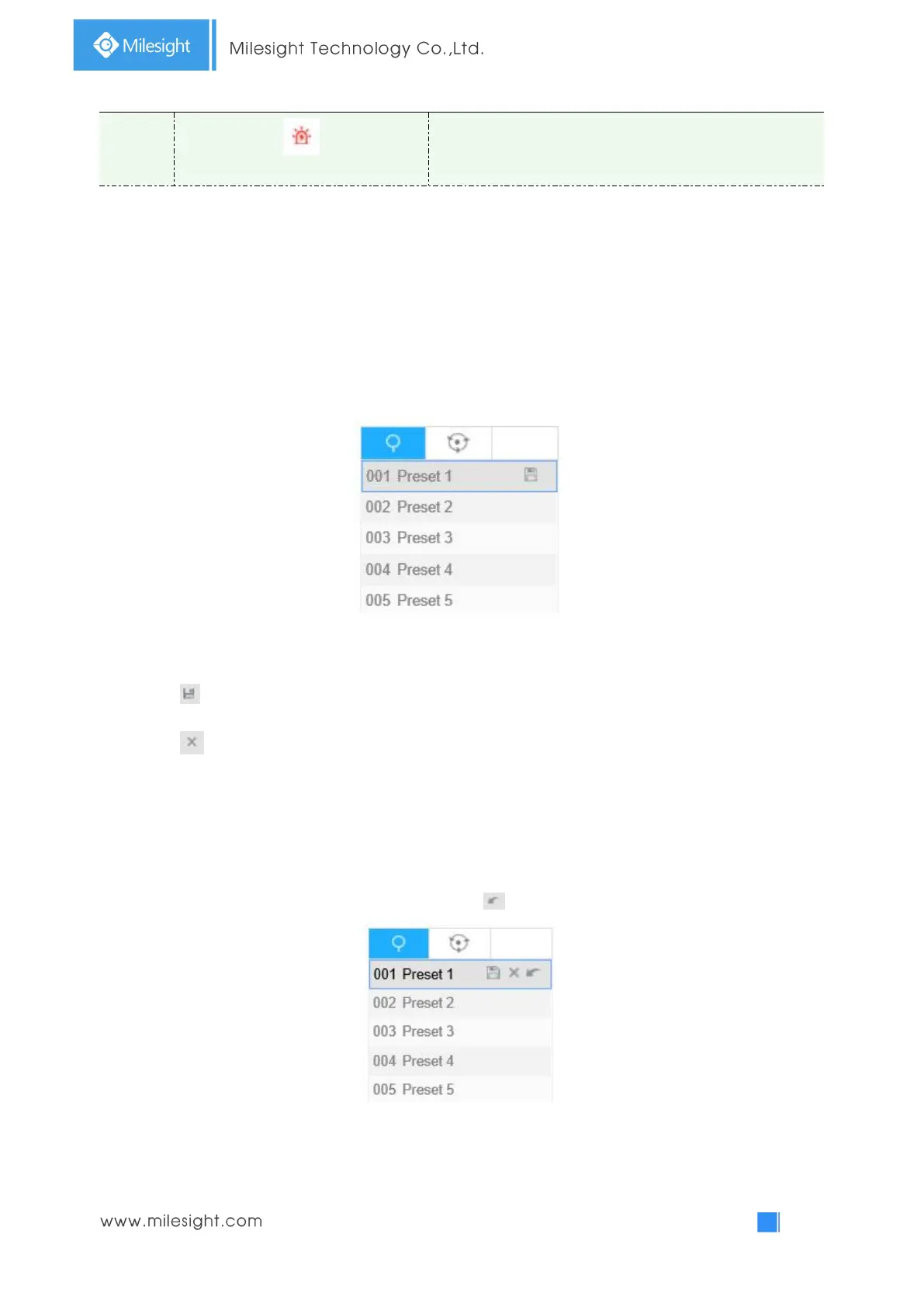
A preset is a predefined image position. You can click the call button from the preset list to quickly
go to the desired image position.
Set a preset:
Step1: In the PTZ control panel, select a preset number from the preset list;
Step2: Use the PTZ control buttons to move the lens to the interested position;
Step3: Click to save the setting of the current preset;
Step4: Click to delete the chosen preset.
Note:
Up to 225 presets can be configured (for each regional view channel).
Calling a preset:
Select a defined preset form the preset list and click to call the preset.
Set / Call a patrol



 To Next Page