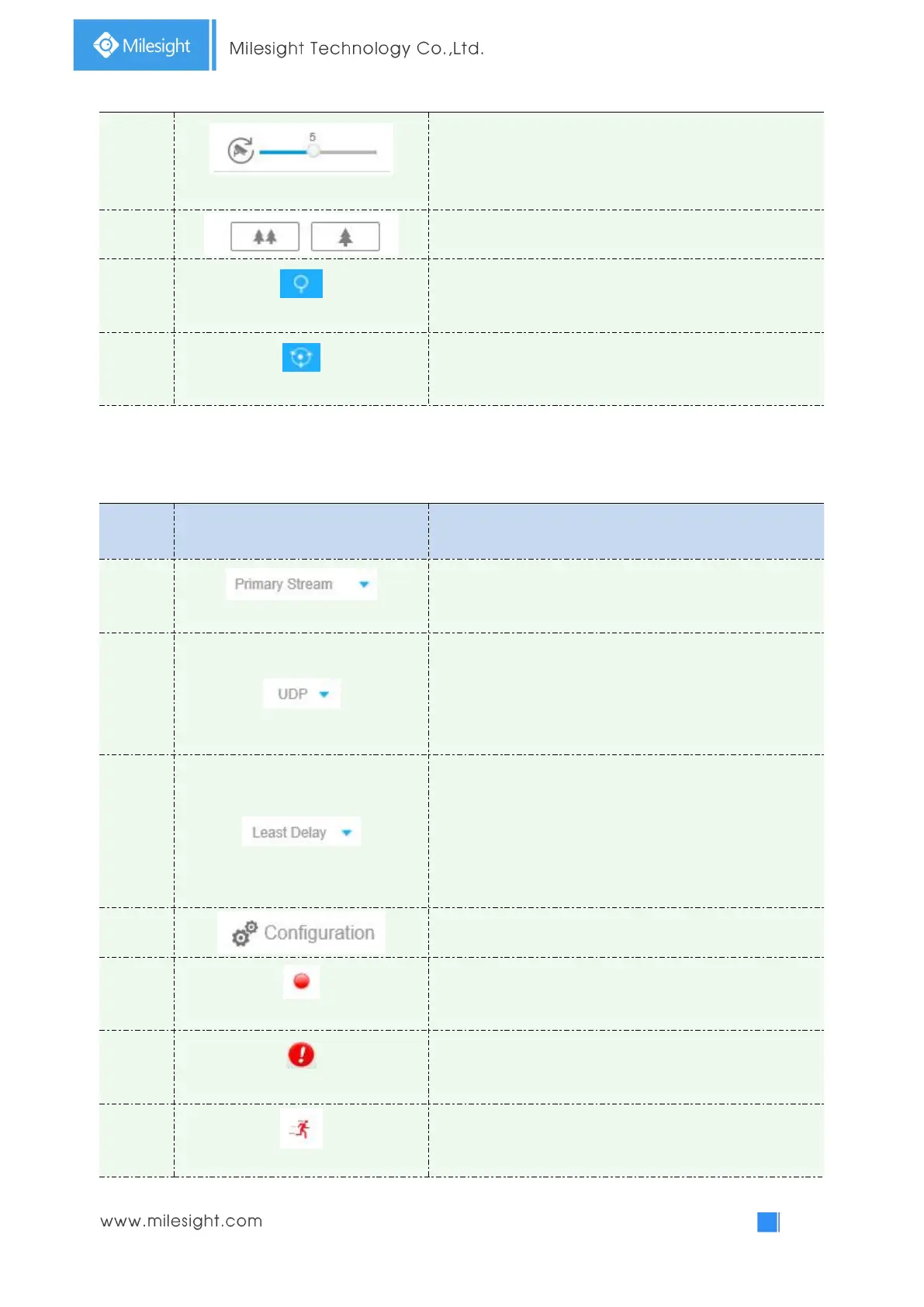
To adjust the speed of pan/tilt movements, from 1 to 10
Click to zoom in and zoom out
Enable to set 255 preset positions for each regional view
channel
Enable to set 8 patrol paths for each regional view channel
Other
Table 4-1-1 Description of other buttons/icons
(Only for Bundle-Stream Mode)
Choose Primary Stream/Secondary Stream to show on the
current video window
TCP: More reliable connection;
UDP: More instantaneous connection, but if you cannot get
the live view successfully, please turn into TCP connection.
HTTP: Faster and safer connection especially in Internet
environment.
Least Delay: The most instantaneous mode in the three
modes;
Balanced:
A balanced mode between Least Delay and
Best Fluency, maintains the fluency while keeps an
acceptable delay;
Best Fluency: The most fluent mode in the three modes.
Configuration: Click to access the configuration page.
When recording, the icon will turn red.
When an alarm of Smart Event was triggered, the icon
appears
When an alarm of Motion Detection was triggered, the icon
appears



 To Next Page