Set the saving path for captured images and video
recordings of operating on the live view
When it is enabled, you can zoom in in a specific area of
video image with your mouse wheel
Brightness: Adjust the Brightness of the scene
Contrast: Adjust the color and light contrast
Saturation: Adjust the Saturation of the image. Higher
Saturation makes colors appear more "pure" while lower
one appears more “wash-out”
Sharpness: Adjust the Sharpness of image. Higher
Sharpness sharps the pixel boundary and makes the image
looks “more clear”
Noise Reduction Level: Adjust the noise reduction level
Default: Restore brightness, contrast and saturation to
default settings
Note:
It will capture images and record videos of first channel by default, you can also capture images
and record videos of specified channel manually.
PTZ Control
PTZ Control allows you to use pan/tilt/zoom/preset/patrol function of PTZ, and set PTZ speed.
Table 4-1-1 Description of PTZ Control buttons
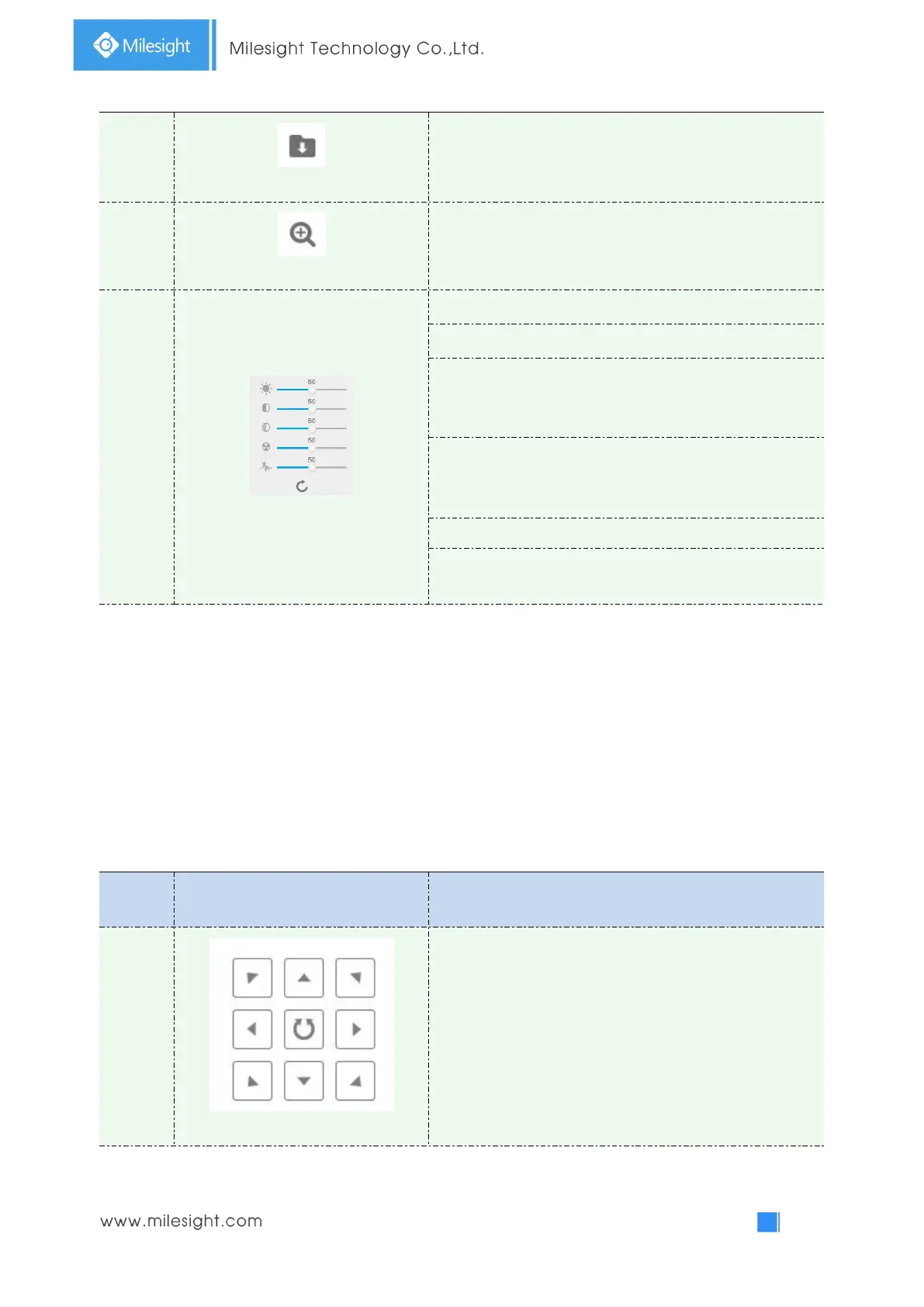
Navigation key is used to control the direction. The rotation
key is used for auto-rotation.


 To Next Page
 Loading...

