Select Indoor or Outdoor mode to meet your needs
Select camera installation view, including Angle View, Horizontal View and
Overhead View
Select Standard or Advanced analysis type
Generated by camera’s information
Show present license status, including Valid, Invalid, Expired, Unactivated
Draw the screen or input pixel number to set the minimum size of the
detected object. When the object is smaller than this size, it will not be
detected. The default minimum size is 3*3.
Draw the screen or input pixel number to set the maximum size of the
detected object. When the object is larger than this size, it will not be
detected. The default maximum size is 320*240.
4.5.6 Fisheye
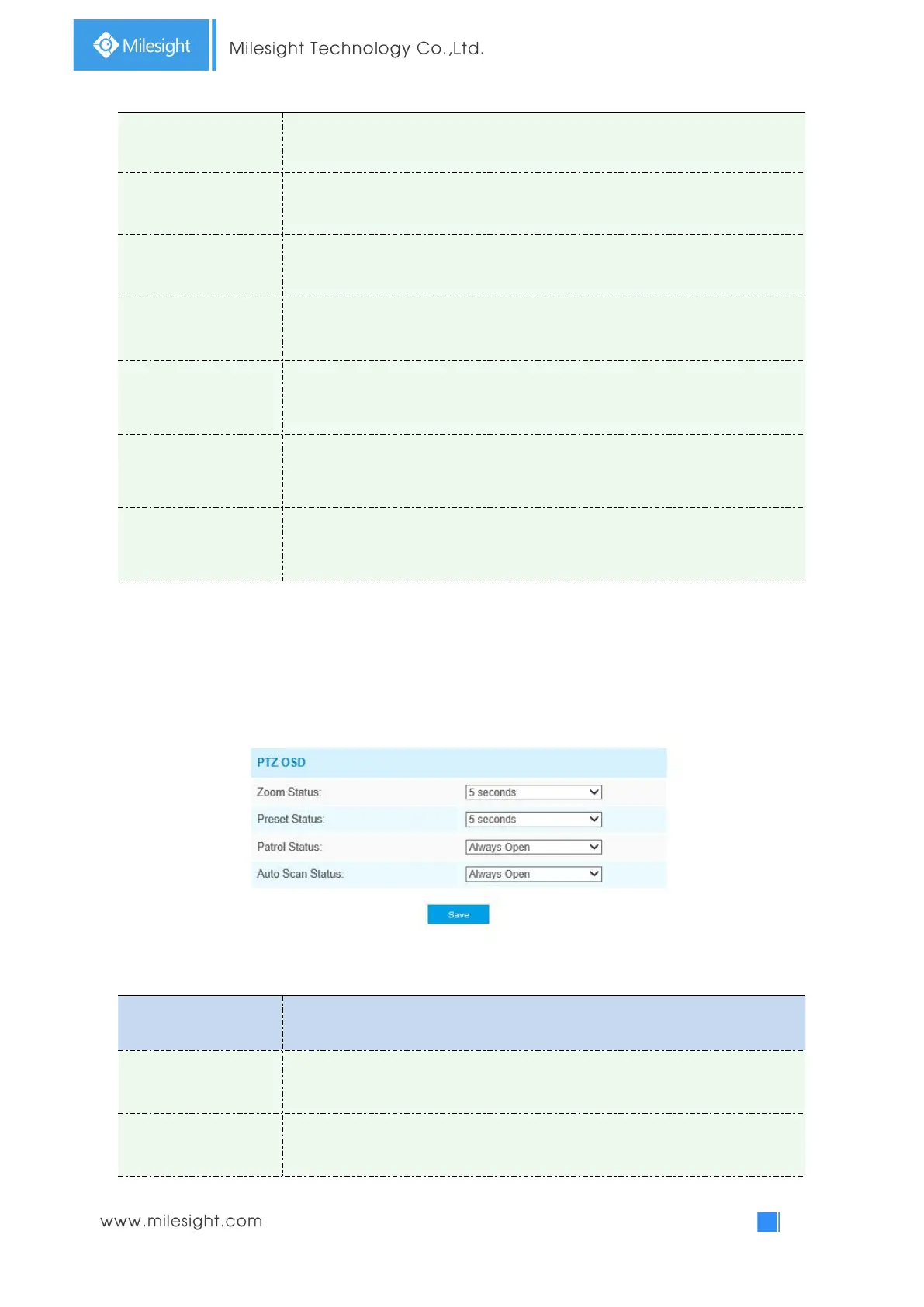
PTZ
Table 4-5-14 Description of the buttons
Support to set display time of Zoom Status OSD.
2 seconds/5 seconds/10 seconds/Always Open/Always Close are available.
Support to set display time of Preset Status OSD.
2 seconds/5 seconds/10 seconds/Always Open/Always Close are available.



 To Next Page