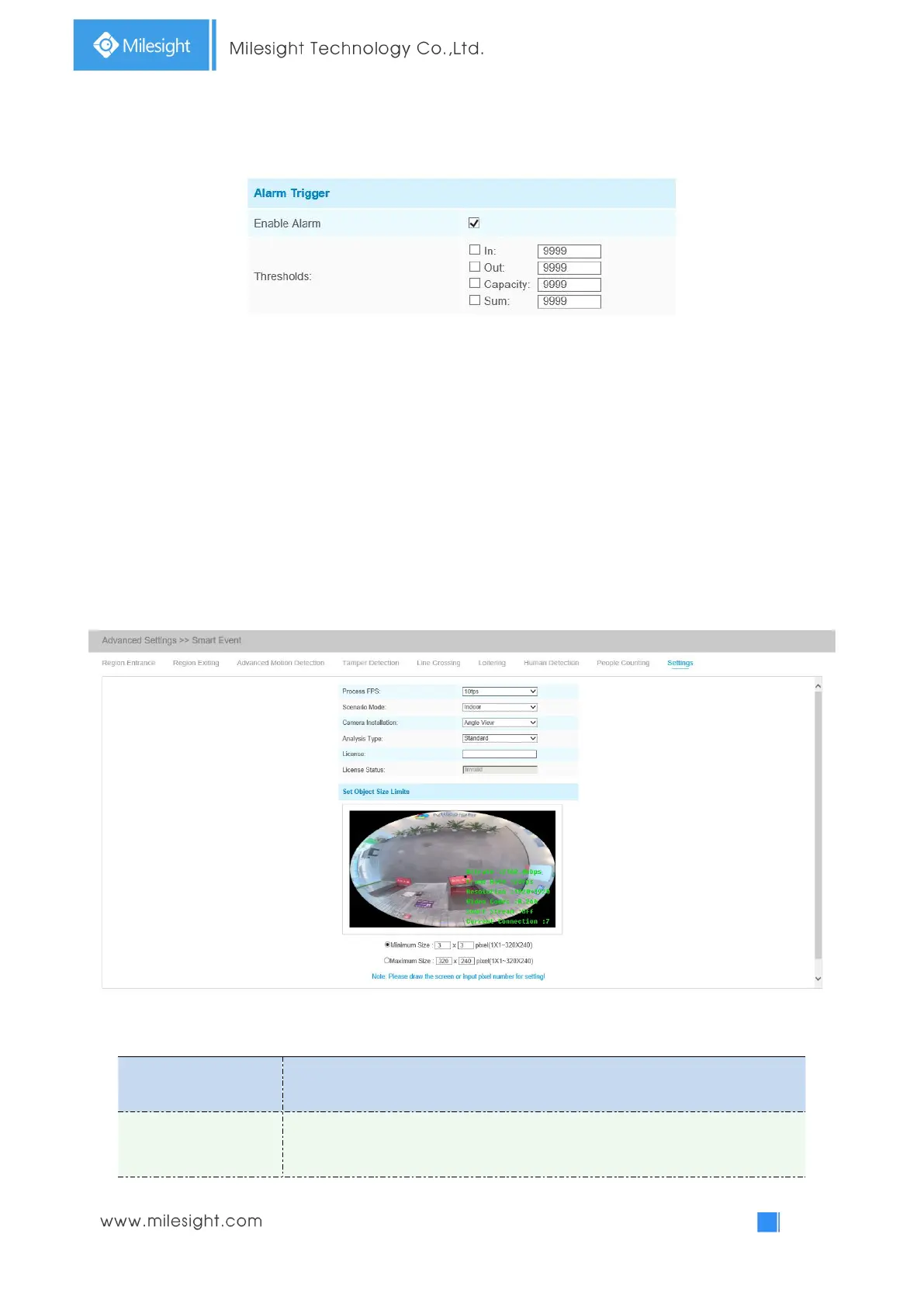
Step5: Set alarm trigger. Alarm will be triggered when the thresholds reaches to a certain value from
1 to 9999.
Step7: Set alarm action;
Step8: Set alarm settings.
Note:
Crossing along the direction of the arrow will record as “In”, opposite is “Out”;
Settings
Milesight VCA provides the primary setting for the whole VCA functions. “Minimum Size” is to set
the whether an object is big enough to trigger other settings. The frame you draw on the screen
means that only if the object size is bigger than the frame, the settings for other VCA functions will
take effect. Maximum Size means opposite, the frame you draw on the screen stands for that only if
the object size is smaller than the frame, the settings for other VCA functions will take effect.
Table 4-5-15 Description of the buttons
Five different periods are available(5, 10, 15, 20, 25, fps) for process fps



 To Next Page