Note:
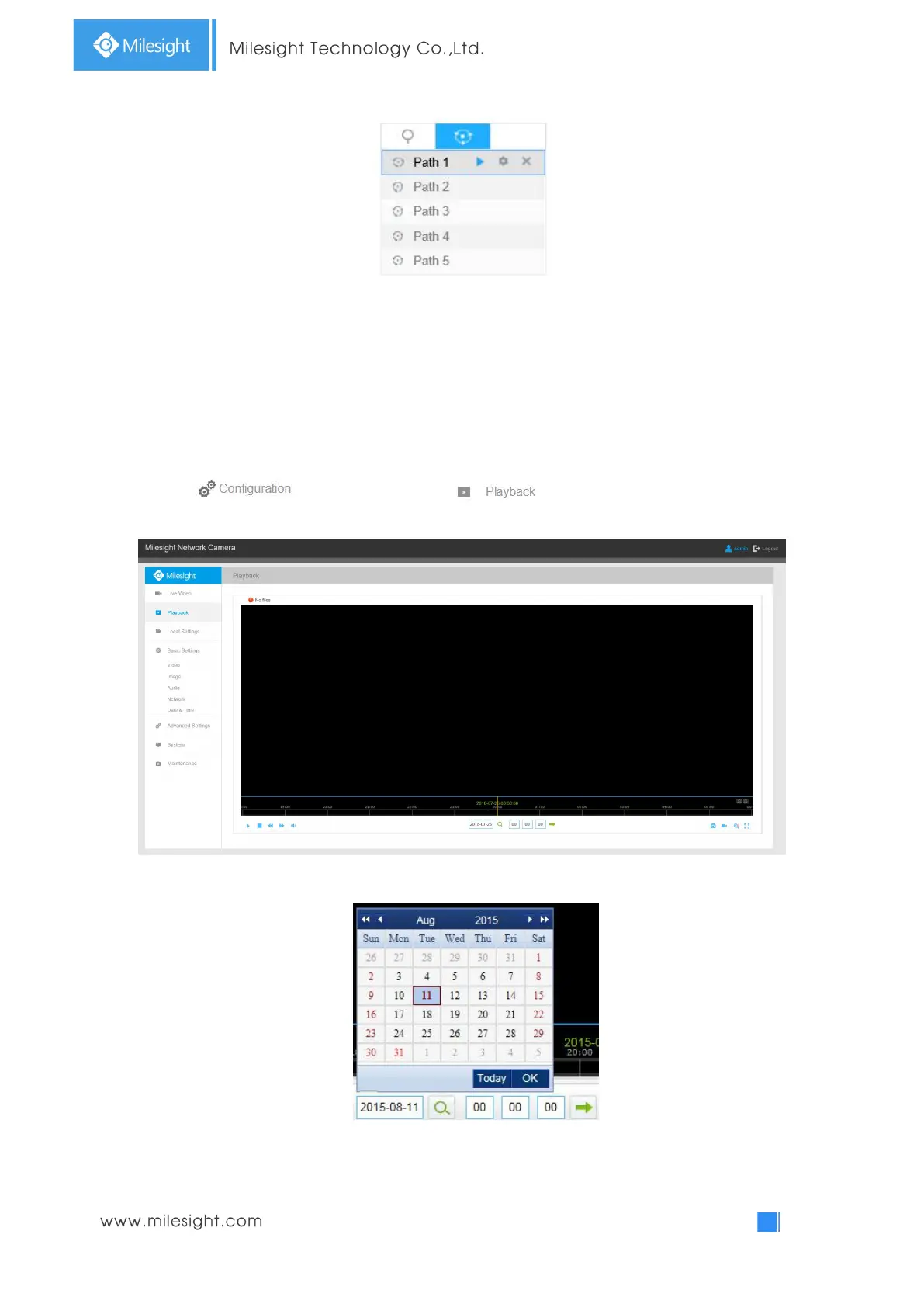
The three buttons behind the Patrol list means: Play, Set and Delete.
4.2 Playback
This section explains how to view the recorded video files stored in SD cards.
Step1: Click and then click on the menu bar to enter playback
interface;
Step2: Click the date button, choose the date when date window pops up;
Note:
The date with bright red means current date; one with a dark red number and white background
means weekend day; one with a dark red number and blue background means that the date is



 To Next Page