Input the name of Read Security Community
There are three levels available: (auth, priv), (auth, no priv) and (no auth, no priv)
Input the name of Write Security Community
There are three levels available: (auth, priv), (auth, no priv) and (no auth, no priv)
The port of SNMP, the default is 161
Note:
1) The settings of SNMP software should be the same as the settings you configure here;
2) A reboot is required for the settings to take effect.
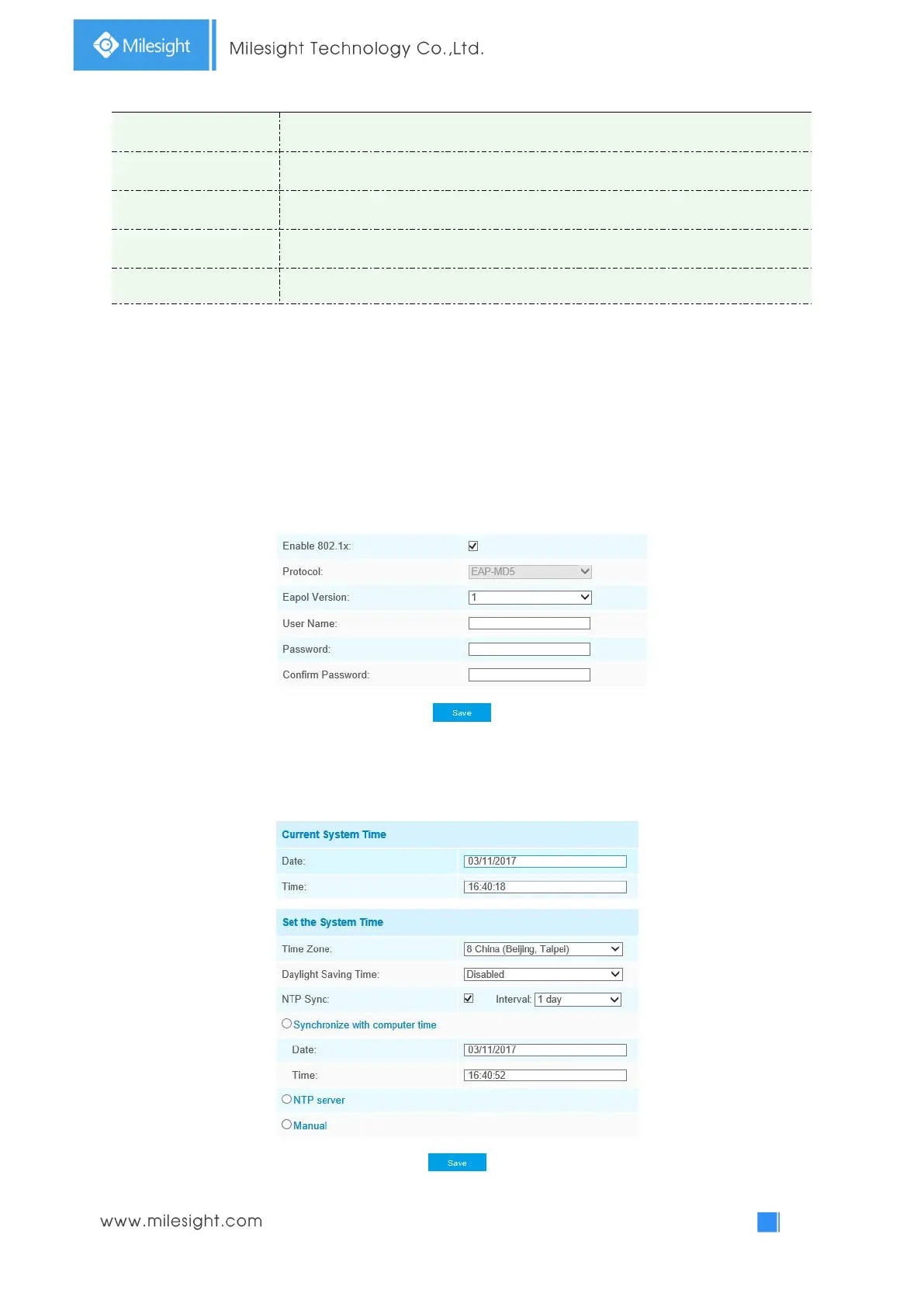
802.1x
The IEEE 802.1X standard is supported by the network cameras, and when the feature
is enabled, the camera data is secured and user authentication is needed when
connecting the camera to the network protected by the IEEE 802.1X.
4.4.5 Date&Time



 To Next Page