4.7 Maintenance
4.7.1 System Maintenance
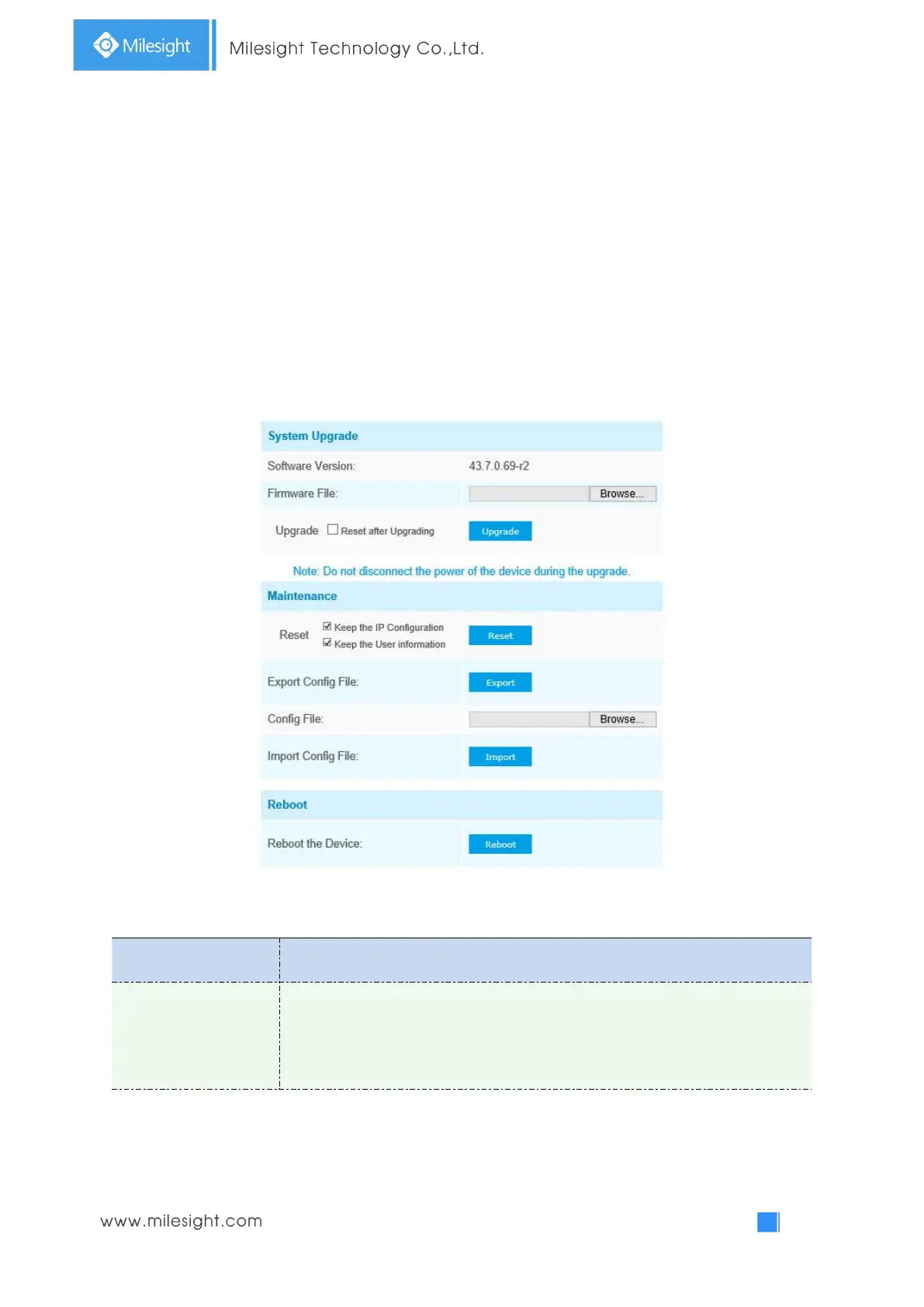
The software can be upgraded by the following steps:
Step1: Browse and select the upgrading file;
Step2: Click the “upgrade” button after it prompts upload file successfully. After the system reboots
successfully, the update is done.
Note:
1) Do not disconnect the power of the device during the update. The device will be restarted to
complete the upgrading.
Table 4-7-1 Description of the buttons
Software Version: The software version of the camera
Firmware File: Select the firmware used to upgrade
Reset after Upgrading: Check this option to reset the camera after upgrading it



 To Next Page