Reset settings: Click “Reset” button to reset the camera to factory default
settings
Keep the IP Configuration: Check this option to keep the IP configuration when
resetting the camera.
Keep the User information: Check this option to keep the user information when
resetting the camera.
Export Config File: Click this button to export the configuration file
Import Config File: Click this button to import the old configuration file
Click “Reboot” button to restart the device immediately
4.7.2 Auto Reboot
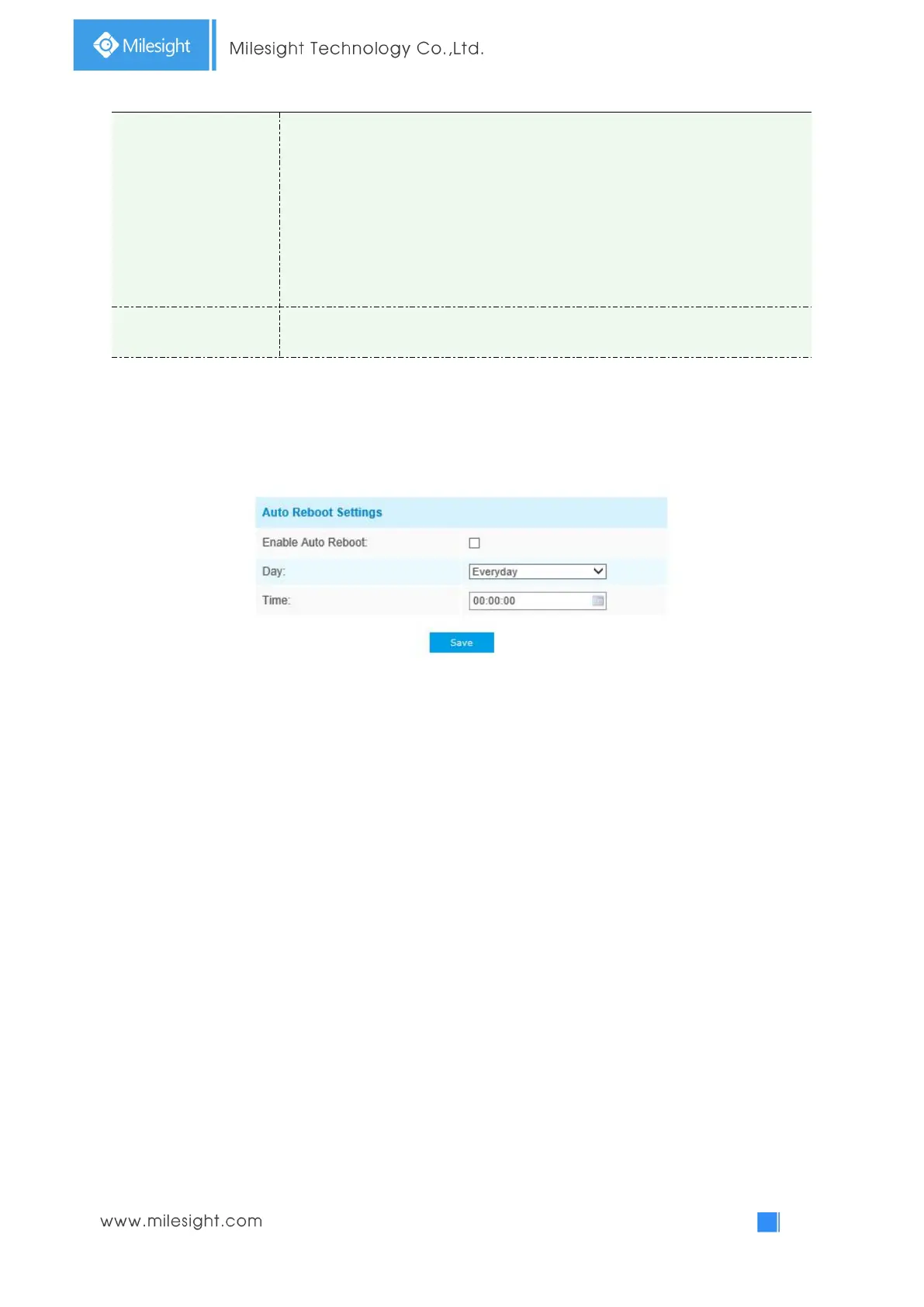
Set the date and time to enable Auto Reboot function, the camera will reboot automatically
according to the customized time in case that camera overload after running a long time.


 To Next Page