Support to set display time of Patrol Status OSD.
Always Open/Always Close are available.
Support to set display time of Auto Scan Status OSD.
Always Open/Always Close are available.
General
Table 4-5-15 Description of the buttons
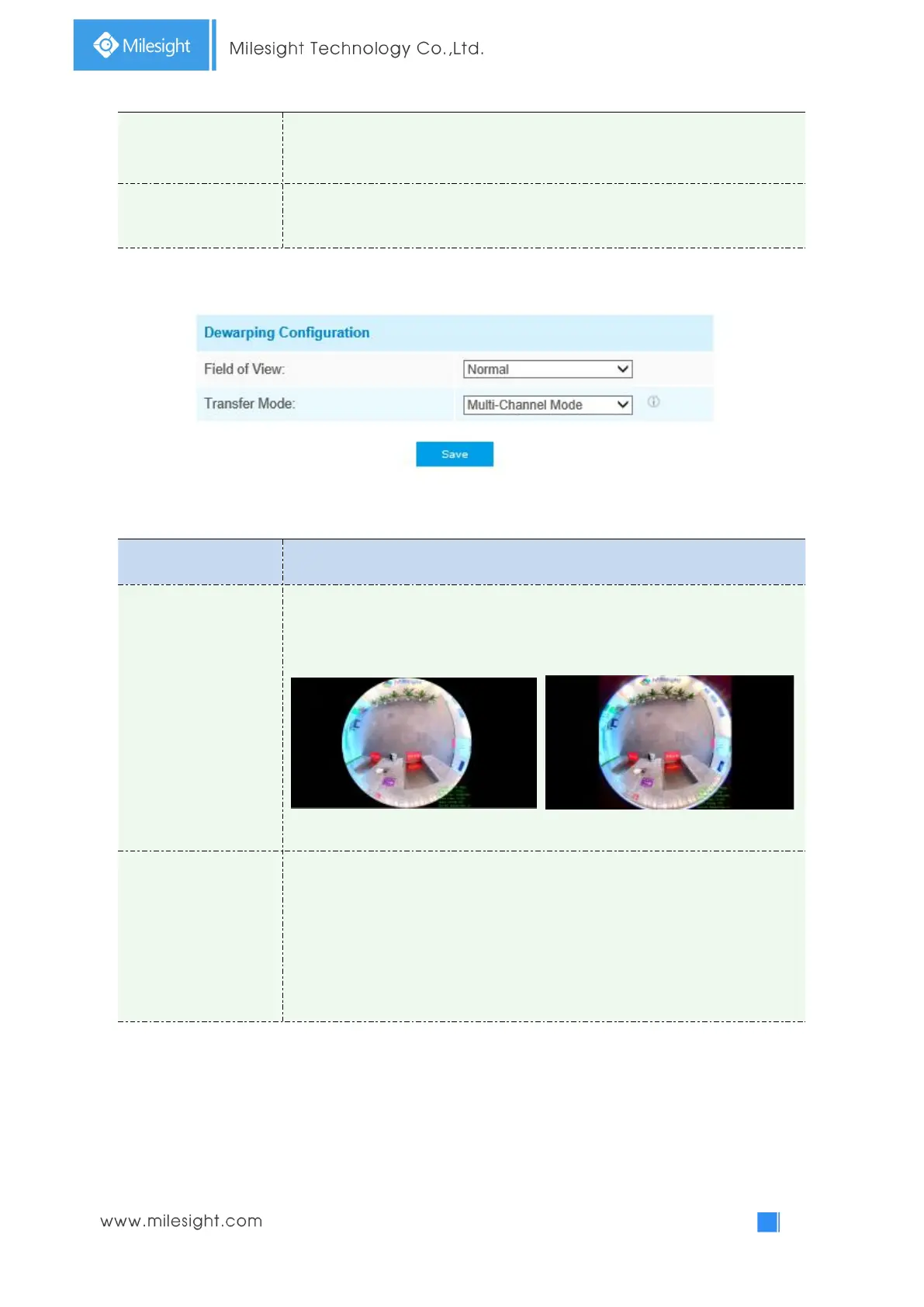
Support optional Field of View on fisheye camera.
Normal: normal circular Field of View without outer edge.
Larger: larger Field of View without cutting the view of the outer edge.
Normal Larger
Support to choose Bundle-Stream Mode or Multi-Channel Mode to meet
different needs.
Bundle-Stream Mode: the Bundle-Stream Mode combines all the channels into
one and sends to NVR or VMS, which is easy for compatibility.
Multi-Channel Mode: the Multi-Channel Mode sends all the original channels to
NVR or VMS, so the channels can be modified separately.
Note:
We recommend Bundle-Stream mode with Milesight NVR.



 To Next Page