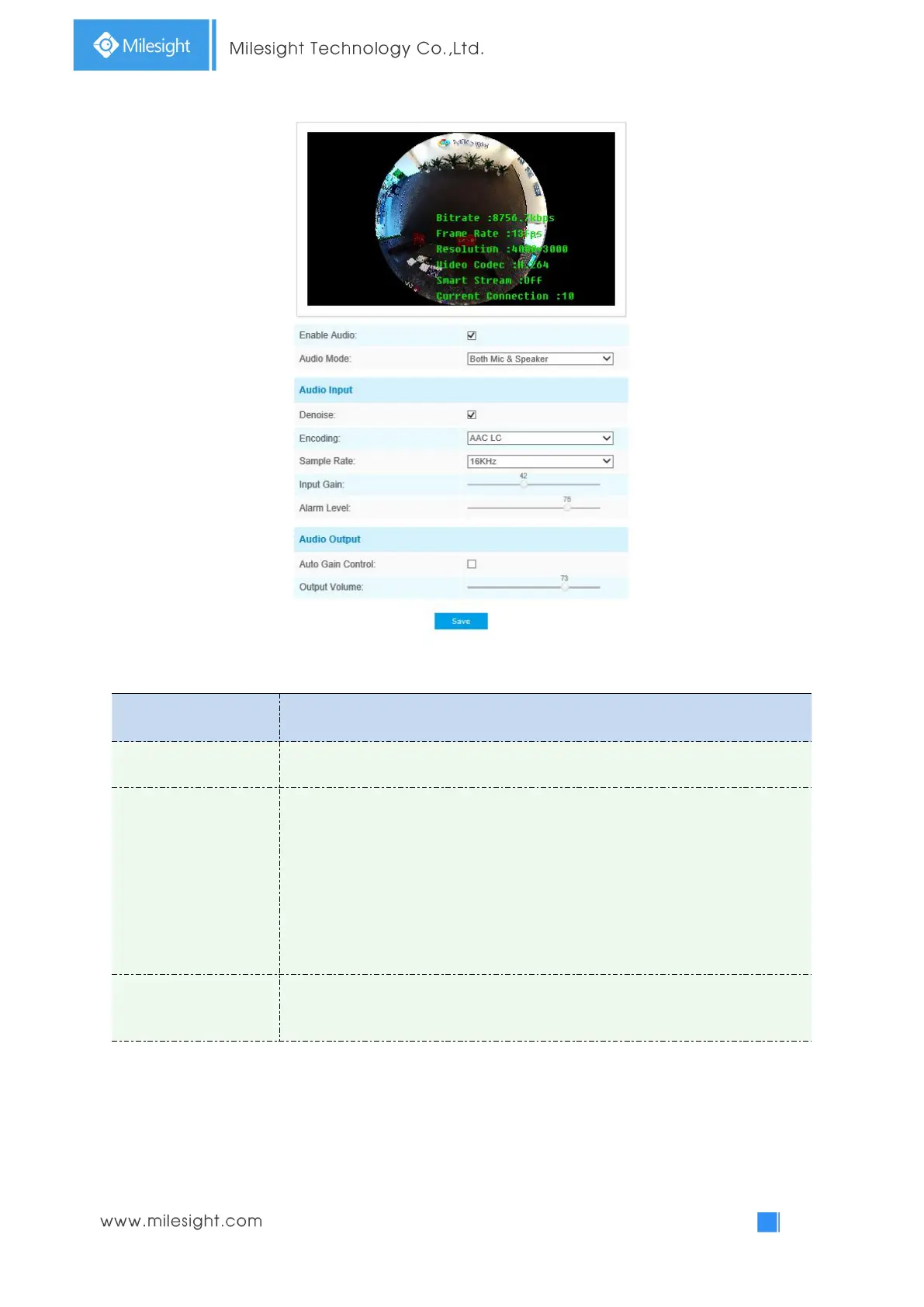
Table 4-4-8 Description of the buttons
Check on the checkbox to enable audio feature.
Denoise: Set it as On/Off. When you set the function on, the noise detected can
be filtered.
Encoding: G711-ULaw, G711-ALaw and AAC LC are available;
Sample Rate: There are 8KHz/16KHz two options;
Input Gain: Input audio gain level, 0-100;
Alarm Level: Alarm will be triggered if voice alarm is enabled and input gained
volume is higher than the alarm level, 0-100.
Auto Gain Control: Improve the quality of audio;
Output Volume: Adjust volume of output.
You can upload up to 5 audio files manually to Flash or SD Card on the Audio web page and you can
also edit the audio file’s name when upload.



 To Next Page