IPv6 Mode: Choose different mode for IPv6: Manual/Route Advertisement/
DHCPv6
IPv6 Address: IPv6 Address used to identify a network camera on the network
IPv6 Prefix: Define the prefix length of IPv6 address
IPv6 Default Gateway: The default router IPv6 address
Note:
The Test button is used to test if the IP is conflicting.
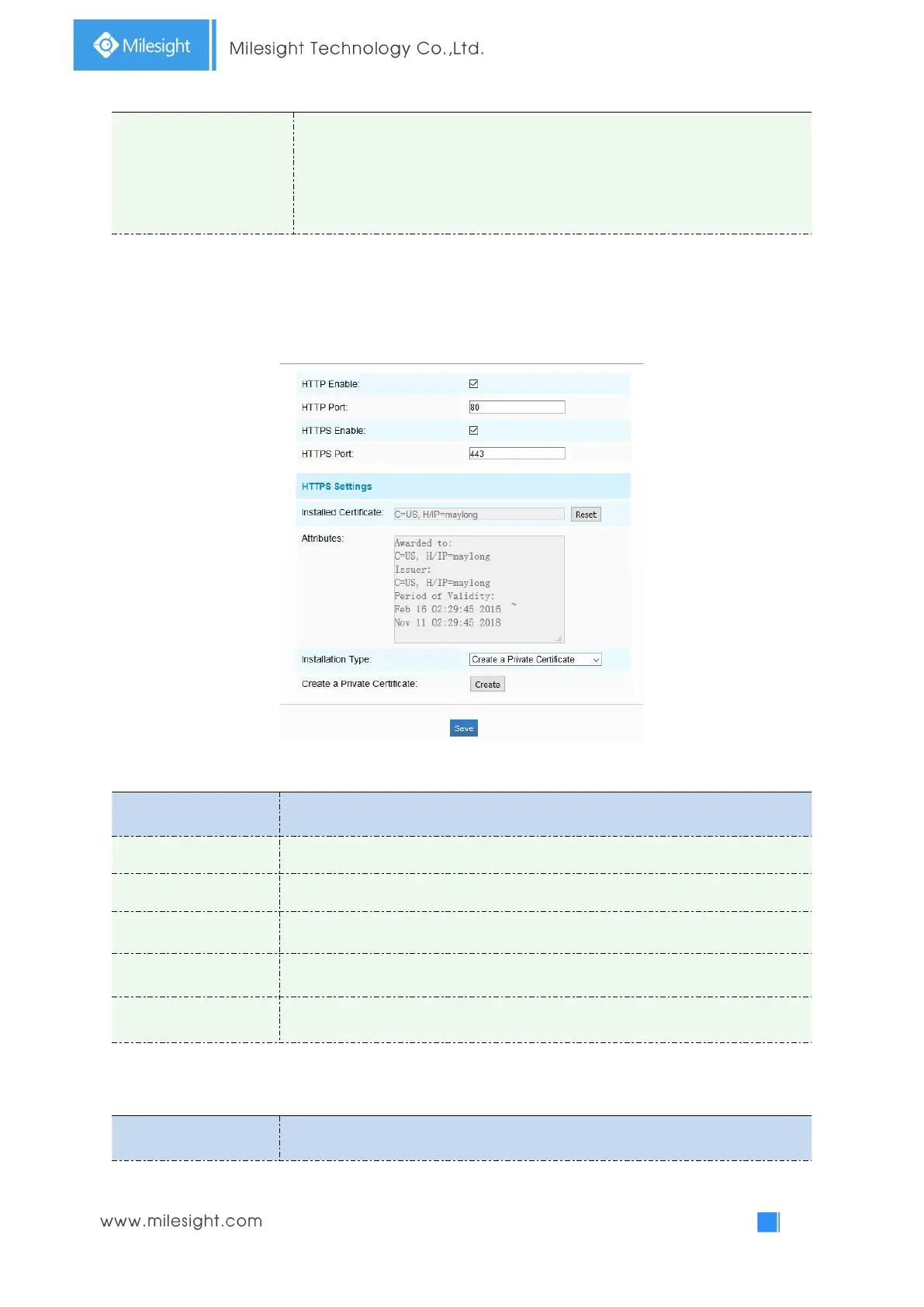
HTTP
Table 4-4-10 Description of the buttons
Start or stop using HTTP.
Web GUI login port, the default is 80, the same with ONVIF port.
Start or stop using HTTPS.
Web GUI login port via HTTPS. the default is 443.
Upload and set the SSL certificate .
HTTP URL are as below:



 To Next Page