Table 4-5-1 Description of the buttons
Check the checkbox to enable Motion Detection function.
Onvif Motion
ActiveCells Settings
Normal and Compatible are available for the option. If the setting of motion
region of the third-party software is different from ours, please set this option to
Compatible.
Click the button, and the motion in the area will be detected.
Click the button, and the area drawn before will be removed.
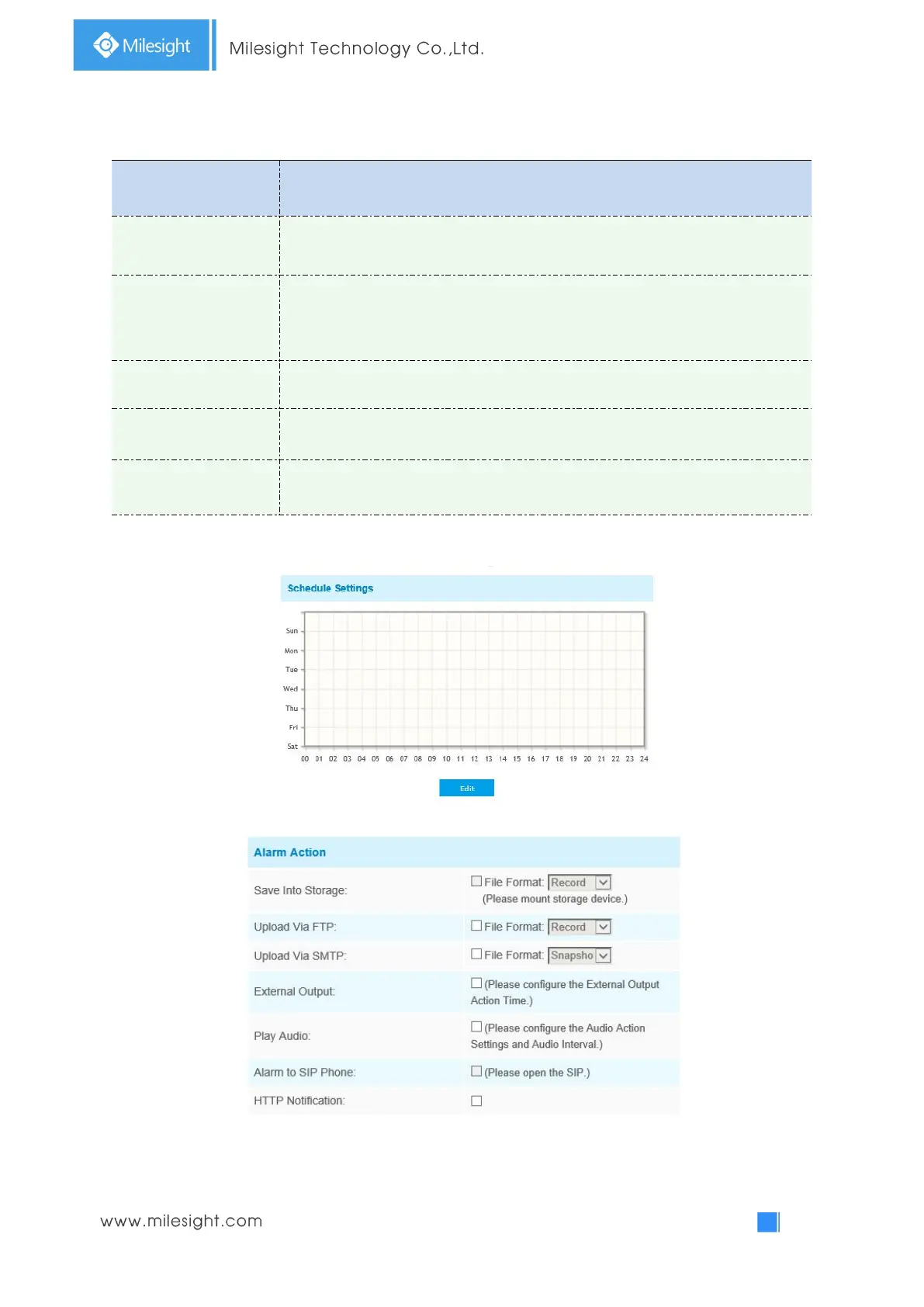
Step3: Set motion detection schedule;
Step4: Set alarm action;
Table 4-5-2 Description of the buttons



 To Next Page