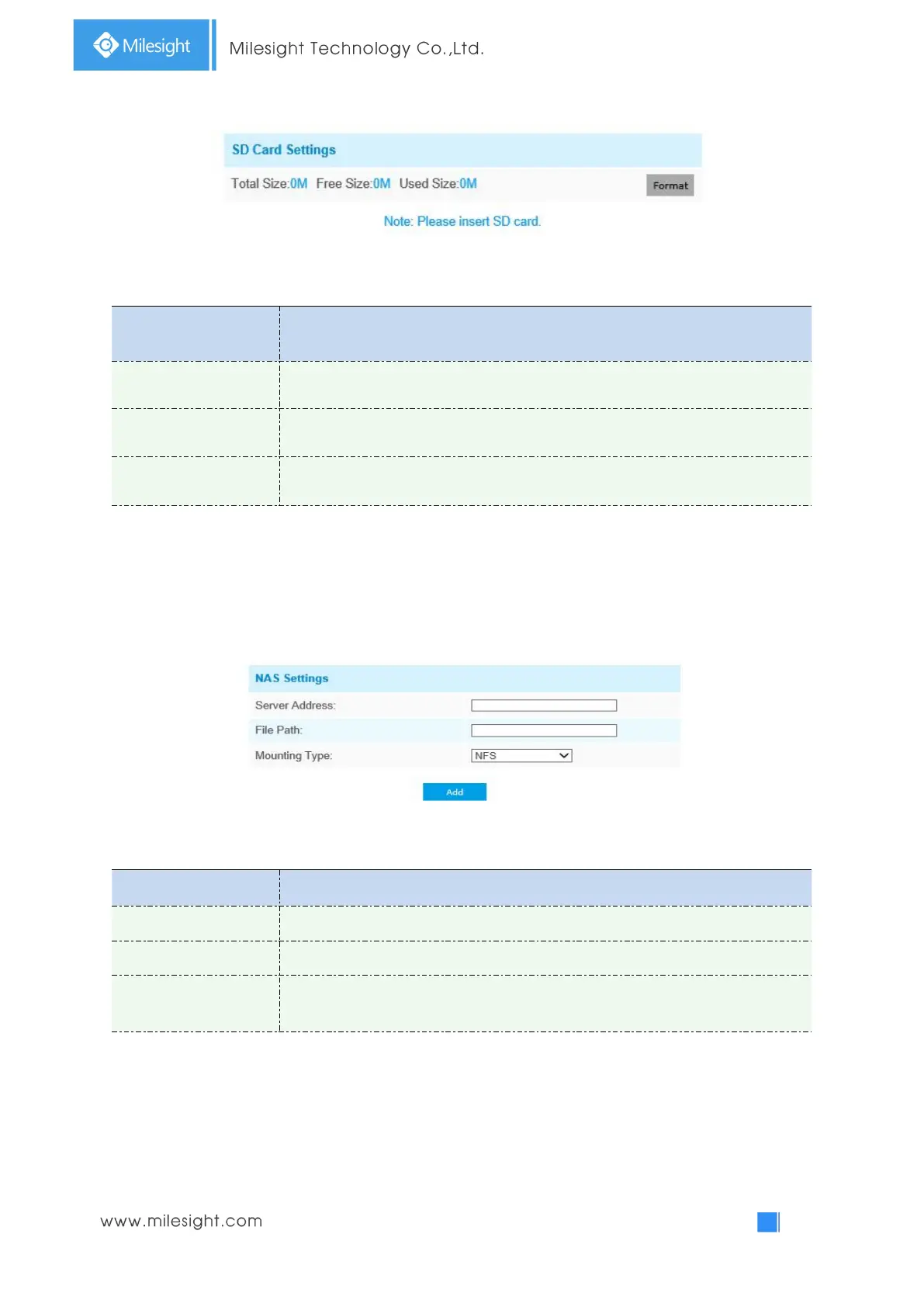
Table 4-5-5 Description of the buttons
Format SD card, the files in SD card will be removed
Enable cyclic storage, when the free disk space reach at a certain value, it will
automatically delete the files at certain percentage according to your settings
NAS
The network disk should be available within the network and properly configured to store the
recorded files, etc.
NAS (Network-Attached Storage), connecting the storage devices to the existing network, provides
data and files services.
Table 4-5-7 Description of the buttons
Input the NAS file path, e.g. “\path”.
NFS and SMB/CIFS are available. And you can set the user name and password to
guarantee the security if SMB/CIFS is selected
Note:
Up to 5 NAS disks can be connected to the camera.
Record Settings



 To Next Page