EasyManua.ls Logo

Milesight Technology MS-C5374-PB - Page 74

Milesight Technology MS-C5374-PB
89 pages
Print Icon
To Next Page IconTo Next Page
To Previous Page IconTo Previous Page
Loading...
68
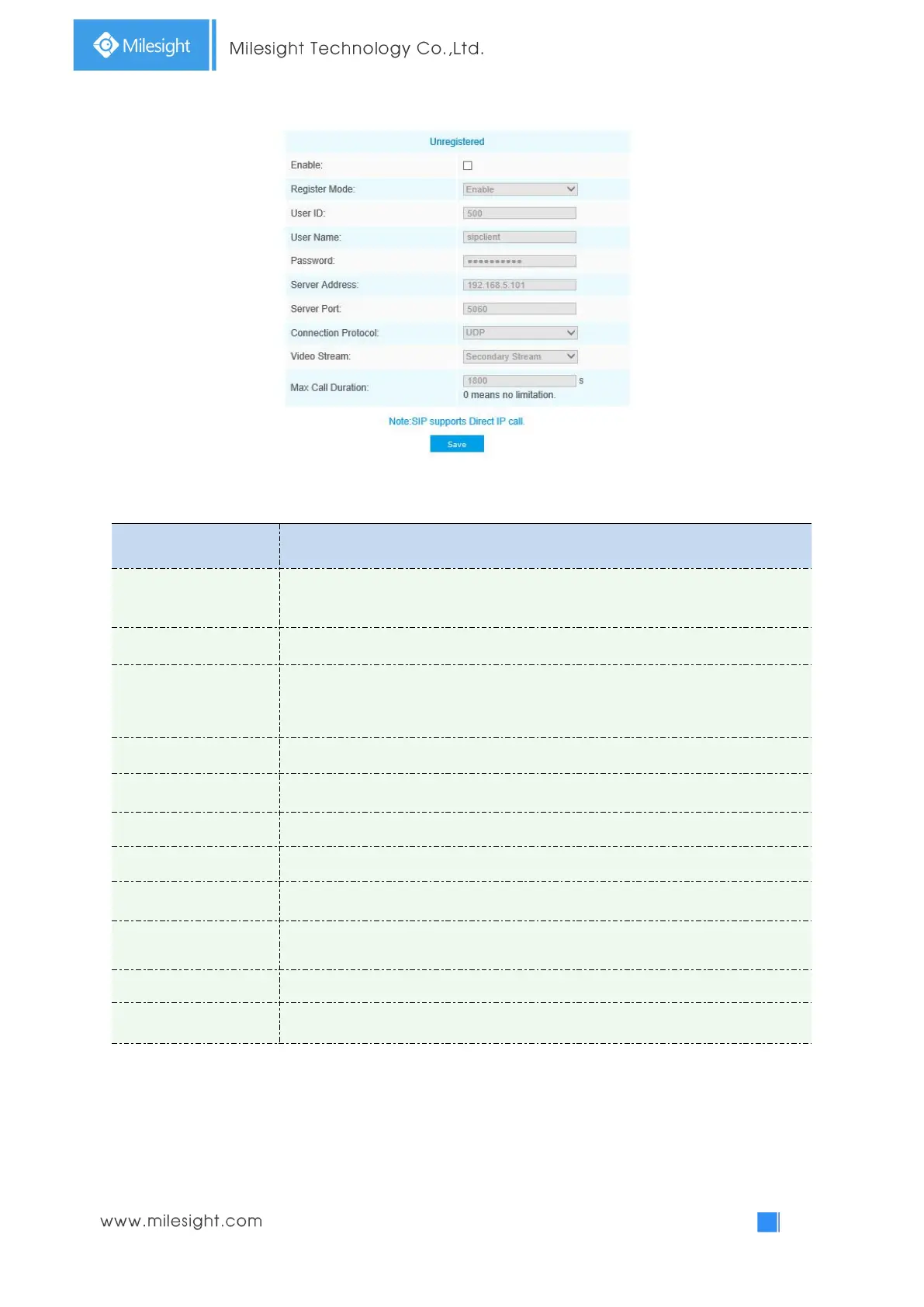
Table 4-5-11 Description of the buttons
Parameters
Function Introduction
Unregistered/
Registered
SIP registration status. Display “Unregistered” or “Registered”
Enable
Start or stop using SIP
Register Mode
Choose to use Enable mode or Disable mode. Enable mode means to use SIP with
register account. Disable mode refers to use SIP without register account, just use
the IP address to call.
User ID
SIP ID
User Name
SIP account name
Password
SIP account password
Server Address
Sever IP address
Server Port
Sever port
Connection
Protocol
UDP/TCP
Video Stream
Choose the video stream
Max Call Duration
The max call duration when use SIP
Note:
1) SIP supports Directly IP call;
2) SIP only supports second stream with H.265/H.264 Video Compression.

Related product manuals