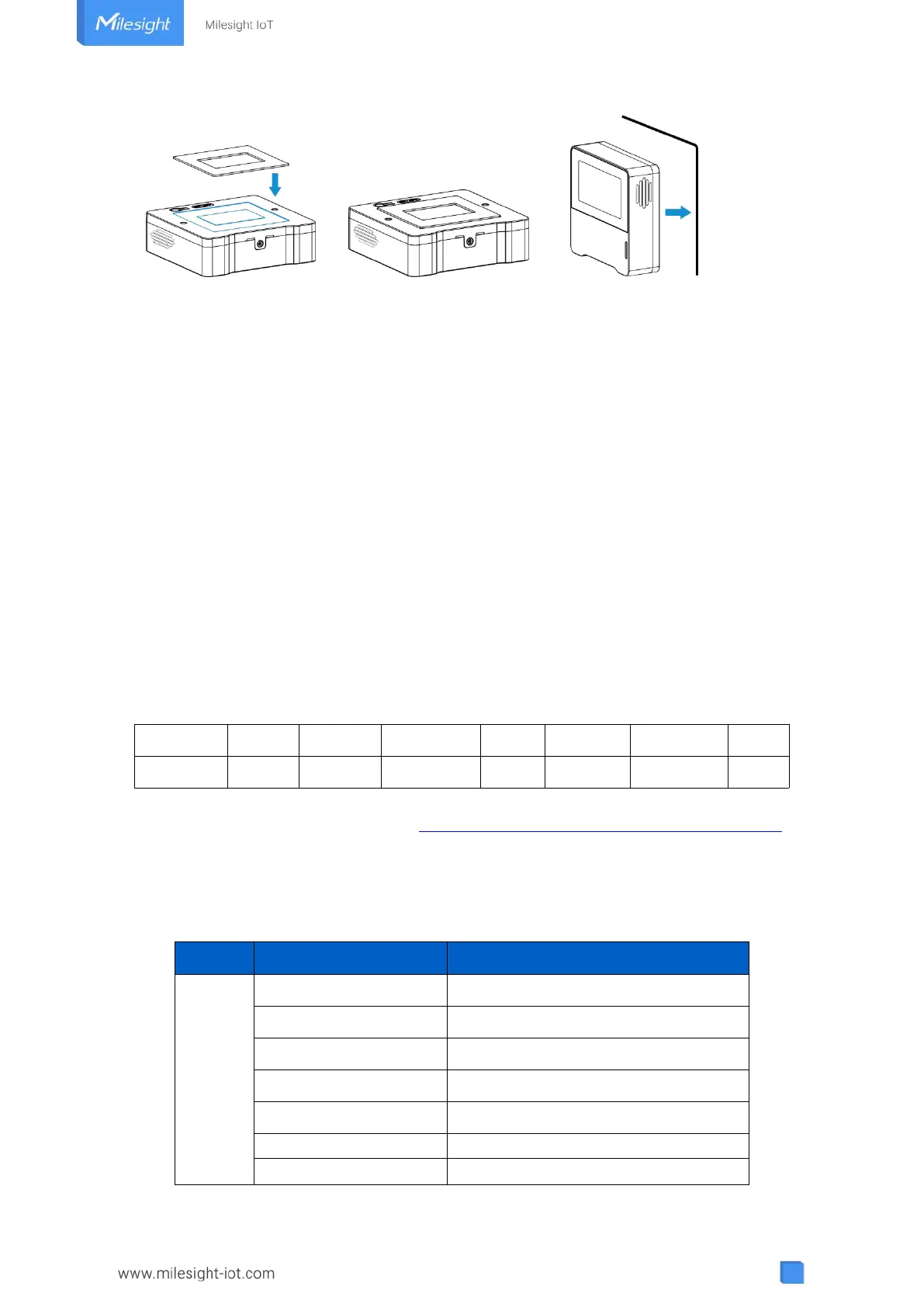
Note:
In order to ensure the best detection and LoRaWAN
®
communication work, it is recommended to
install AM103/AM103L as follows:
Do not mount the device where the temperature is below/above operating range and
temperature varies greatly.
Stay far away from any heat source or cold source like oven, refrigerator.
Do not mount the device close to where airflow varies greatly like windows, vent, fan and air
conditioner.
Do not mount the device upside down.
Do not place the device right to the window or door. If you have to, you’d better pull the
curtain.
It is recommended to install at least 1.5 m high from floor.
6. Device Payload
All data are based on following format (HEX):
For decoder examples please find files on https://github.com/Milesight-IoT/SensorDecoders.
6.1 Basic Information
AM103/AM103L report basic information of sensor whenever joining the network.
00: Class A, 01: Class B, 02: Class C
Byte 0: 00 means all sensors



 To Next Page