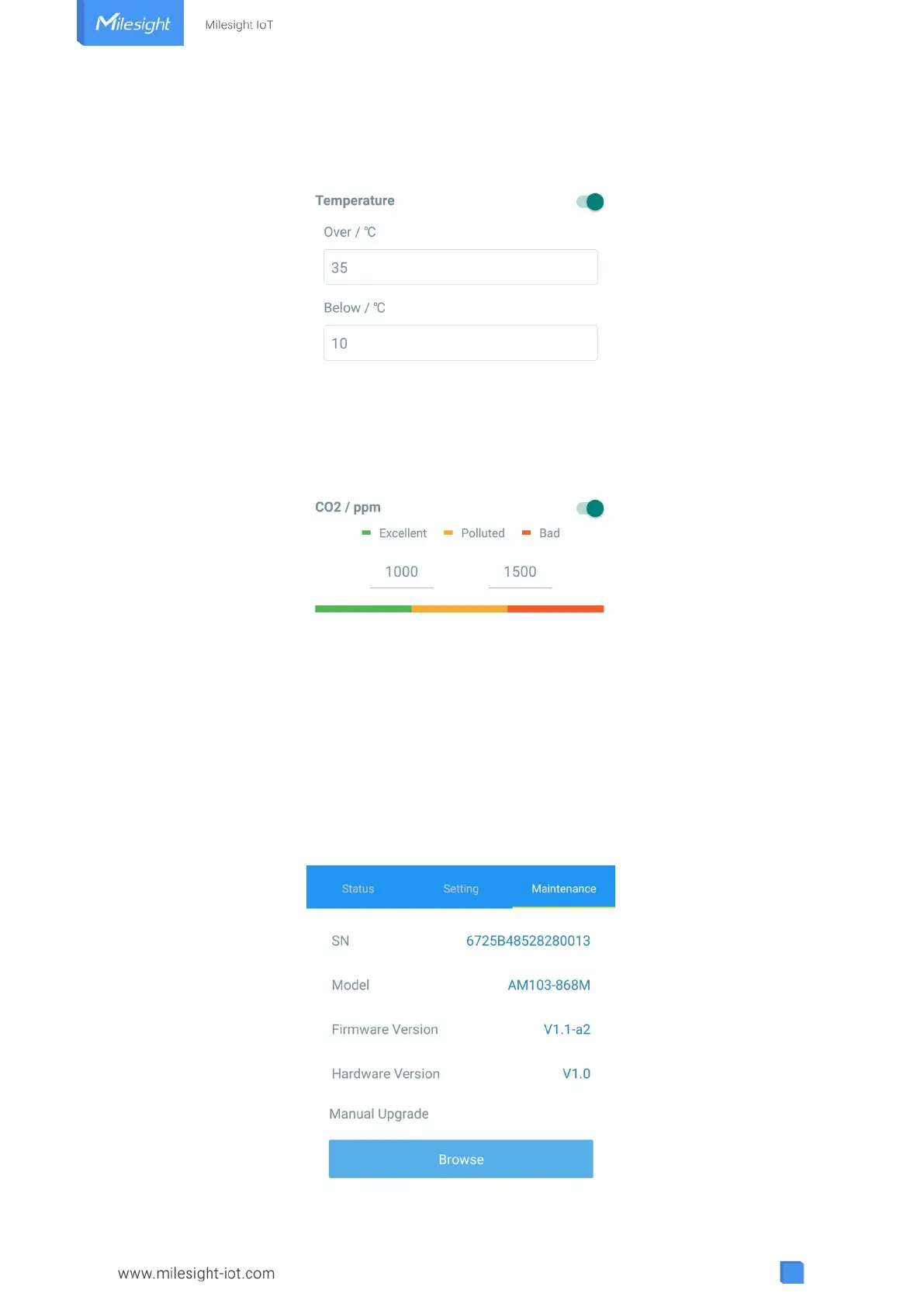
the threshold. Note that when you change the temperature unit, please re-configure the
threshold.
For CO
2
threshold, it supports defining Excellent, Polluted and Bad threshold for traffic light and
screen alarms. Besides, when it exceeds the Bad threshold, AM103/AM103L will upload the
current data once instantly.
4.6 Maintenance
4.6.1 Upgrade
1. Download firmware from www.milesight-iot.com to your smartphone.
2. Open ToolBox App and click “Browse” to import firmware and upgrade the device.
Note:
1) Operation on ToolBox is not supported during the upgrade.
2) Only Android version ToolBox supports the upgrade feature.



 To Next Page