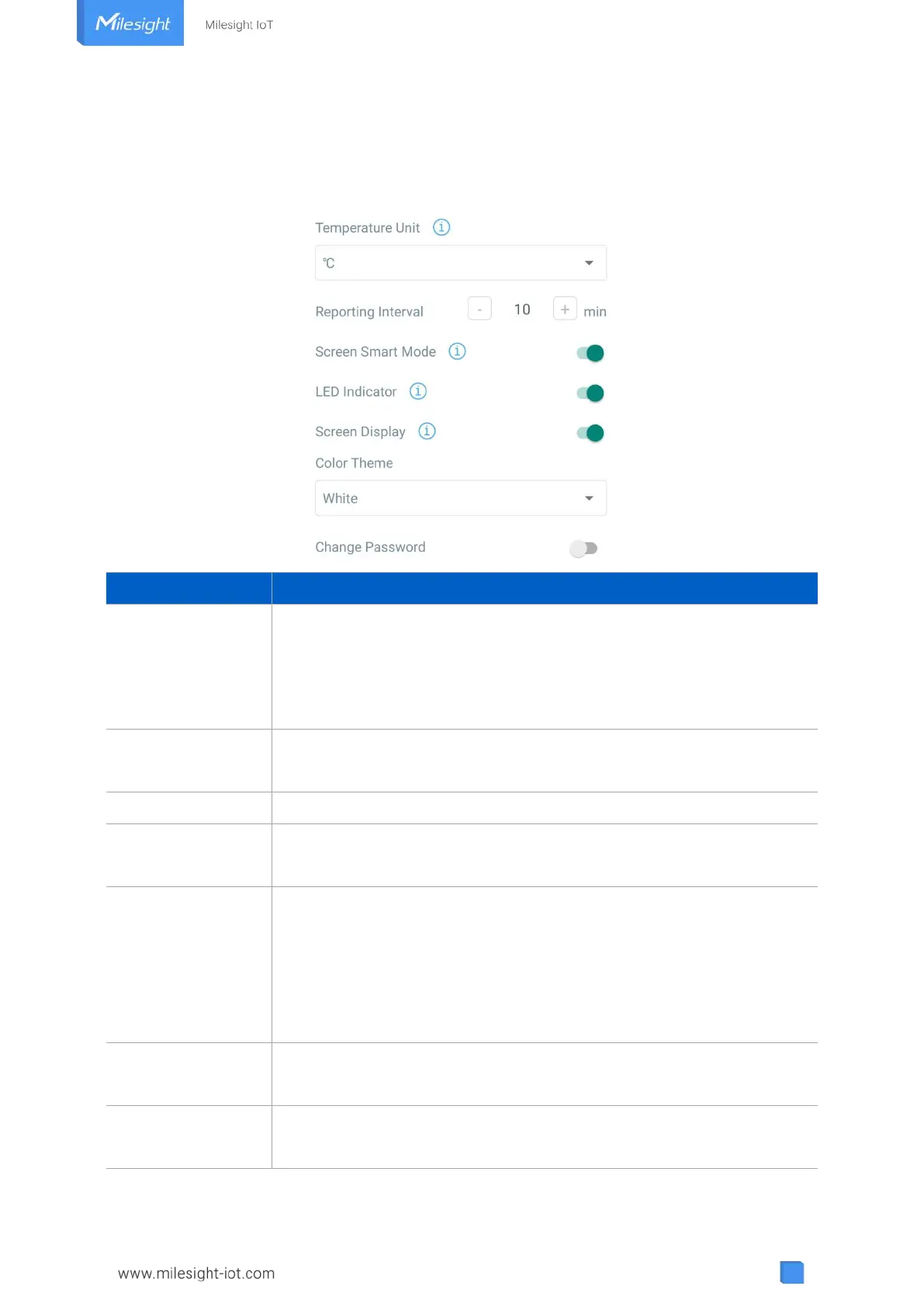
4.4 Basic Settings
Go to “Device -> Settings -> General Settings” of ToolBox App to change the reporting interval,
screen mode, etc.
Change the temperature unit displayed on the ToolBox and screen.
Note:
1) The temperature unit in the reporting package is fixed as °C.
2) Please modify the threshold settings if the unit is changed.
Reporting interval of transmitting current sensor values to network
server. Default: 10 mins, Range: 1-1080 mins
Enable or disable the traffic light indicator to indicate CO
2
threshold.
Change the password for ToolBox App or software to read/write this
device.
Screen Smart Mode
(AM103 Only)
When the current collected value is close to the last value (tem ≤ ±0.5°C
and hum ≤ ±3% and CO
2
≤ ±50 ppm), the screen will stop updating to save
power.
Note: if the screen stop updating for 10 minutes, it will update data
automatically.
Screen Display
(AM103 Only)
Enable or disable screen display.
Select screen display background color as White or Black.



 To Next Page