to try again.
3) AM103/AM103L can also be configured by ToolBox software via a dedicated NFC reader
provided by Milesight IoT, you can also configure it via TTL interface inside the device.
4.2 LoRaWAN Settings
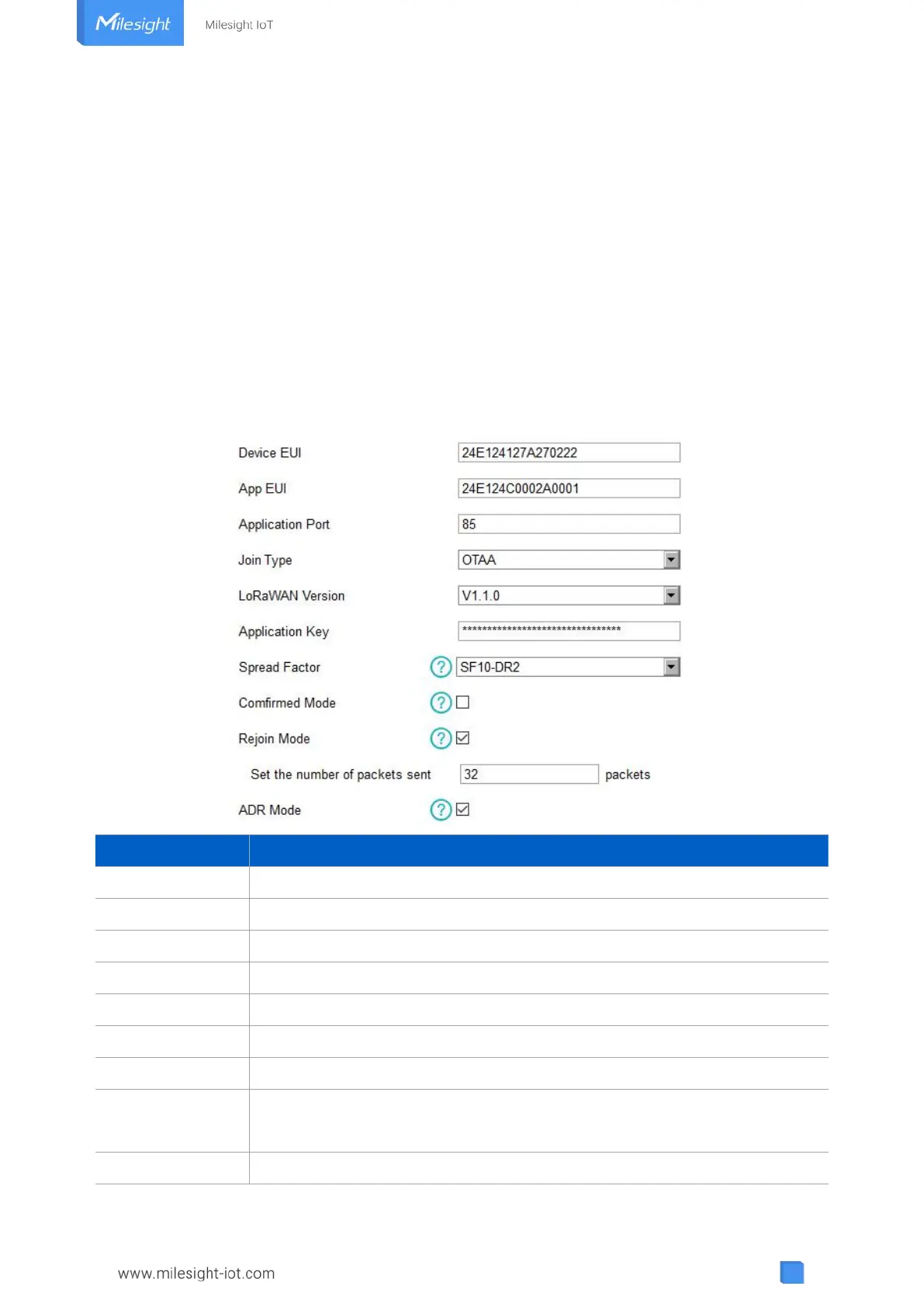
LoRaWAN settings is used for configuring the transmission parameters in LoRaWAN
®
network.
Basic LoRaWAN Settings:
Go to “Device -> Settings -> LoRaWAN Settings” of ToolBox App to configure join type, App EUI,
App Key and other information. You can also keep all settings by default.
Unique ID of the device which can also be found on the label.
Default App EUI is 24E124C0002A0001.
The port is used for sending and receiving data, default port is 85.
OTAA and ABP mode are available.
V1.0.2, V1.0.3, V1.1 are available.
Appkey for OTAA mode, default is 5572404C696E6B4C6F52613230313823.
DevAddr for ABP mode, default is the 5
th
to 12
th
digits of SN.
Nwkskey for ABP mode, default is 5572404C696E6B4C6F52613230313823.
Appskey for ABP mode, default is 5572404C696E6B4C6F52613230313823.



 To Next Page