Note:
1) Drag the progress bar with the mouse to locate the exact playback point. You can also input
the time and click to locate the playback point in the Set Playback Time filed. You can
also click / to zoom out/in the progress bar.
4.3 Local Settings
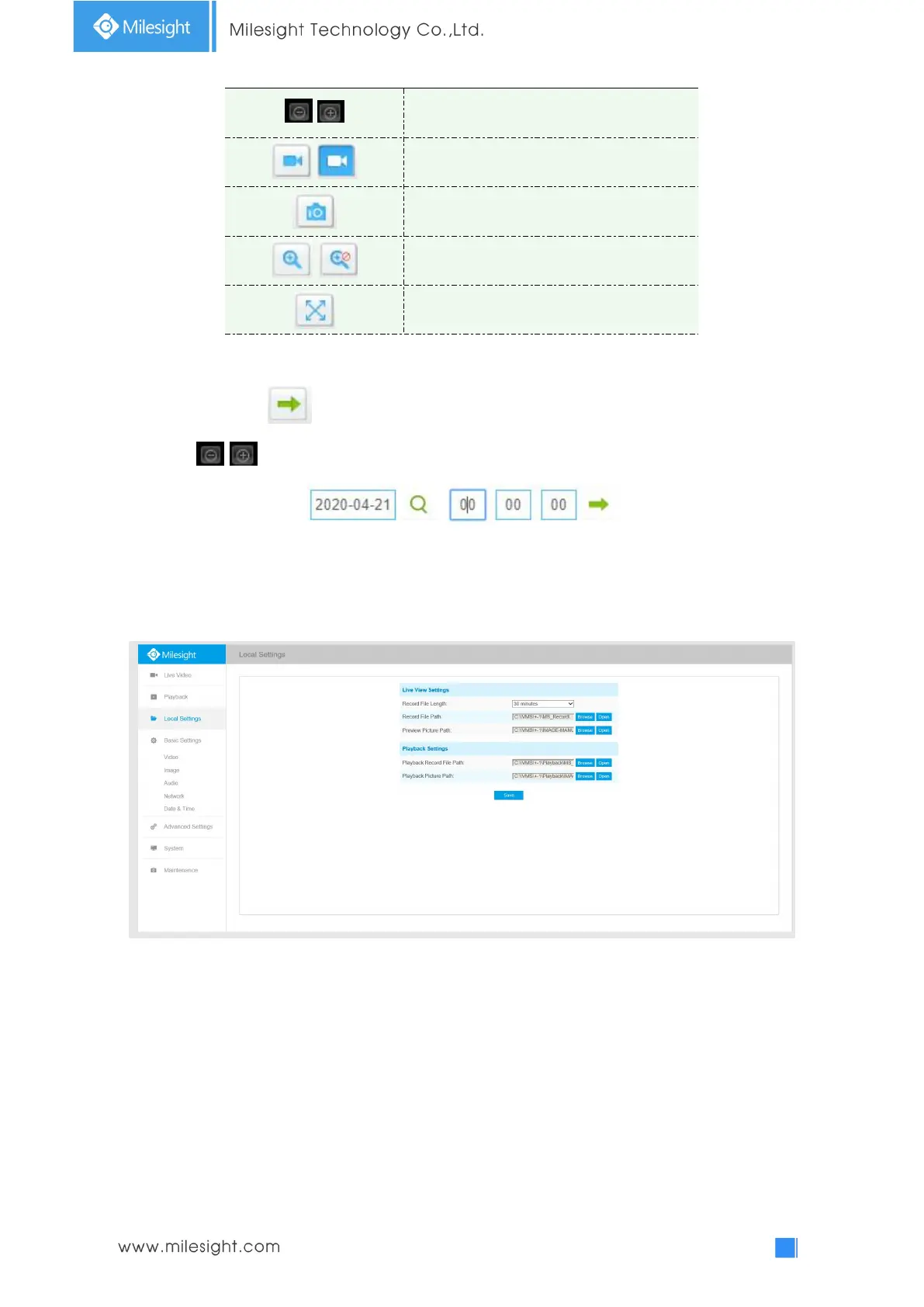
Record File Length and storage path can be customized in this setting page.
4.4 Basic Settings
4.4.1 Video
Stream parameters can be set in this module, adapting to different network environments and
demands.
Primary Stream Settings











 To Next Page