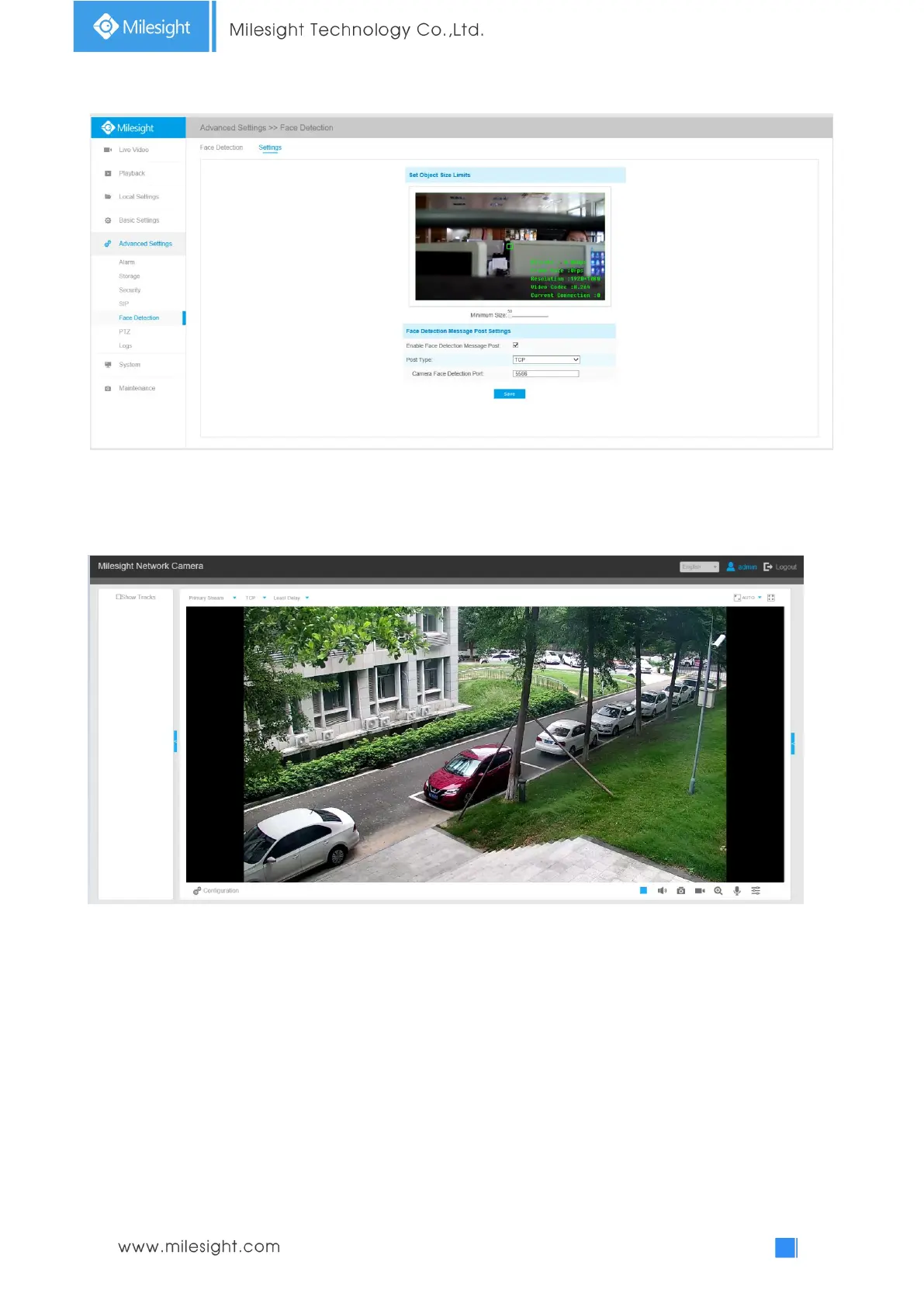
ormation can be pushed by TCP.
Step6: It will detect the face in the live view according to the region and conditions you set. If you
check the "Show Tracks" option, it will display the face screenshot with the ID on the left side of
the live view.
4.5.7 Heat Map(Optional)
Heat Map function can analyze customers movement to reveal insights for better business
management with the intuitive and accurate statistical analysis results in time or space pattern as
needed.
Note:
(1) Currently Heat Map is only supported in the original view of 360° Panoramic Fisheye Network
Camera and the dewarping view of 180° Panoramic Mini Bullet Network Camera and 180°
Panoramic Mini Dome Network Camera.
(2) Please upgrade the camera to V43.7.0.75 or above to use Heat Map function.











 To Next Page