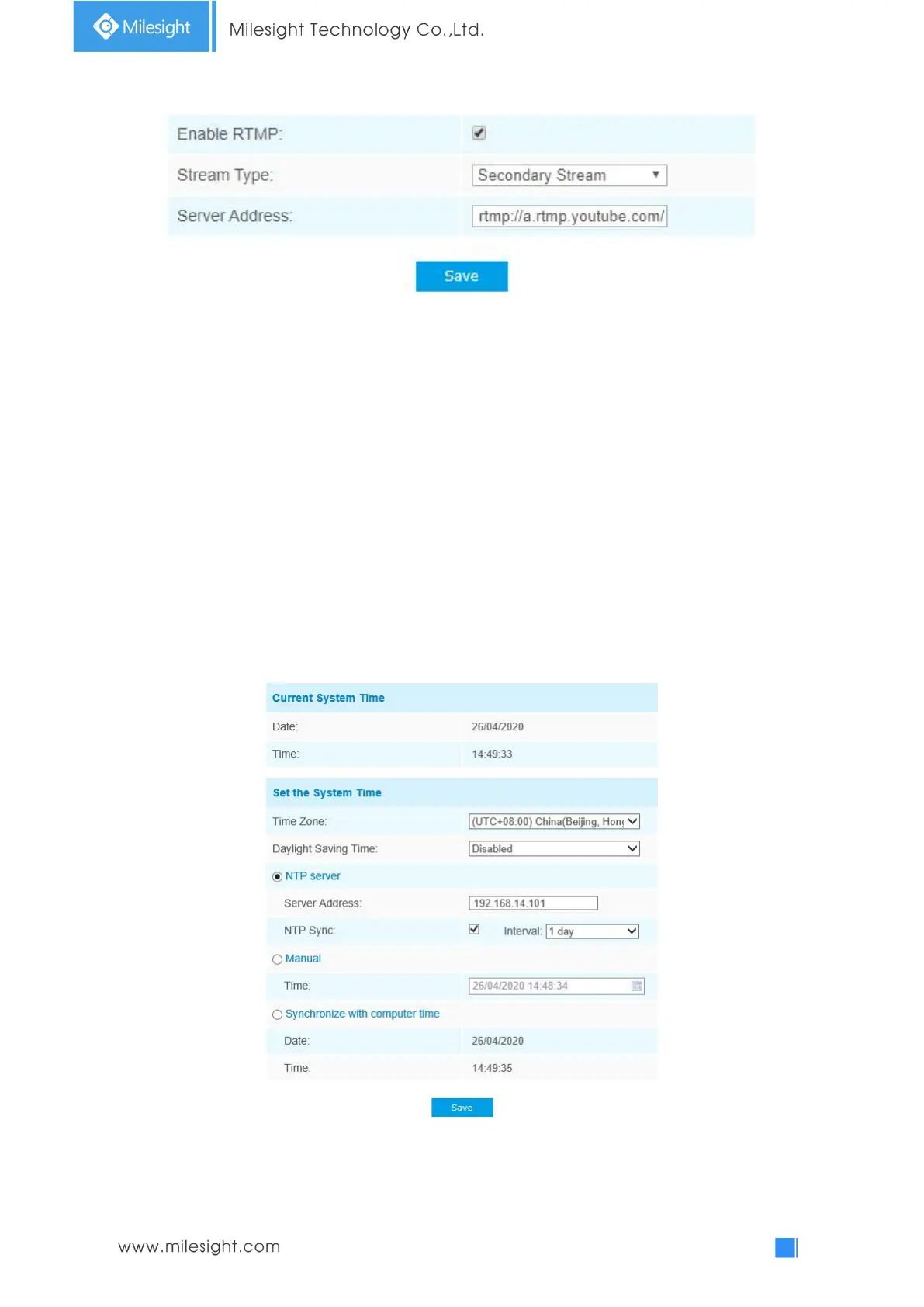
For more information, please refer to Milesight-Troubleshooting-How to Use RTMP for Live
Broadcast
Note:
1) For YouTube live broadcast, if you use a newly created account to live broadcast, you need to
wait for 24hrs to activate the account for using live function.
2) For RTMP, since G.711 is not available for YouTube, so you can only play video from Milesight
Network Camera with H.264 video coding and AAC audio coding on YouTube.
3) Server Address in Network Camera RTMP interface needs to be filled with the format: rtmp://<
Server URL >/< Stream key >, remember it needs ’/’to connect between < Server URL > and <
Stream key >.
4.4.5 Date&Time
Current System Time
Current date&time of the system











 To Next Page