Set the System Time
Table 4-4-17 Description of the buttons
Choose a time zone for your location
Enable the daylight saving time
Input the address of NTP server
Regularly update your time according to the interval time
Set the system time manually
Synchronize with
computer time
Synchronize the time with your computer
4.5 Advanced Settings
4.5.1 Alarm
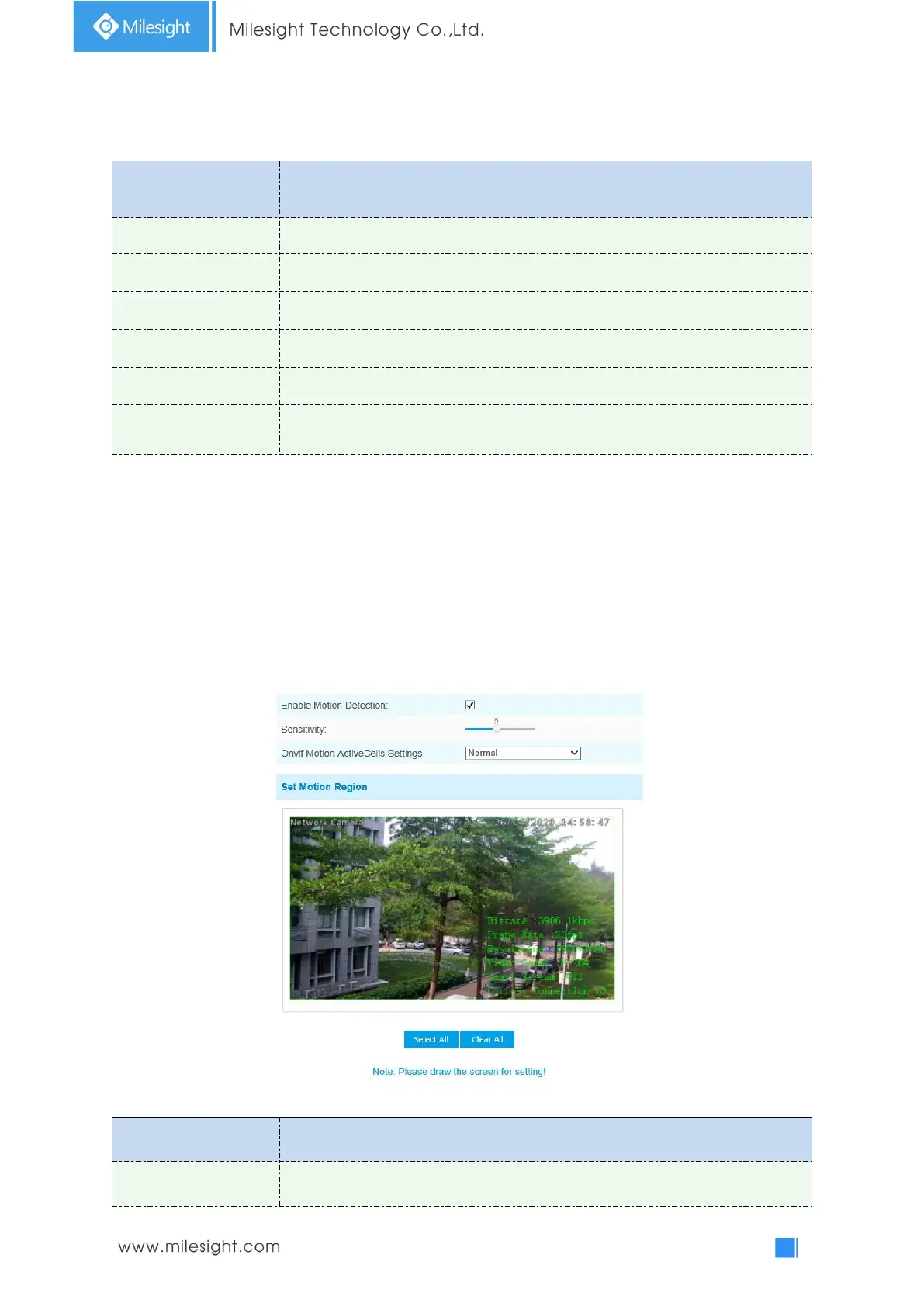
Motion Detection
Step1: Check the checkbox to enable the motion detection;
Step2: Set motion region;
Table 4-5-1 Description of the buttons
Check the checkbox to enable Motion Detection function











 To Next Page