Record Video Sections: Six different periods are available(5, 10, 15, 20, 25, 30
sec)
Snapshot: The number of snapshot, 1~5
Snapshot Interval: This cannot be edited unless you choose more than 1 to
Snapshot
External Output Action Time: Length of time an alarm lasts, this cannot be edited
unless when you enable the External Output on the Alarm Action firstly
Audio Action Settings: Set the audio schedule to trigger different audio files and
action times in different time, which is corresponded to alarm action
Play Audio Interval: Auto/ 10 seconds/ 30 seconds/ 1 minute/ 5 minutes/ 10
minutes are available, this cannot be edited unless when you check the Play
Audio checkbox firstly
4.5.2 Storage
Before you start:
To configure record settings, please make sure that you have the network storage device within the
network or the SD card inserted in your camera.
Choose the storage mode according to your needs.
Storage Management
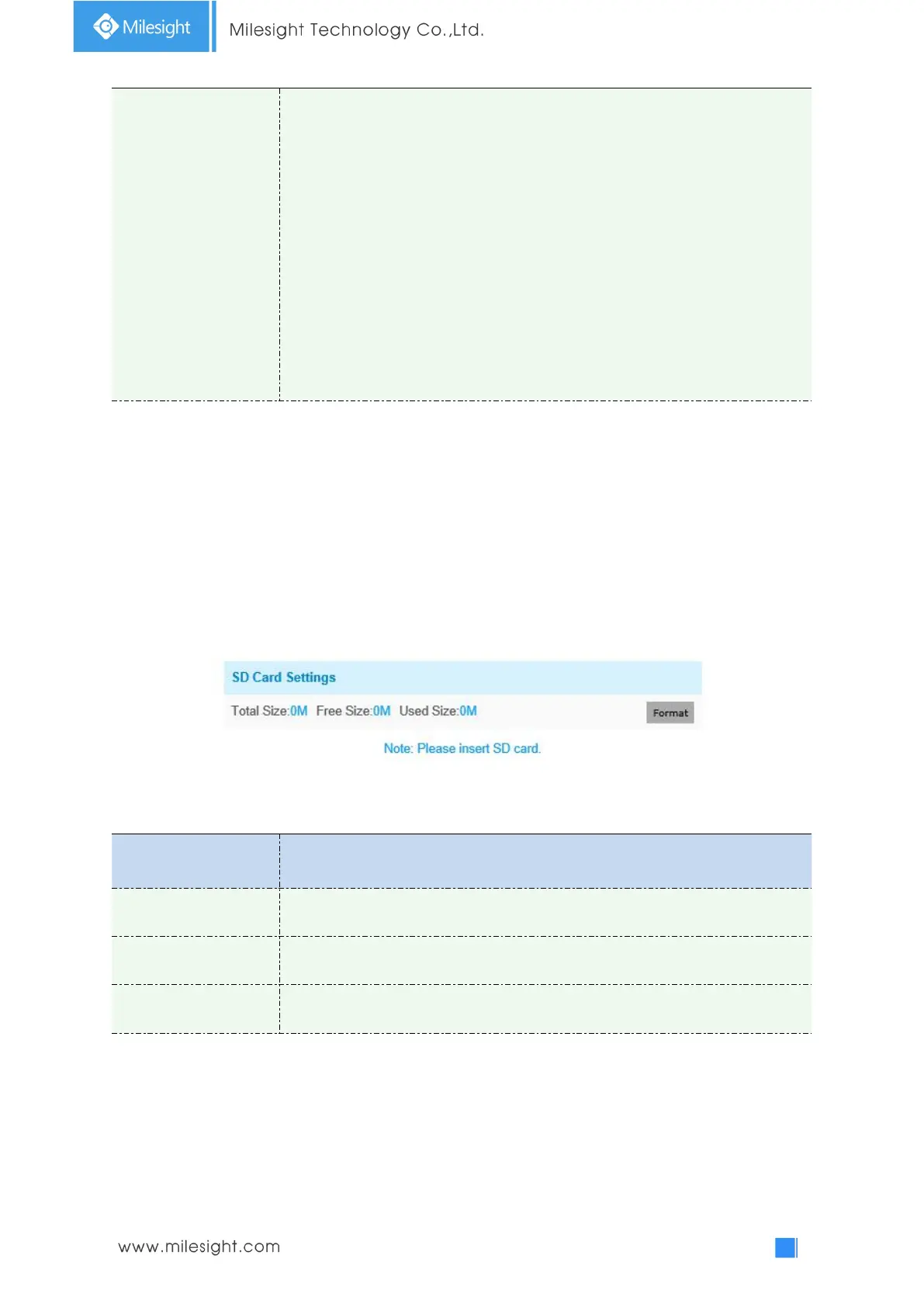
SD Card:
Table 4-5-5 Description of the buttons
Format SD card, the files in SD card will be removed
Enable cyclic storage, when the free disk space reach at a certain value, it will
automatically delete the files at certain percentage according to your settings
NAS
The network disk should be available within the network and properly configured to store the
recorded files, etc.
NAS (Network-Attached Storage), connecting the storage devices to the existing network, provides
data and files services.











 To Next Page