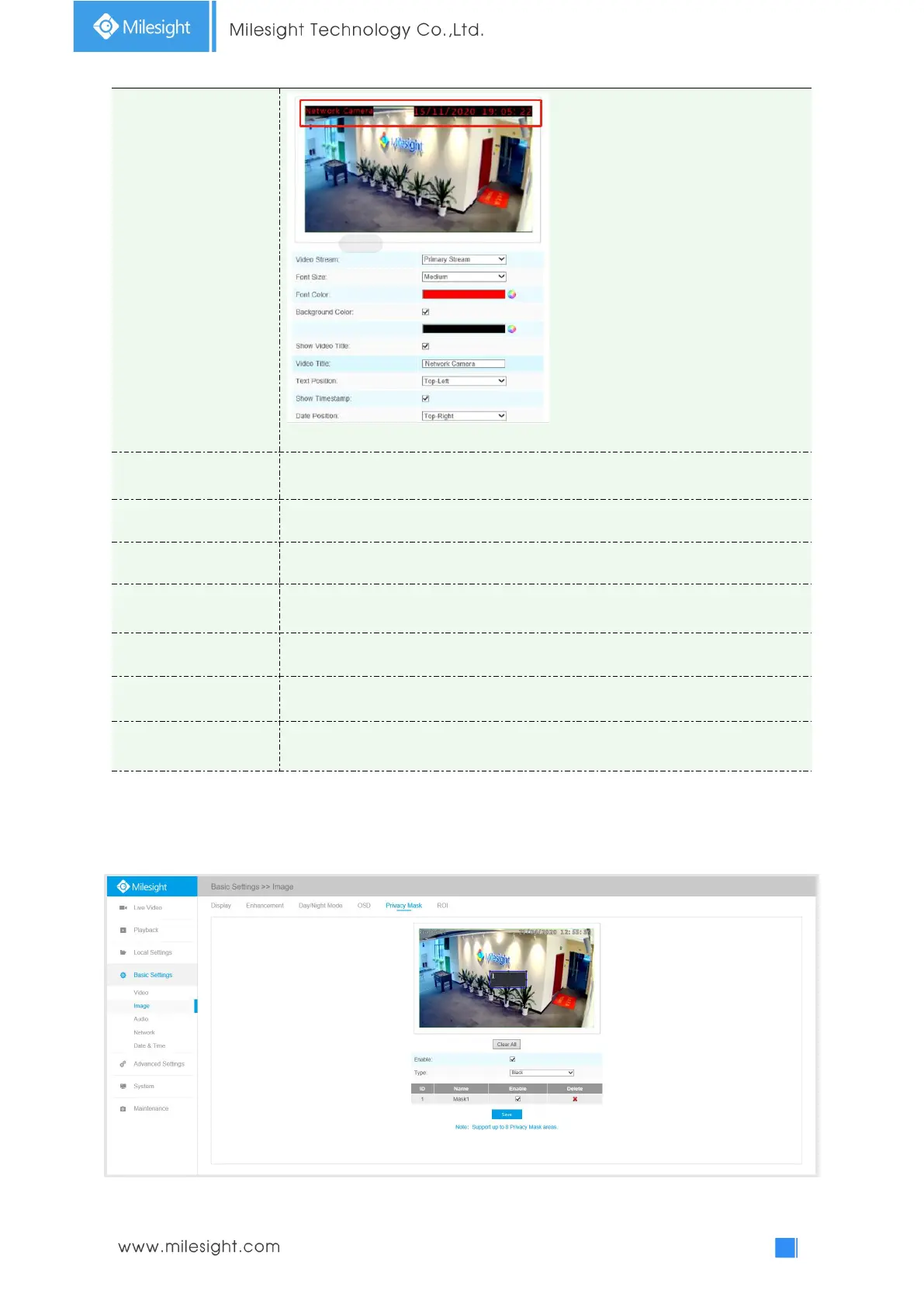
Note: Background color can not be the same with font color
Check the checkbox to show video title
Customize the OSD content
OSD display position on the image
Check the checkbox to display date on the image
Date display position on the image
Copy the settings to other streams
Privacy Mask
Privacy mask enables to cover certain areas on the live video to prevent certain spots in the
surveillance area from being viewed and recorded. You can set 8 mask areas at most.











 To Next Page