11
You may press the up arrow ñ or down arrow ò buttons to switch directly between the ‘Large clock’ and
‘Game score’ screens.
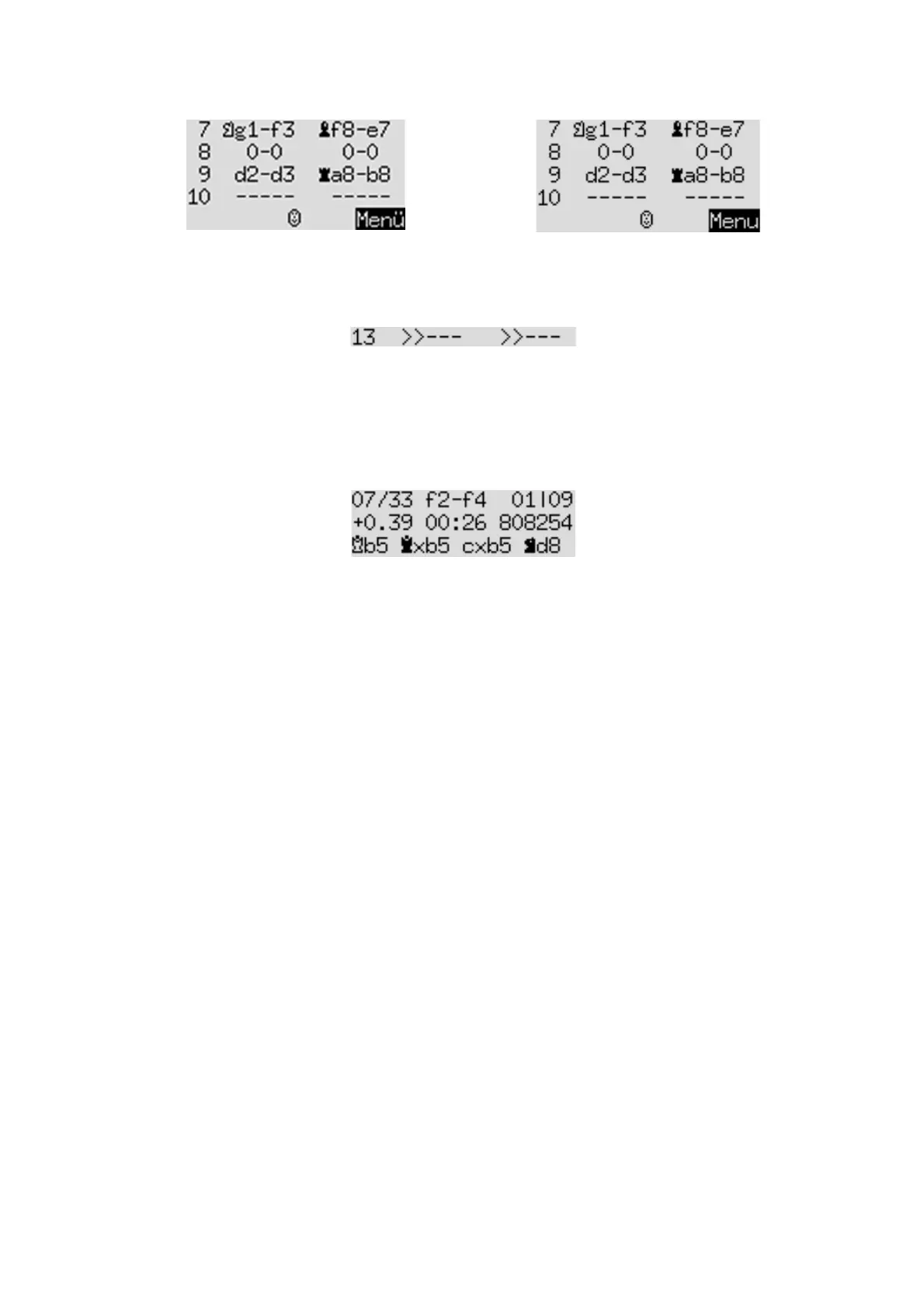
Moves that have been retracted (see Section 3.5) are indicated as follows:
In this example, move 13 has been retracted for both Black and White.
4.3
Info screen: Analysis
This screen provides you with insights into the computer’s thought process.
For example, the top three lines may show:
The current ‘search depth’ is indicated by the figure at the top right: the computer is looking 9 ‘ply’ ahead.
(One ‘ply’ is a single move by White or Black.) The adjacent figure ‘01’ indicates that a ‘full width search’ (or
‘brute force’) is being employed for the first ‘ply’ only. (See the explanation of ‘full width search’ in Section
4.5; also ‘Selectivity’ in 5.11.9.)
In this example, there are 33 legal moves in the position. The one being considered is f2–f4, the 7th move
that the computer has analysed to the current depth.
In the current state of its analysis, the move that the computer rates as best is Qb5. It considers that after
this move, the best continuation for both sides is: Qxb5; cxb5 Nd8 (the sequence may be continued in the
fourth line).
The number +0.39 is the computer’s evaluation of the position: The King believes it has a slight advantage,
worth 0.39 of a pawn. Further examples of what may appear in this place on the screen are:
-1.89 The computer has a disadvantage nearly equivalent to 2 pawns.
Book2 Consulting its ‘books’ of standard chess openings, the computer has located the
current position in the book designated as No. 2. See Section 5.11.6.
+M 7 The computer can force checkmate in 7 more moves.
-M 4 The opponent can force checkmate in 4 more moves.
In the middle of the second line, the computer records the amount of time it took to reach its current
conclusions about the best move, the continuation and the evaluation. Note the use of the colon and
semicolon:
02:26 2 minutes 26 seconds
01;08 1 hour 8 minutes
The number of positions examined before reaching the current conclusions is shown at the right of the
second line – in this case 808,254. (Sometimes ‘k’ for ‘thousand’ or ‘M’ for ‘million’ will be seen.)


 To Next Page