17
5.8
Menu: Analy (Analysis)
If this item is selected, the computer will not make any moves of its own but will merely analyse the current
position. You can play moves for both White and Black, and inspect the information on the ‘Analysis’ screen
(see 4.3).
To show that The King is in ‘Analysis’ mode, the symbol is displayed expanding and contracting. The computer
exits from this mode if you re-select the ‘Analy’ item or give the ‘Move’ command.
5.9
Menu: 2Play (Two Players)
In ‘Two Player’ mode, the computer performs no analysis. This allows you to use its special chessboard for a
game between two humans. The computer merely checks the legality of the moves, records the score of the
game, and performs the functions of a chess clock.
A pair of ‘faces’ in the bottom line of the screen ( ) shows that The King is in ‘2Play’ mode. It exits from
this mode if you re-select the ‘2Play’ item or give the ‘Move’ command.
5.10
Menu: CLink (ChessLink)
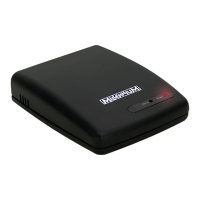
The King Performance computer can be connected to the MILLENNIUM ChessLink module. This enables you to
use the King Performance to play online against human opponents or with chess engines on mobile devices.
For this purpose, do the following:
• Plug the small connector at the end of the King Performance adaptor’s cable into the left-hand socket
at the rear of the ChessLink unit.
• Take the cable with 2 identical connectors (supplied with the King Performance package). Plug it into
the left-hand socket at the rear of the chess computer unit and the middle socket on the ChessLink.
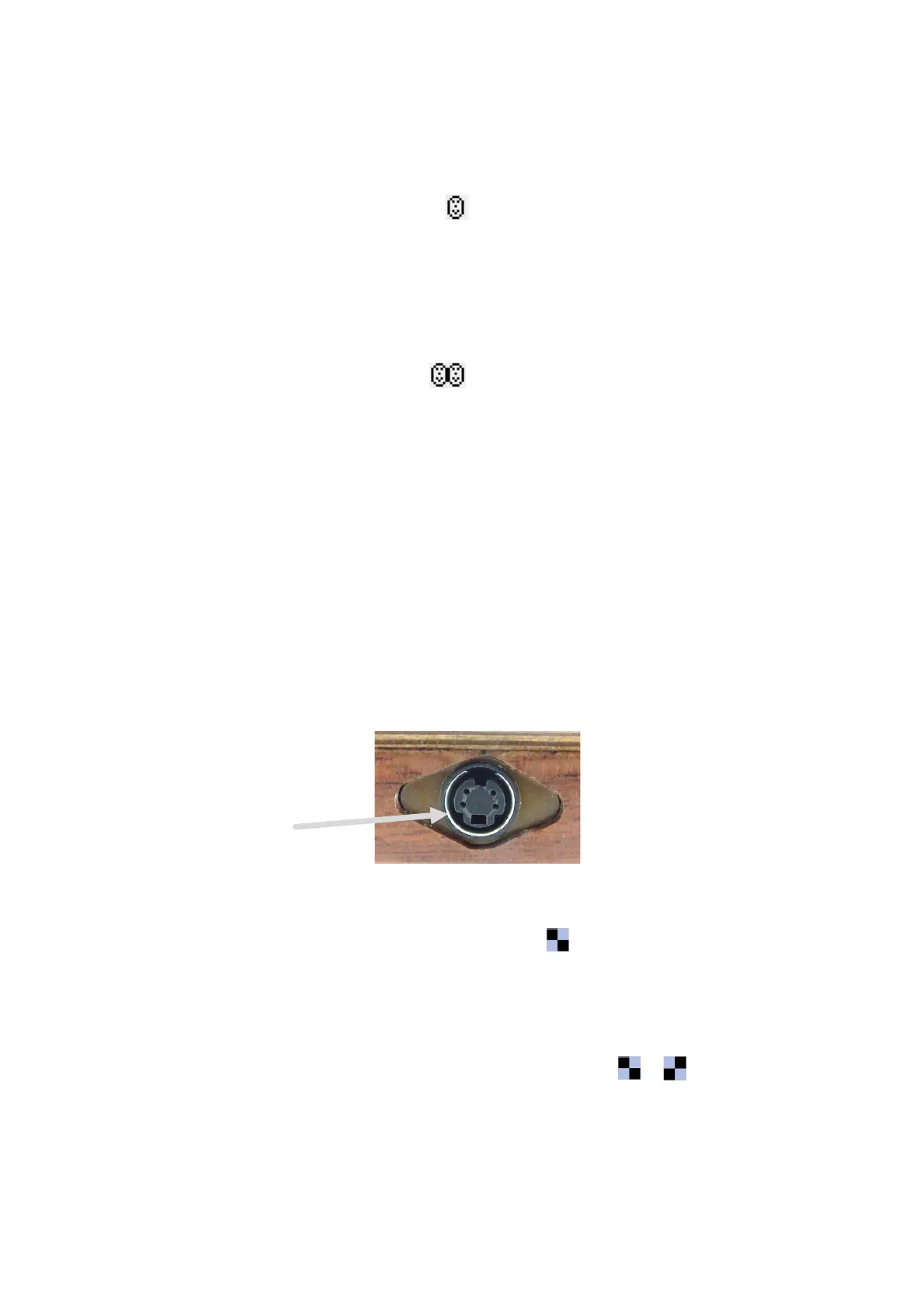
Note that each connector must be the right way up when you insert it. The connector has four narrow
pins and one wider pin. Turn the connector so that the wider pin is at the bottom, to enable it to fit
precisely into the openings in the socket. The wider opening is indicated by the arrow in the
illustration below:
Once connected in this way, the power will be transferred from the ChessLink to the chess computer
unit; the King Performance has no need of a separate power supply.
• Select CLink from the menu. The chess computer displays in the bottom line of the screen, to
show that it is in ‘ChessLink’ mode.
For full information on the ChessLink’s capabilities and operation, see the Millennium website
(http://www.computerchess.com/).
To carry out a move input from ChessLink, follow the guidance of the lights on the King Performance
chessboard. Note the alternating symbol in the bottom line of the display: /
The King exits from ‘ChessLink’ mode if you select ‘CLink’ again from the menu, or give the MOVE command.


 To Next Page