5
2
Getting started
2.1
Connecting the adaptor
At the rear of the computer unit there are three sockets.
1. Take the AC adaptor (supplied in the package) and insert the small connector on the end of the cable
into the right-hand socket on the rear of the computer unit.
2. Connect the AC adaptor to a power socket. A sound is emitted.
2.2
Selecting the language
The chess computer’s LCD display can show its text in any of the following 7 languages:
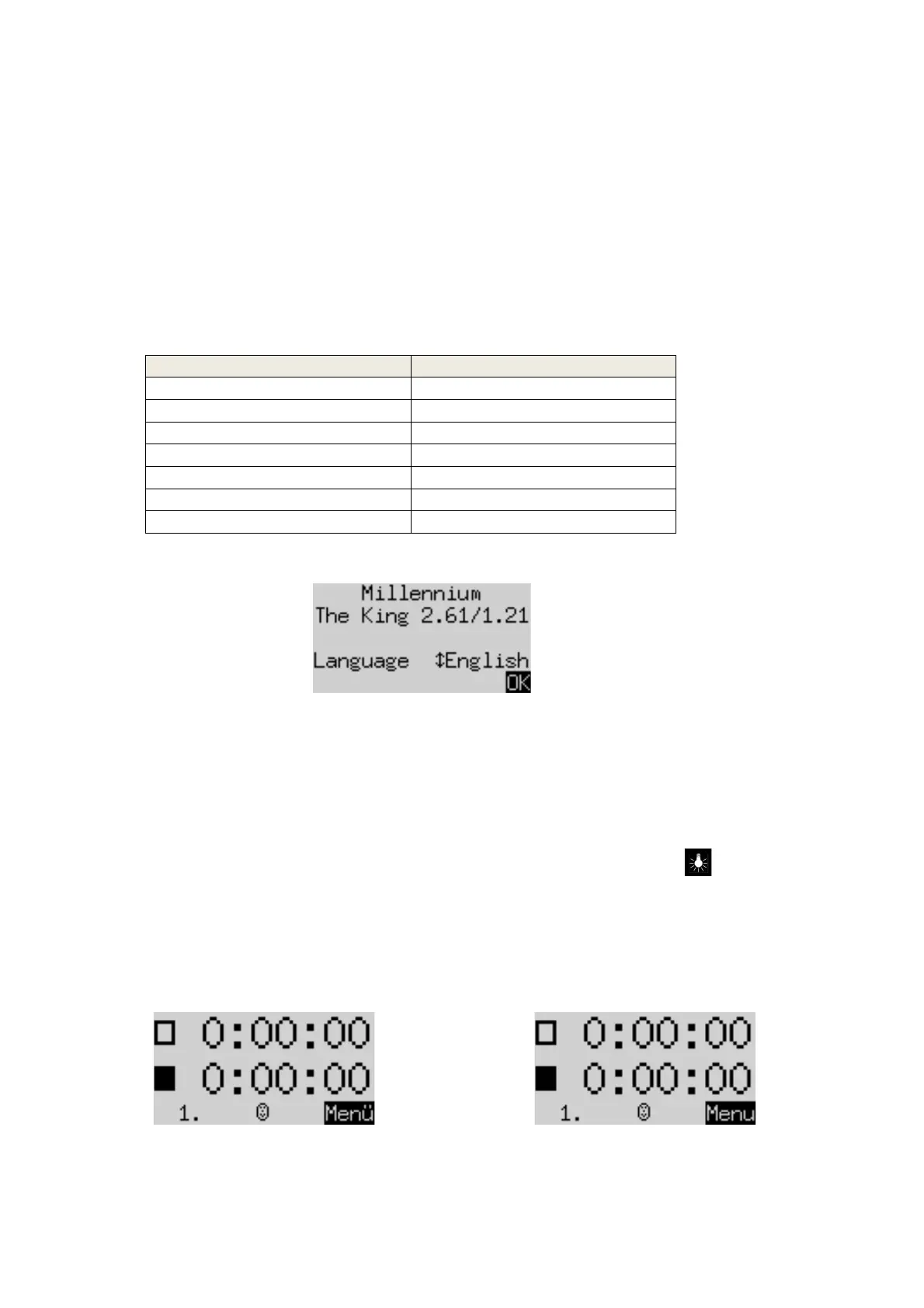
After you connect the power, the display shows the word ‘English’ together with the version number of the
chess program:
To select the English language: Confirm by pressing the GREEN button.
To choose a different language:
1. Press the down arrow button ò as many times as needed to display the desired language.
2.
Then
confirm with GREEN.
2.3
Adjusting the backlight
The LCD display has a backlight that you can adjust by pressing the BACKLIGHT button as many times as
necessary.
2.4
Preparing for a game
After you have selected the language, the display shows the ‘Large clock’ info screen:
You can now prepare for a game:


 To Next Page