OM-281136 Page 34
7-3. Initial Setup
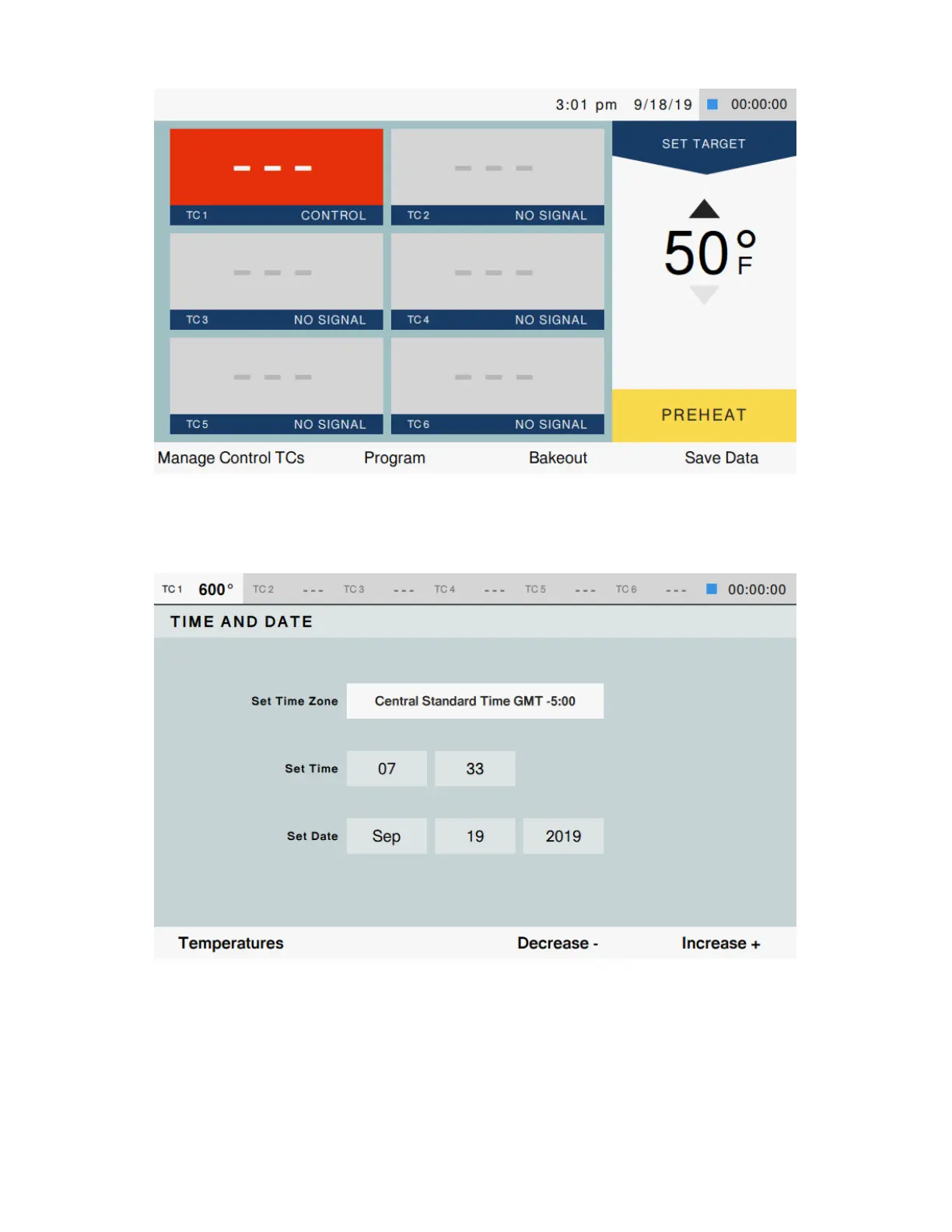
Figure 7-2. Temperature Screen
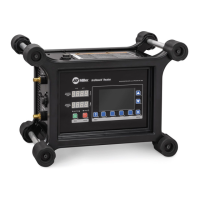
On power-up, the ArchReach Heater will display the Temperature screen.
A. Setting Up Time Zone
Figure 7-3. Time and Date Screen
To set the time zone, follow these steps:
1. Press [Menu].
2. Highlight [Time and Date] by pressing [Up/Down Arrows].
3. Press [Select].
4. The time and date screen is displayed.
5. Press [Up/Down Arrows] to highlight desired field.
6. Press [Decrease - ] or [Increase +] to modify highlighted field.
7. When time is set, press [Temperatures] to return.
8. A confirmation window will appear. Select [Yes] to save changes or [No] to cancel.




 To Next Page