EasyManua.ls Logo

Miller Maxstar 161 STH - User Manual

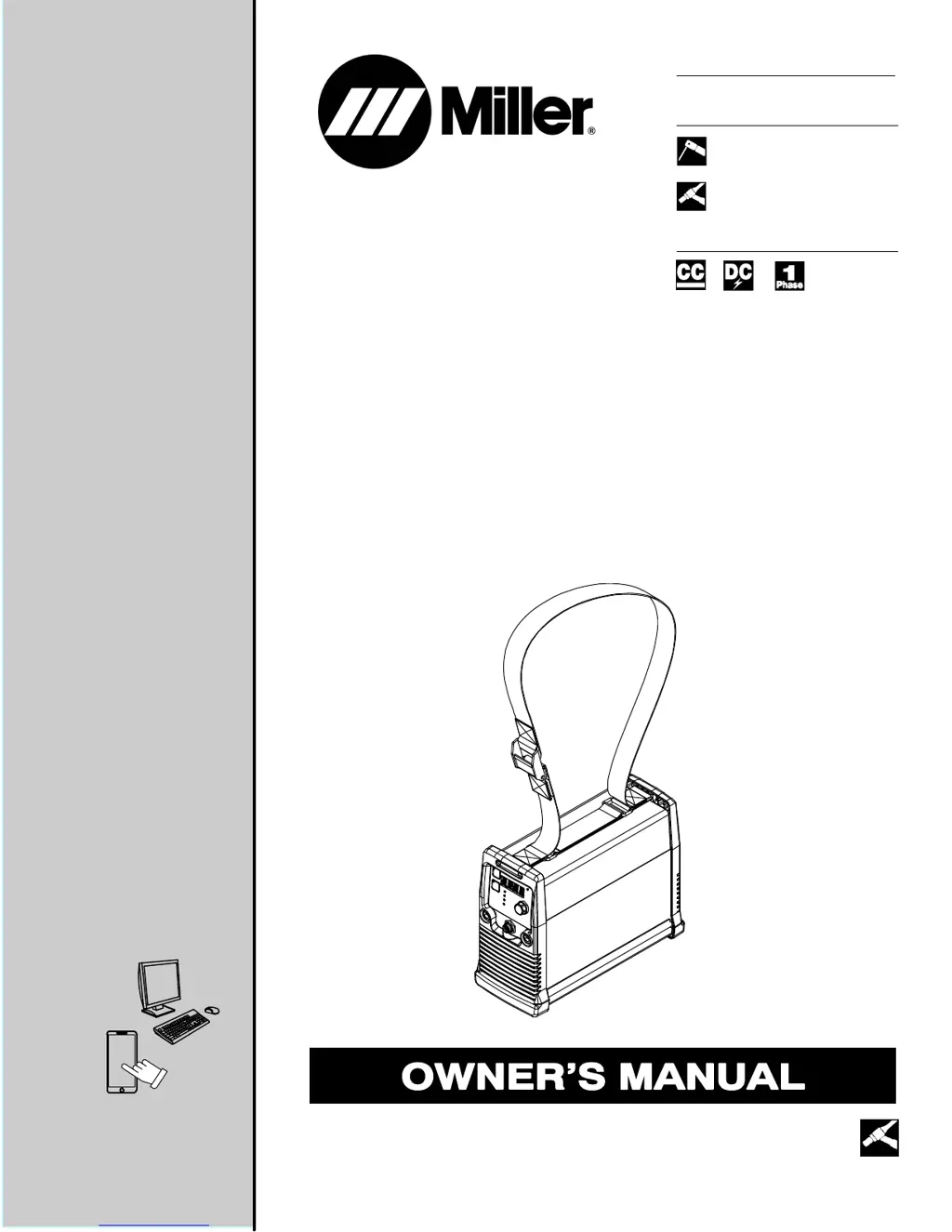
Miller Maxstar 161 STH
44 pages
Print Icon
To Next Page IconTo Next Page
Loading...
Processes
Description
TIG (GTAW) Welding
Stick (SMAW) Welding
OM-275099A 2016−10
Arc Welding Power Source
Maxstar 161 S, STL, and STH
With Auto-Linet
File: TIG (GTAW)
For product information,
Owner’s Manual translations,
and more, visit
www.MillerWelds.com

Table of Contents

Questions and Answers

  • H
    hgouldAug 15, 2025
    What to do if there is no weld output, but the fan is on in my Miller Welding Accessories?
    • C
      christianthompsonAug 15, 2025
      If your Miller Welding Accessories unit shows no weld output but the fan is running, there are a few things you can check. First, examine the connection to the remote control receptacle. Next, inspect the remote control itself. Finally, the unit may have overheated, so allow it time to cool down.
  • B
    Bradley HamiltonAug 18, 2025
    Why is the weld output erratic or improper on my Miller Welding Accessories?
    • H
      Hannah CaldwellAug 19, 2025
      If you're experiencing erratic or improper weld output with your Miller Welding Accessories, ensure that the weld cables are laid out straight and not coiled. Also, verify the position of the Process Selector switch and the Amperage control.
  • M
    mcdowellwilliamAug 21, 2025
    Why does my Miller Welding Accessories unit provide only maximum or minimum weld output?
    • K
      Kelsey GrayAug 21, 2025
      If your Miller Welding Accessories unit provides only maximum or minimum weld output, ensure the Material Amperage control is in the correct position.
  • M
    Meghan NicholsonAug 25, 2025
    What to do if there is no weld output and the fan doesn't run on my Miller Welding Accessories?
    • J
      Jeff GordonAug 26, 2025
      If you're not getting any weld output from your Miller Welding Accessories, and the fan isn't running either, start by ensuring the line disconnect switch is in the On position. Then, check the line fuses and replace them if necessary. Lastly, verify that the input power connections are properly connected.
  • M
    margarettorresAug 28, 2025
    How to troubleshoot no weld output and a completely inoperative Miller Welding Accessories unit?
    • A
      Andrea BrownAug 28, 2025
      If your Miller Welding Accessories unit is completely inoperative with no weld output, first ensure the line disconnect switch is in the On position. Then, check the line fuses and replace them if necessary. Finally, check for proper input power connections.
  • E
    Elizabeth MullinsAug 31, 2025
    Why is there a wandering arc or poor control of direction of arc with my Miller Welding Accessories?
    • K
      Kimberly Bishop MDSep 1, 2025
      If you're experiencing a wandering arc or poor control of the arc direction with your Miller Welding Accessories, try reducing the gas flow rate. Also, ensure that the tungsten is properly prepared.
  • O
    oscarflynnSep 4, 2025
    Why is the tungsten electrode oxidizing and not remaining bright after welding with my Miller Welding Accessories?
    • S
      Seth BowmanSep 4, 2025
      If the tungsten electrode is oxidizing and not remaining bright after welding with your Miller Welding Accessories, shield the weld zone from drafts. Also, check and tighten all gas fittings, and ensure the tungsten is properly prepared.
  • J
    Joshua JenkinsSep 7, 2025
    Why is the fan not operating on my Miller Welding Accessories?
    • J
      Jamie JacobsSep 7, 2025
      The unit is equipped with Fan-On-Demand. Fans run only when necessary. The unit is equipped with circuitry to protect against overheating.
  • C
    cannonmelanieSep 12, 2025
    Why is there a lack of high frequency or difficulty in starting GTAW arc on my Miller Welding Accessories?
    • S
      Sarah HaleSep 12, 2025
      If you're experiencing a lack of high frequency or difficulty starting the GTAW arc with your Miller Welding Accessories, make sure the torch cable is not close to any grounded metal. Also, check the cables and torch for cracked insulation or bad connections, and repair or replace them as needed.

Summary

Safety Precautions

Arc Welding Hazards

Details dangers associated with arc welding, including electric shock and hot parts.

General Welding Hazards

Covers fumes, gases, arc rays, fire/explosion risks, flying metal, and noise.

Additional Safety Precautions

Highlights hazards like HF radiation interference, arc welding interference, and ESD.

Specifications

Technical Specifications

Details electrical input, output, amperage, voltage, and KVA ratings for the unit.

Duty Cycle and Overheating

Illustrates duty cycle limits and overheating protection for Maxstar 161S models.

Installation

Electrical Service Guide

Details input voltage requirements, fuse ratings, and conductor sizing for dedicated circuits.

Connecting 120 VAC Input Power

Illustrates how to connect the machine to a 120 VAC power source and required components.

Connecting 240 VAC Input Power

Shows the procedure for connecting the machine to a 240 VAC input power supply.

Operation

Maintenance and Troubleshooting

Troubleshooting Guide

Lists further troubleshooting steps for various operational problems and error messages.

Miller Maxstar 161 STH Specifications

General IconGeneral
BrandMiller
ModelMaxstar 161 STH
CategoryWelding Accessories
LanguageEnglish

Related product manuals