EasyManua.ls Logo

Miller MAXSTAR 350 - User Manual

Miller MAXSTAR 350
134 pages
Print Icon
To Next Page IconTo Next Page
Loading...
Processes
Description
TIG (GTAW) Welding
Stick (SMAW) Welding
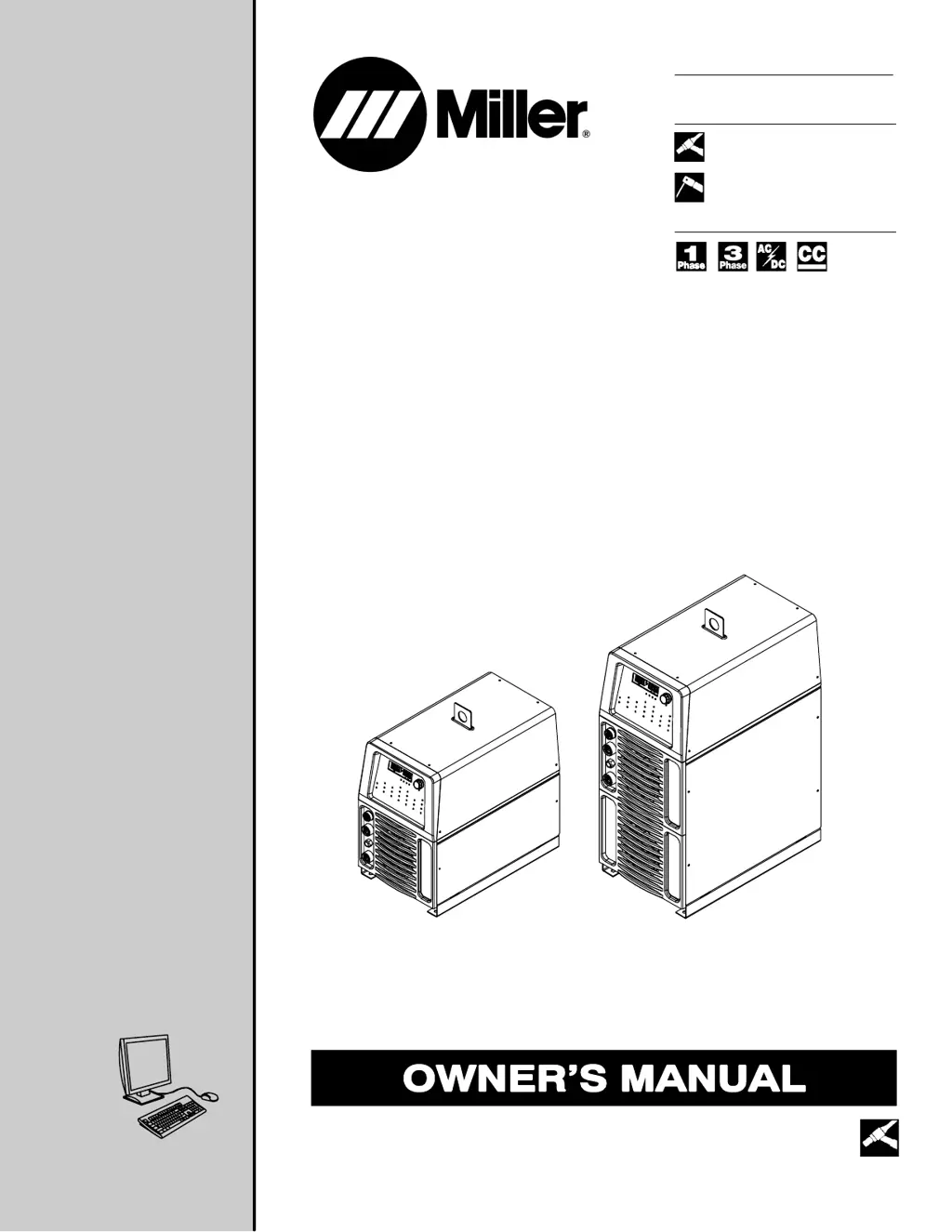
Arc Welding Power Source
OM-216 869G
200802
Dynasty 350, 700
208/575 Volt Models W/Auto-Line
Visit our website at
www.MillerWelds.com
Maxstar 350, 700
File: TIG (GTAW)
Including Optional Cart And Cooler

Table of Contents

Questions and Answers

  • C
    Christopher BatesAug 4, 2025
    How to fix a Miller MAXSTAR 350 with no weld output and is completely inoperative?
    • J
      Jesus AndrewsAug 4, 2025
      If your Miller Welding System has no weld output and is completely inoperative: 1. Ensure the line disconnect switch is in the On position. 2. Check and replace the line fuses if necessary, or reset the circuit breaker. 3. Check for proper input power connections.
  • B
    Brenda HopkinsAug 9, 2025
    Why is the tungsten electrode oxidizing on my Miller Welding System?
    • S
      Stephanie OrrAug 9, 2025
      If the tungsten electrode is oxidizing and not maintaining its brightness after welding with your Miller Welding System, consider these potential causes: * Shield the weld zone from drafts. * Increase the postflow time. * Check and tighten all gas fittings. * Water in torch. Refer to torch manual.
  • A
    amberflemingAug 12, 2025
    Why is the arc wandering on my Miller Welding System?
    • T
      Timothy CareyAug 13, 2025
      If you're experiencing a wandering arc with your Miller Welding System, try the following: * Use the proper size tungsten. * Use properly prepared tungsten. * Reduce the gas flow rate.
  • C
    Christopher BurnsAug 17, 2025
    What to do if my Miller MAXSTAR 350 Welding System has no weld output but the meter display is on?
    • M
      Marilyn JonesAug 17, 2025
      If the meter display is On but there's no weld output from your Miller Welding System, here's what you can do: * If you're using a remote control, ensure the correct process is enabled to provide output control at the Remote 14 receptacle. * Check, repair, or replace the remote control. * If the unit overheated and [Over][Temp] is displayed, allow the unit to cool with the fan On.
  • U
    ulivingstonAug 21, 2025
    Why does my Miller MAXSTAR 350 Welding System have erratic or improper weld output?
    • R
      Rose LewisAug 21, 2025
      If your Miller Welding System is producing erratic or improper weld output, consider the following: * Ensure you are using the correct size and type of weld cable. * Clean and tighten all weld and gas connections.
  • S
    Sarah MartinezAug 26, 2025
    What to do if there is no 115 volts ac output at the duplex receptacle on my Miller MAXSTAR 350 Welding System?
    • H
      hdavidsonAug 26, 2025
      If there is no 115 volts AC output at the duplex receptacle on your Miller Welding System, reset circuit breaker CB1.
  • E
    Elizabeth SuarezAug 30, 2025
    Why is the fan not operating on my Miller Welding System?
    • E
      Elizabeth ClarkAug 30, 2025
      The fan on your Miller Welding System is designed to run only when cooling is necessary. However, if you suspect it's not working correctly: * Check for and remove anything blocking the fan movement. * Have a Factory Authorized Service Agent check the fan motor.

Summary

Safety Precautions

Arc Welding Hazards

Details risks associated with arc welding processes.

Installation

Duty Cycle and Overheating

Explains duty cycle limitations and overheating prevention.

Electrical Service Guide

Provides guidance on electrical service requirements for safe operation.

Weld Output Terminals And Selecting Cable Sizes

Guides on selecting appropriate weld output terminals and cable sizes.

Operation

Controls

Overview of the main controls and their functions on the front panel.

Advanced Functions

Accessing Advanced Functions

Guide on how to access and navigate advanced settings.

Output Control And Trigger Functions

Explains different output control and trigger operation modes.

Maintenance and Troubleshooting

Routine Maintenance

Outlines regular maintenance tasks for optimal equipment performance.

Troubleshooting

Provides guidance for diagnosing and resolving common issues.

High Frequency

Correct Installation

Details the proper installation procedures to minimize HF interference.

Selecting and Preparing Tungsten

Selecting Tungsten Electrode

Guide on selecting the correct tungsten electrode for welding.

Stick Welding Guidelines

Miller MAXSTAR 350 Specifications

General IconGeneral
Frequency50/60 Hz
Output Current Range5 - 350 A
Input PhaseSingle or Three Phase
Output Voltage Range10 - 34 V
Duty Cycle60% at 350 A
ProcessesStick (SMAW), TIG (GTAW)

Related product manuals