67
1- Enable or Disable the auto-power-off mode
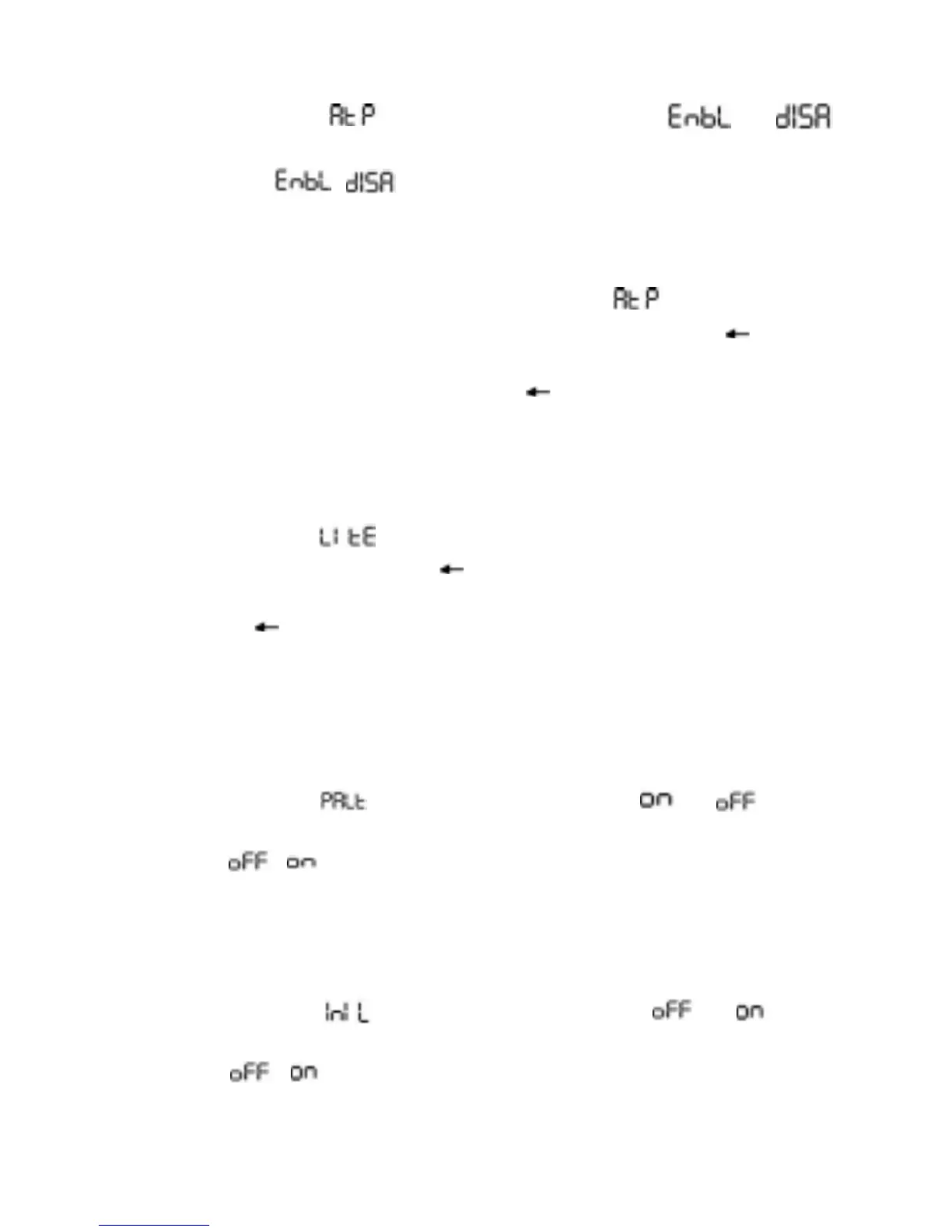
The meter displays in the secondary display, (or )
in the primary display and +, - , EXIT in the on screen menu selection.
You can toggle / by pressing the +, - menu keys. Press the
EXIT menu key to get into the next Setup.
2- Auto-power-off time (in minutes)
The meter displays MIN at the upper left corner, in the secondary
display, a two digit number in the primary display and +, - , , EXIT in
the on screen menu selection. You can setup a new auto-power-off
time (in minutes) by using the +, - , and menu keys. You can adjust
the auto-power-off time between 1 minute and 60 minutes. Press the
EXIT menu key to get into the next Setup.
3- Backlight auto-off time (in seconds)
The meter displays in the secondary display, a two digit number
in the primary display and +, - , , EXIT in the on screen menu selec-
tion. You can setup a new backlight auto-off time (in seconds) by using
the +, - , and menu keys.
You can adjust the backlight auto-off time between 1 second and 60
seconds.
Press the EXIT menu key to get into the next Setup.
4- Enable or Disable the power saving mode beep alert
The meter displays in the secondary display, (or ) in the
primary display and +, - , EXIT in the on screen menu selection. You
can toggle / by pressing the +, - menu keys. Press the EXIT
menu key to get into the next Setup.
5- Enable or Disable the backlight on when the meter is powered
on
The meter displays in the secondary display, (or ) in the
primary display and +, - , EXIT in the on screen menu selection. You
can toggle / by pressing the +, - menu keys. Press the EXIT
menu key to get into the next Setup.


 To Next Page