69
5. METER OPERATION AND SPECIAL FEATURES
Making Measurements
All measurements are made by first setting the measurement function
knob to a function setting (so that the meter is put in the default
measurement function) and then selecting a measurement from the
menukeys. Note that not all function knob settings have corresponding
menukey settings.
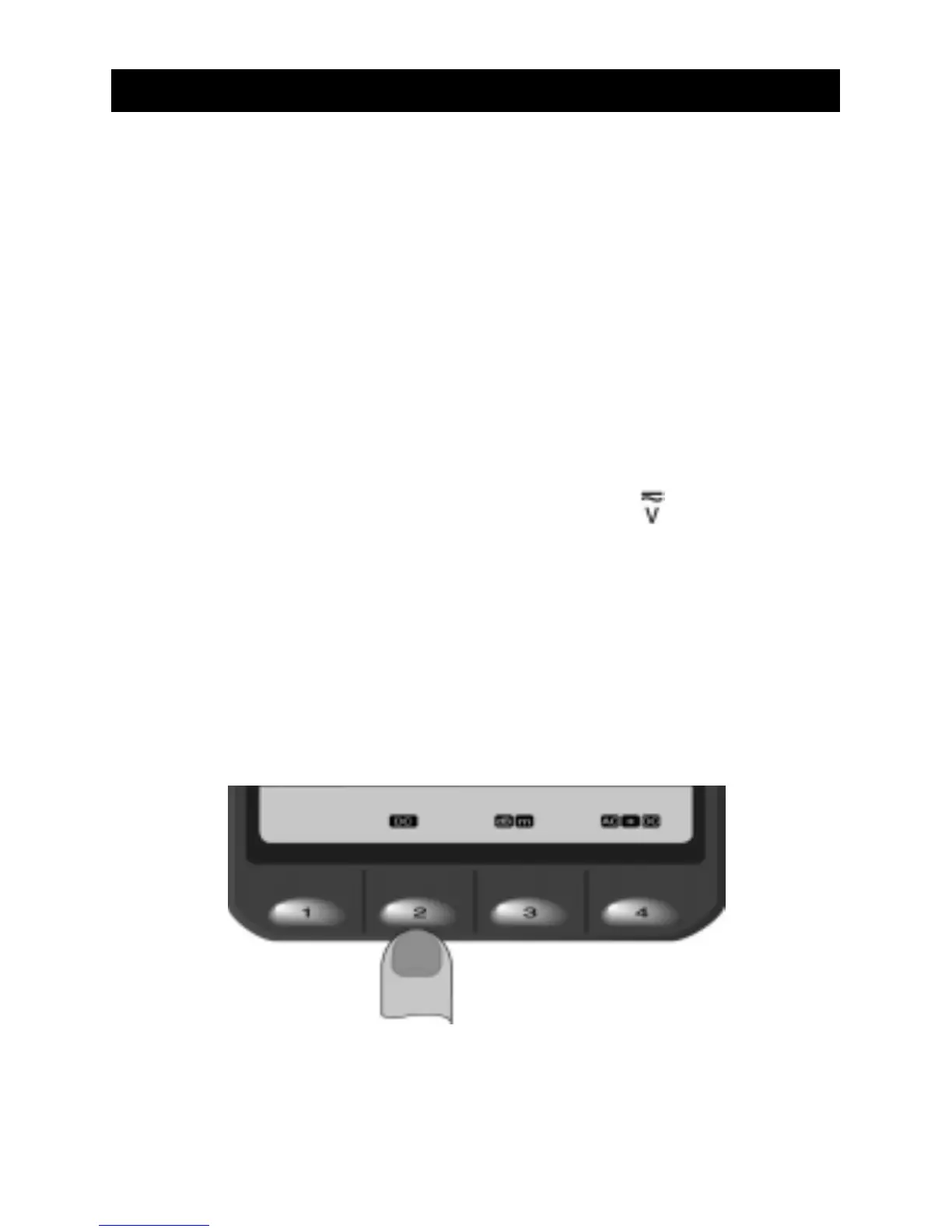
For example, the following steps show how to make a DC voltage
measurement:
1. Set the measurement function knob to for a voltage
measurement. Then, the multimeter is set to the default AC
voltage measurement mode.
2. Select the menukey 2 for DC voltage measurement.
3. Connect the test leads to the measurement points.

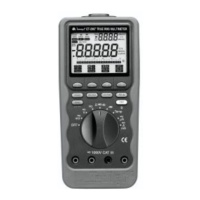

 To Next Page